
You can turn off Google Health AI Coach without giving up the rest of Google Health Premium. The Gemini-powered coach is not part of the free tier, but subscribers who want a break from its input do not have to cancel Premium to silence it. An August 2026 update added controls that let you hide the coach in the app’s settings and bring it back whenever you choose.
Why you might want a pause
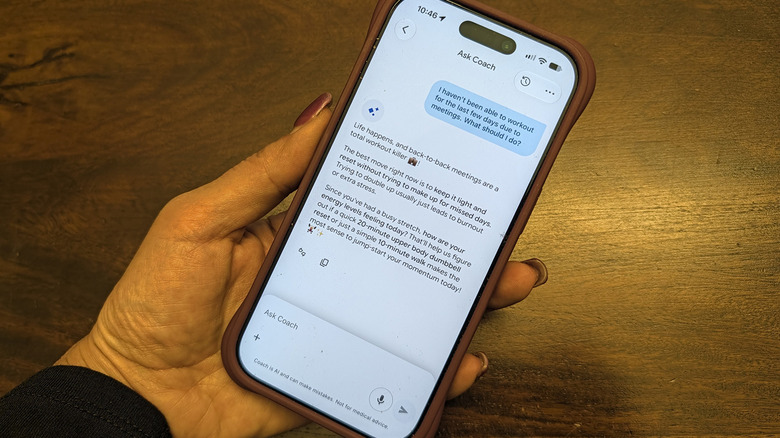
The coach can be useful for logging weights during strength training, adjusting workouts around an injury, or snapping a of a meal to track protein, carbs, and fat. It does not provide medical advice. Yet the same feature can become repetitive, intrusive, or simply too much during an illness, an injury, or a personal slump. Privacy concerns are another reason some users look for an off switch.
Turning it off removes personalized guidance, recommendations, and summaries, which are among the main draws of Premium when paired with a tracker such as the Fitbit Edge. The Ask Coach button also stops working, so you cannot chat about health and wellness or use the coach to log meals. Manual logging remains available. None of your previous data is deleted, and the feature can be restored later.
Step-by-step: disable the coach
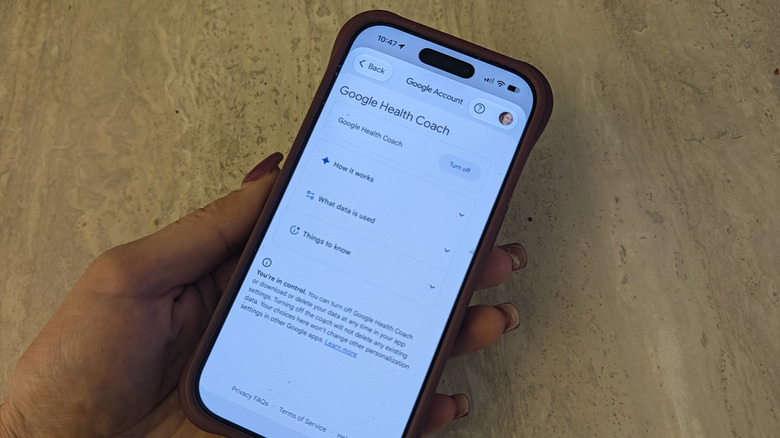
While subscribed to Google Health Premium, open the Google Health app and tap your profile in the top right corner. Choose Your data in Google Health, scroll to Feature privacy controls, and select Manage feature privacy controls. Pick Google Health Coach and tap Turn off.
A second route leads to the same result: tap your profile , open Google Health settings, go to Coaching, and turn off Health Coach there.
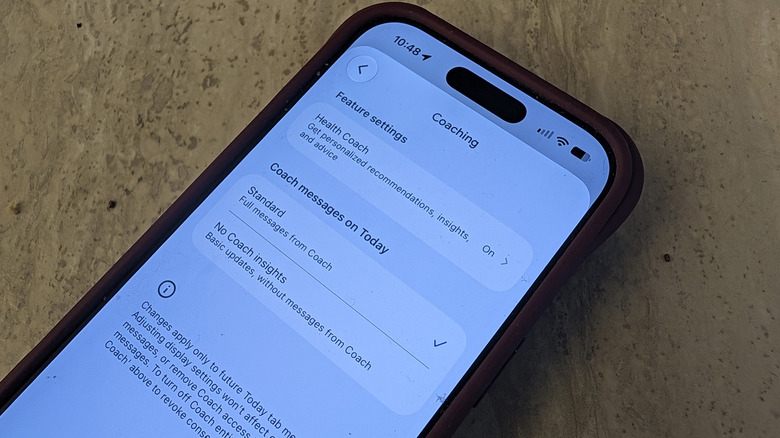
If you want to keep the coach available but reduce its presence on the Today screen, change Coach messages on Today from Standard to No Coach insights. That setting limits the screen to basic updates and removes coach messages.
Silence notifications first
Sometimes notifications are the real problem rather than the coach itself. Before disabling the feature entirely, go to your profile , open Google Health settings, select Push notifications, and turn Coaching off. This stops coaching advice from pinging you.
How to bring the coach back
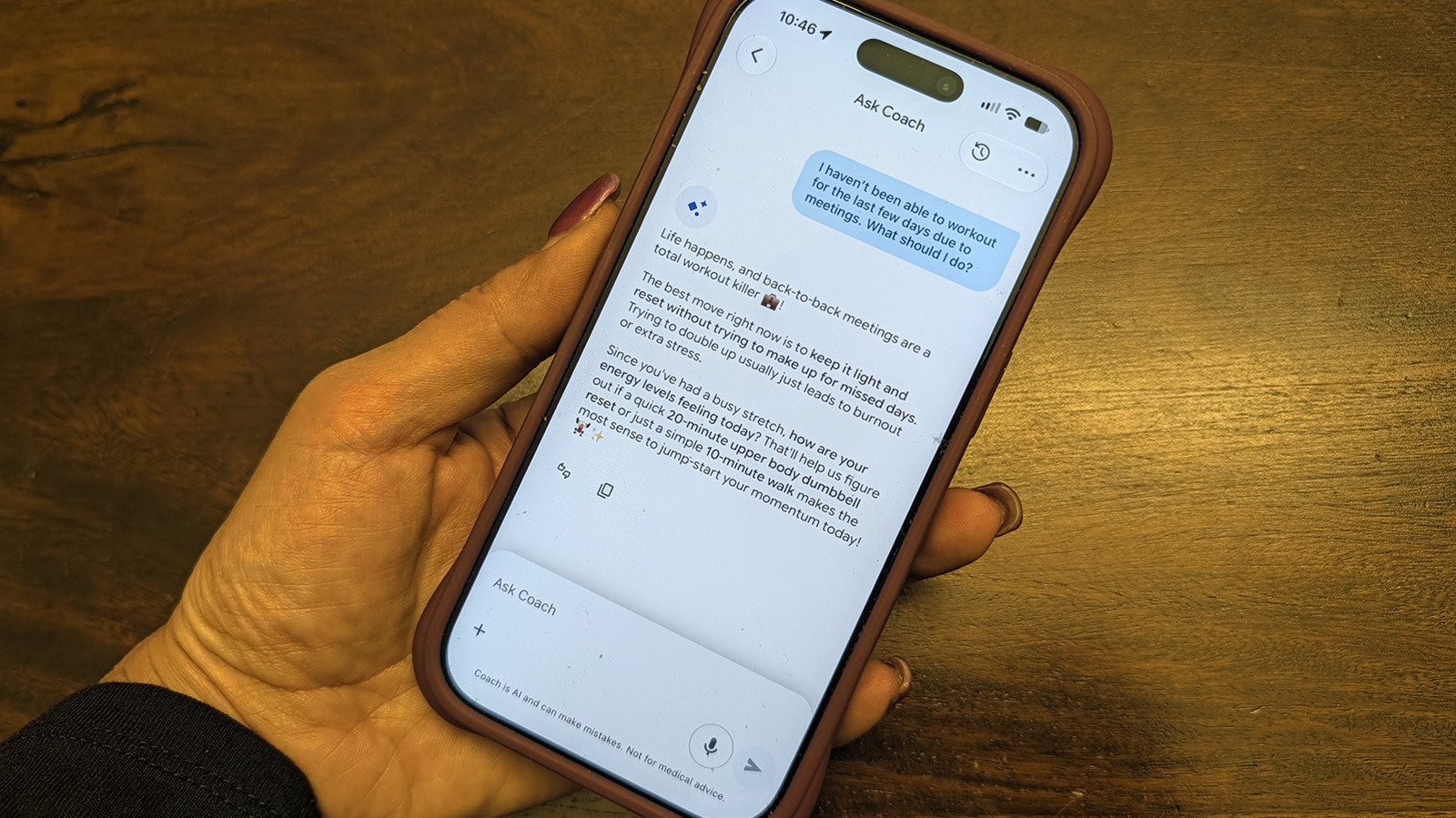
Re-enabling the coach does not use the same menu where you turned it off. Instead, tap the Ask Coach button that remains visible at the bottom right and select Unlock Coach to start the restoration process.
Weighing Premium against the free tier
Google Health Premium includes personalized sleep summaries, advanced sleep tracking algorithms, Sleep Score, Health Guardian for tracking noticeable changes in health and wellness, cycle predictions, nutrition tracking, and more. If you plan to leave the coach off for a long stretch and can live without those extras, canceling Premium and using the free Google Health app may make more sense. For shorter breaks or for users who value the other Premium tools, the privacy controls offer a simpler way to quiet the coach while keeping the subscription intact.