
DisplayPort cable length matters more than many users realize. While the interface remains a common choice for connecting Mac and Windows PCs to monitors, the distance a clean signal can travel over standard copper is surprisingly short. Understanding the limits helps avoid artifacts, flickering, or forced resolution drops.
Passive Copper: Solid Up to 6 Feet
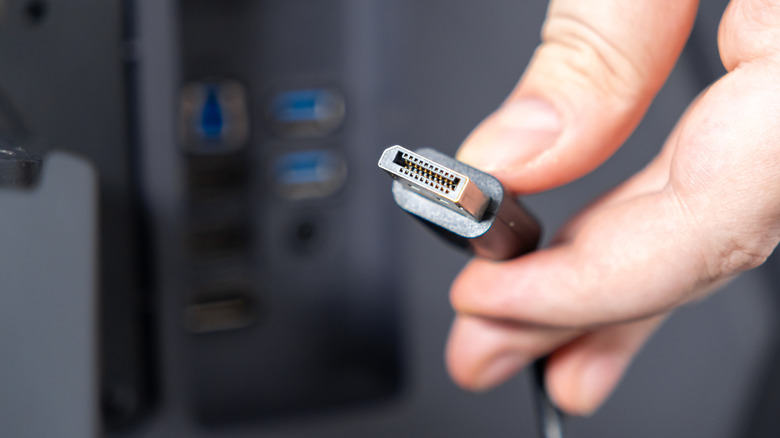
A standard passive copper DisplayPort cable should deliver a flawless up to about 6 feet. At that distance, it can handle demanding combinations such as 4K HDR at 144Hz without visible issues, assuming the cable is undamaged and interference is minimal. This is the sweet spot for most desktop setups, where the monitor sits close to the computer.
Beyond 6 feet, compromises begin. Around 10 feet, users may see refresh rates limited or resolution forced down to 1080p or 1440p. By 15 feet, stable 4K is no longer guaranteed, and even lower resolutions might run at reduced refresh rates. These limitations apply to passive copper cables, which rely solely on the cable’s construction to carry the signal.
Active Copper and Fiber Optic Extend the Range
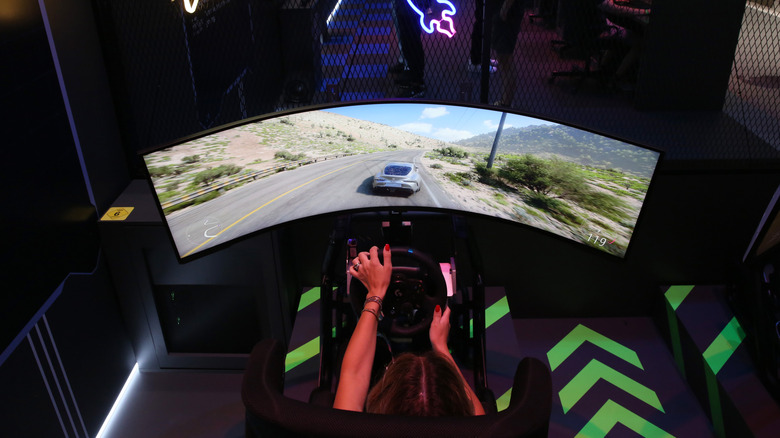
Active copper cables boost the signal, pushing reliable performance to between 15 and 30 feet. For longer runs, fiber optic cables can reach up to 100 feet. However, these solutions come at a higher cost. A 10-foot passive copper cable rated for DisplayPort 2.1 might cost as little as $10, while a 15-foot fiber optic cable can exceed $50. For most home and office setups, the extra expense is hard to justify.
Realistic Setup Advice
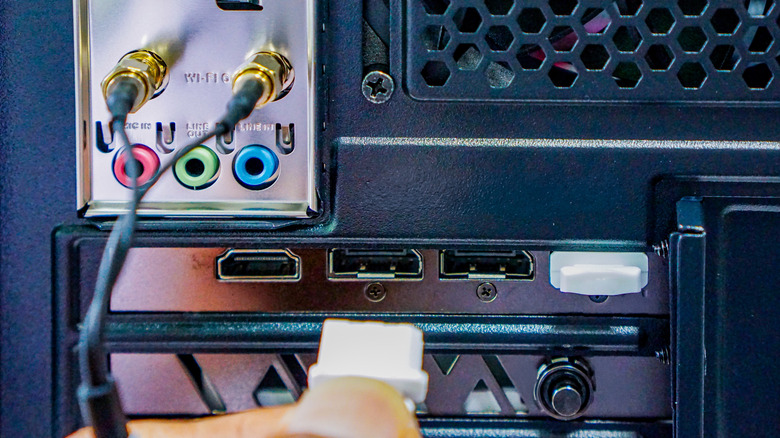
For the majority of users, a passive copper DisplayPort cable of 6 feet or less is the best choice. Monitors typically sit on a desk within that distance, so longer cables add cost and potential signal degradation without benefit. When daisy-chaining monitors using Multi-Stream Transport (MST), shorter cables are even more important—two 3-foot cables already add up to the 6-foot threshold. Keeping runs short helps ensure each screen receives a stable signal, especially when the GPU is already working hard to drive high resolutions and refresh rates.
The Future of DisplayPort
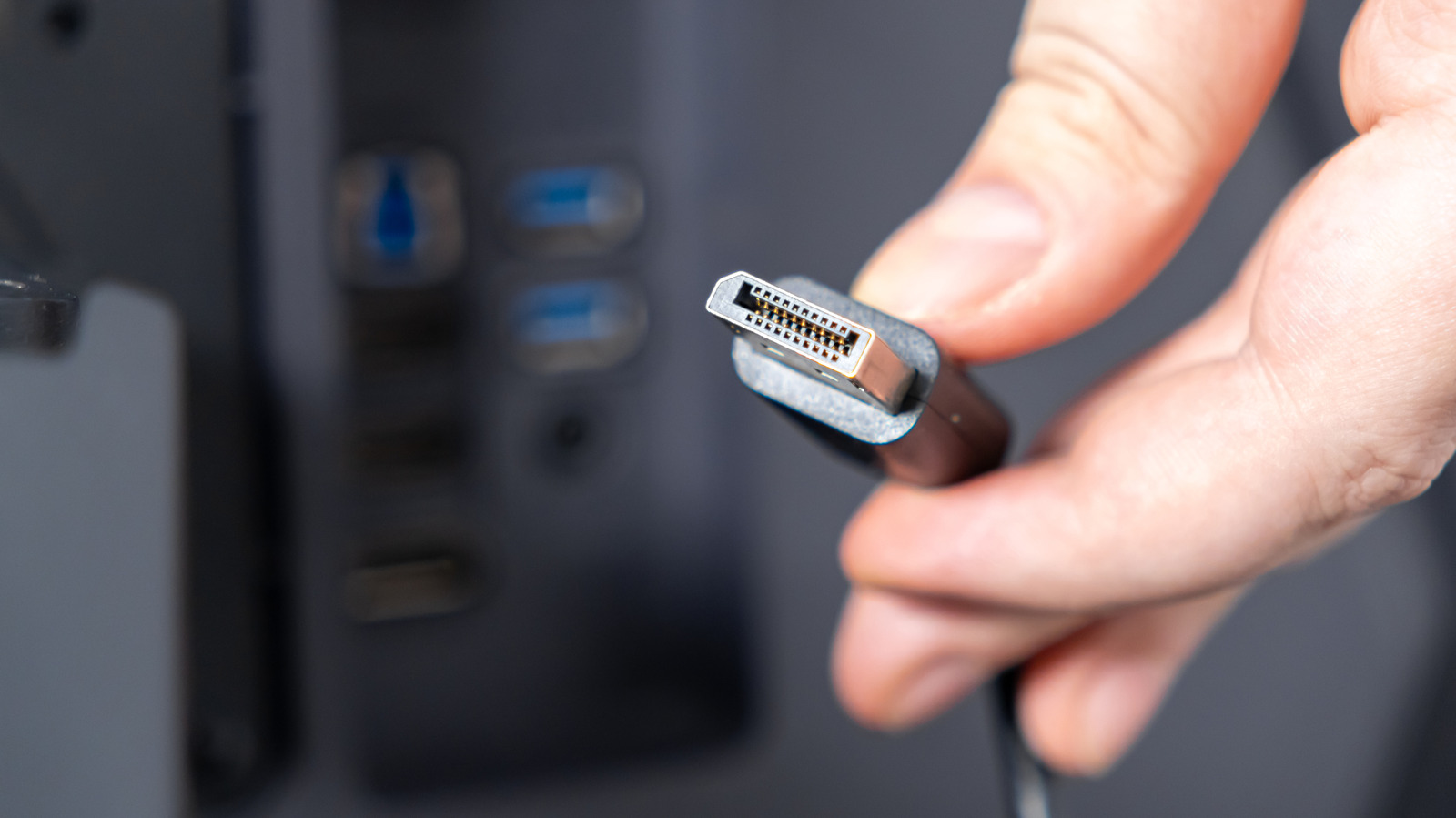
As USB 4 v2 and Thunderbolt 5 become more common and affordable, the need for a dedicated DisplayPort cable may diminish. Those interfaces can match DisplayPort bandwidth while also offering power delivery, which could reduce port clutter. For now, though, DisplayPort remains a cost-effective way to connect displays, provided users respect its length limits.