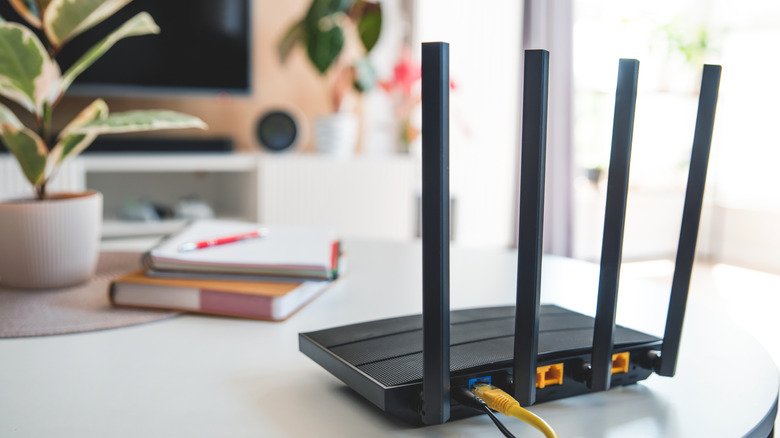
Router overheating is a common but often overlooked cause of network trouble at home. A router that has been running for a few hours will feel warm, which is normal, but heat that is uncomfortable to the touch deserves a closer look. Home routers pack processors, memory, wireless radios and power management modules into a small box, and many modern models use a system on a chip design that squeezes core networking components onto a single semiconductor chip. Whatever the internal layout, the device will produce some heat once plugged in, and because modern routers can transmit thousands of megabits of data per second, the processor faces heavier demand and generates more warmth.
What happens when a router gets too hot
Every router has a recommended operating temperature threshold. Push past it and you may see connectivity problems or the device shutting itself down. Continuing to run an overheating router can damage important internal components and leave the device unusable, so the issue is worth addressing rather than ignoring.
Signs that heat is the problem
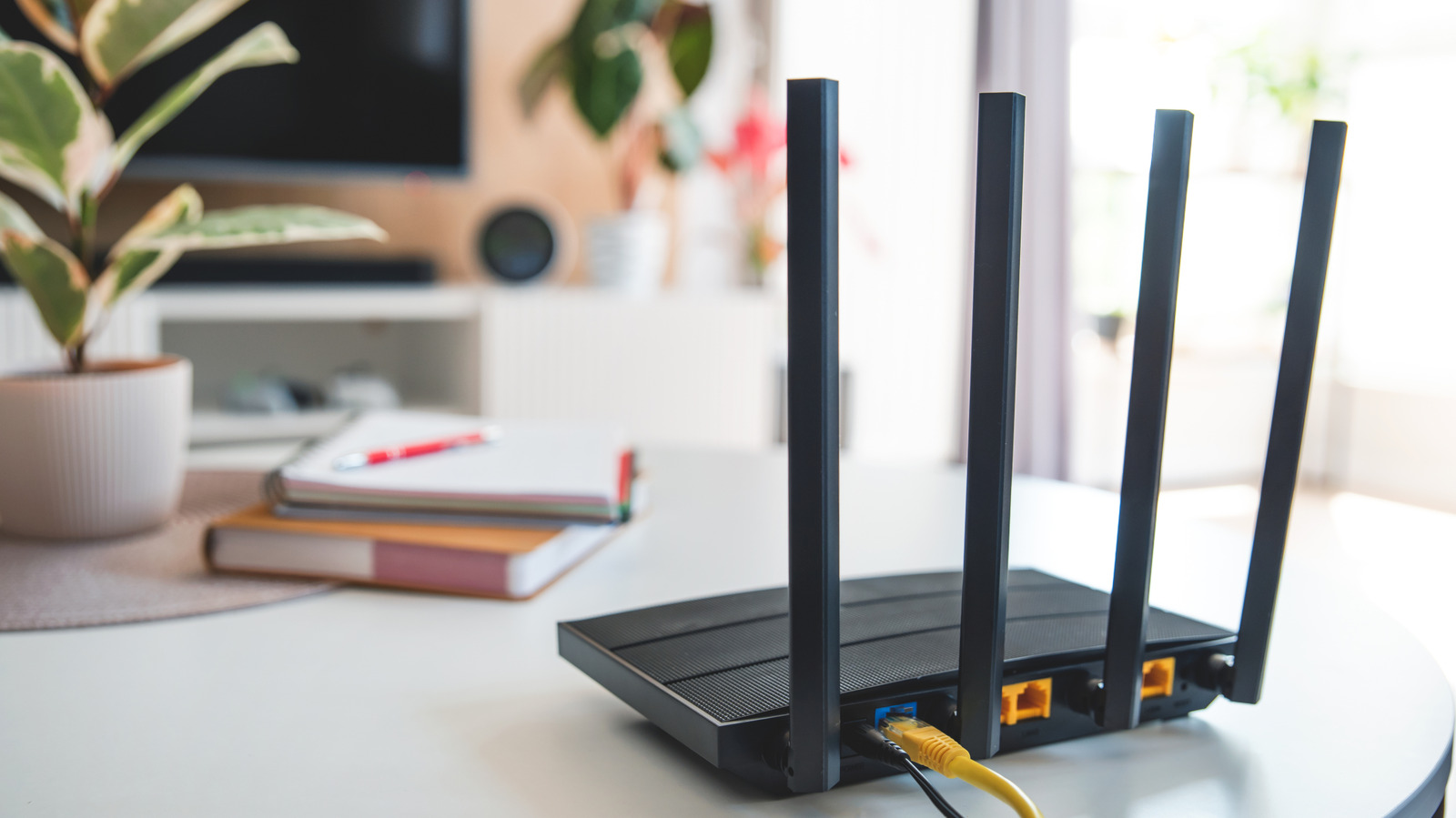
Dropped connections and degraded network performance can have many causes, so they do not automatically mean the router is bad. The clearest symptom is physical: the device feels uncomfortably hot. When that heat comes with frequent connection trouble such as fluctuating network speed, random freezes or shutdowns, the router’s CPU is probably throttling itself to control internal temperature and protect components. You may also notice Wi-Fi bands switching and effective range shrinking. Letting the device cool down before switching it back on can restore performance for a while, but the improvement will last only until it overheats again.
A faulty power adapter, poor ventilation or a failing router are among the reasons a home router can overheat. Finding the actual cause and fixing it go hand in hand.
Simple steps to keep a router cool
If poor ventilation is the culprit, relocating the device to a well-ventilated spot can solve the problem. Do not cram it into closed spaces or surround it with objects that block airflow. Move it away from windows where direct sunlight can hit it, and keep it clear of computers and consoles, which give off a lot of heat under load.
Routers usually have vents to let air move through, but dust and debris can clog them. Cleaning the vents regularly helps maximize airflow and keep temperatures down. Updating the router’s firmware is another worthwhile step, since updates often address stability and performance issues and can sometimes resolve bugs and unusual overheating behavior.
When the power adapter is at fault
If cleaning and a firmware update do not bring temperatures down, the power adapter becomes the next suspect. A faulty adapter, or one that is not rated for your router, can push more current than the router’s components can handle. That leads to excessive heat dissipation and potentially damages components. Replacing the adapter with one rated for your router should make power delivery more stable and help keep temperatures lower.
When the router itself is failing
If ventilation, a firmware update and a replacement adapter all fail to stabilize an overheating router, the fault most likely lies inside the router. It may simply be nearing the end of its life and ready for replacement.
A practical order of checks
Working through the likely causes in sequence keeps the troubleshooting manageable. Start with airflow and placement, since those fixes cost nothing and are easy to reverse. Next, clear dust from the vents and install any available firmware updates. If heat remains a problem, test a properly rated power adapter. When none of these steps helps, plan to replace the router rather than continue running a device that is damaging itself.
Heat is a normal byproduct of a router doing its job, but persistent, uncomfortable warmth paired with network trouble is a signal to act. A cooler router is more likely to stay stable, protect its internal components and keep your home network running as it should.