Watching a film without an internet connection is one of the simplest pleasures of modern media, and it is possible to legally download free movies without turning to risky file-sharing sites. The options fall into two broad categories: films that have entered the public domain, and offline viewing features offered by streaming services you already pay for. Neither route requires pirating content or exposing a computer to malware.
Public domain films are free to keep

Every January, a new batch of works enters the public domain, and the rules of copyright can produce surprising results. That annual shift has created a deep catalog of classic and genre films that anyone can download and watch at no cost.
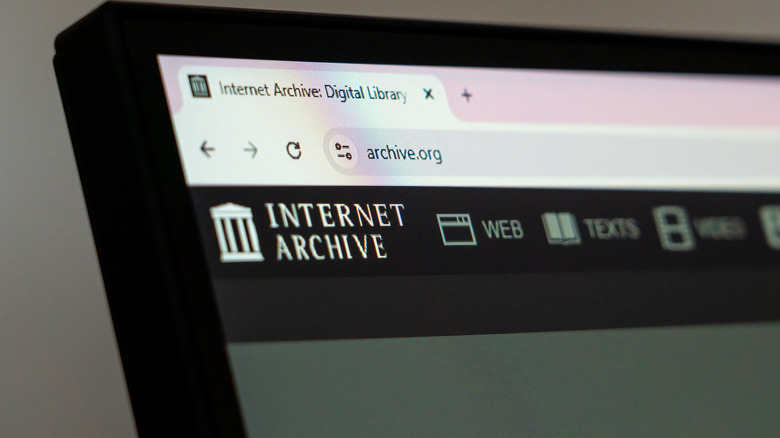
Sites such as Public Domain Movies and the Internet Archive host large collections of these titles. The selection is not limited to old black-and-white pictures, although many of those are available and well regarded. Public domain films span a wide range of genres, so there is usually something to match most tastes.
For viewers who want to track down a specific title, JustWatch can help. The service is best known for showing where major new releases are streaming, but its search function can also point to where a public domain film is stored and available for download.
Streaming services allow offline viewing on some devices
Many subscription services now let customers download content, but the details vary by plan and device. The word “download” is used loosely in this context: it generally means watching through the service’s app while offline, not saving a permanent file you can move around.
That distinction matters for anyone planning to watch on a long flight, a bus trip, or in an area with a weak connection. The feature is designed for temporary offline access inside the app.
The major services that support offline viewing on a computer include Amazon Prime Video, Apple TV+, and YouTube. Each also offers mobile downloads, but desktop and laptop support is more limited across the industry. Netflix and several other major services have moved toward downloads mainly for mobile devices and Chromebooks.
YouTube purchases and Crunchyroll
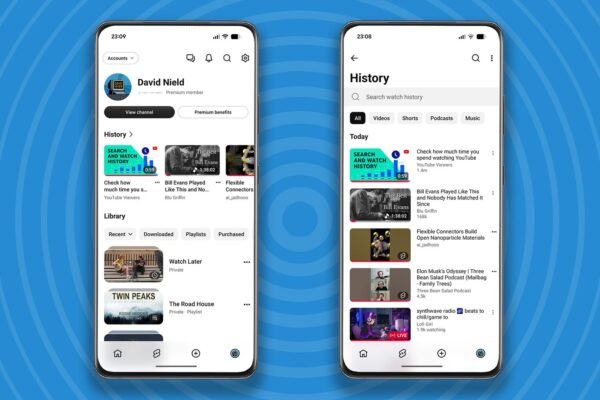
On YouTube, any movie you have purchased can be downloaded for offline viewing on mobile. A YouTube Premium subscription is not required for that specific feature, even though Premium removes ads from videos.
Anime fans have another option through Crunchyroll, which has one of the largest streaming libraries available. Crunchyroll lets subscribers download a substantial portion of its catalog for offline viewing, but only on mobile devices.
Check device support before you count on a download

Because each service defines downloads differently, it is worth confirming that your intended device is supported before relying on offline access. A download that works on a phone may not be available on a laptop, and the reverse is also true.
For permanent, no-cost copies, public domain archives remain the most reliable route. For everything else, the practical answer is to use the offline features attached to a streaming subscription and to treat those downloads as convenient, temporary viewing rather than a personal collection.