
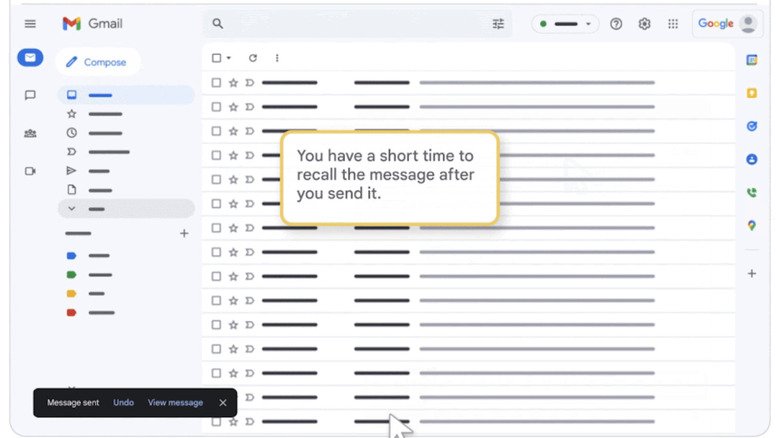
When you click Send in Gmail, a small notification appears in the bottom left corner offering an Undo option. This is the Gmail Undo Send feature, and it gives you a brief moment to stop a message from going out. The window is short by default, but you can adjust it.
What Undo Send Actually Does
Despite the name, the feature does not retrieve a message from a recipient’s inbox. Once an email has been delivered, it cannot be pulled back, even if the recipient has not opened it yet. Instead, Undo Send delays the dispatch of your message, creating a pause during which you can cancel it.
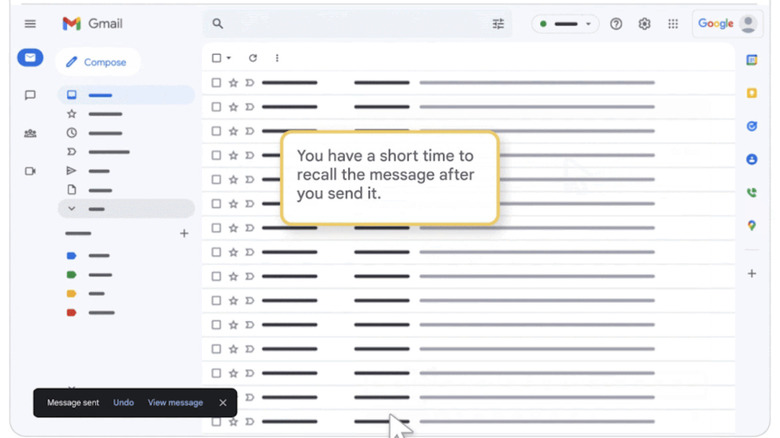
Because the email has not yet left Gmail’s servers, the recipient is not notified when you use the undo option. They will never know you stopped the message from being sent. The notification that appears after you hit Send includes the words Message sent along with Undo and View message options. Clicking View message ends the cancellation window early, so avoid that if you might still want to stop the email.
How to Extend the Cancellation Period
The default cancellation period is five seconds. You can increase it to 10, 20, or 30 seconds in Gmail’s settings. Even the longest option is still a brief delay, but it provides more time to catch a typo or remember missing information before the message goes out.
To change the setting on a desktop browser:
- Open Gmail and click the gear icon in the top right corner.
- In the Quick settings panel, select See all settings.
- On the General settings page, scroll down to the Undo Send section.
- Use the dropdown menu to choose a cancellation period of 5, 10, 20, or 30 seconds.
- Scroll to the bottom of the page and click Save changes.
After saving, the new delay will apply to messages you send from Gmail on the web. The setting does not affect emails that have already been sent, and it does not make previously delivered messages retrievable.
When the Extra Seconds Matter
A longer window is most useful for important messages where a mistake could be costly. A quick final review before dispatch can catch errors, but the built-in delay means you do not have to rely solely on your own speed. Thirty seconds is not much, but it is enough to hit Undo if you notice a problem immediately after sending.
The feature is available to all Gmail users, and the setting is easy to overlook. Taking a moment to adjust it now could save you from an embarrassing follow-up later.