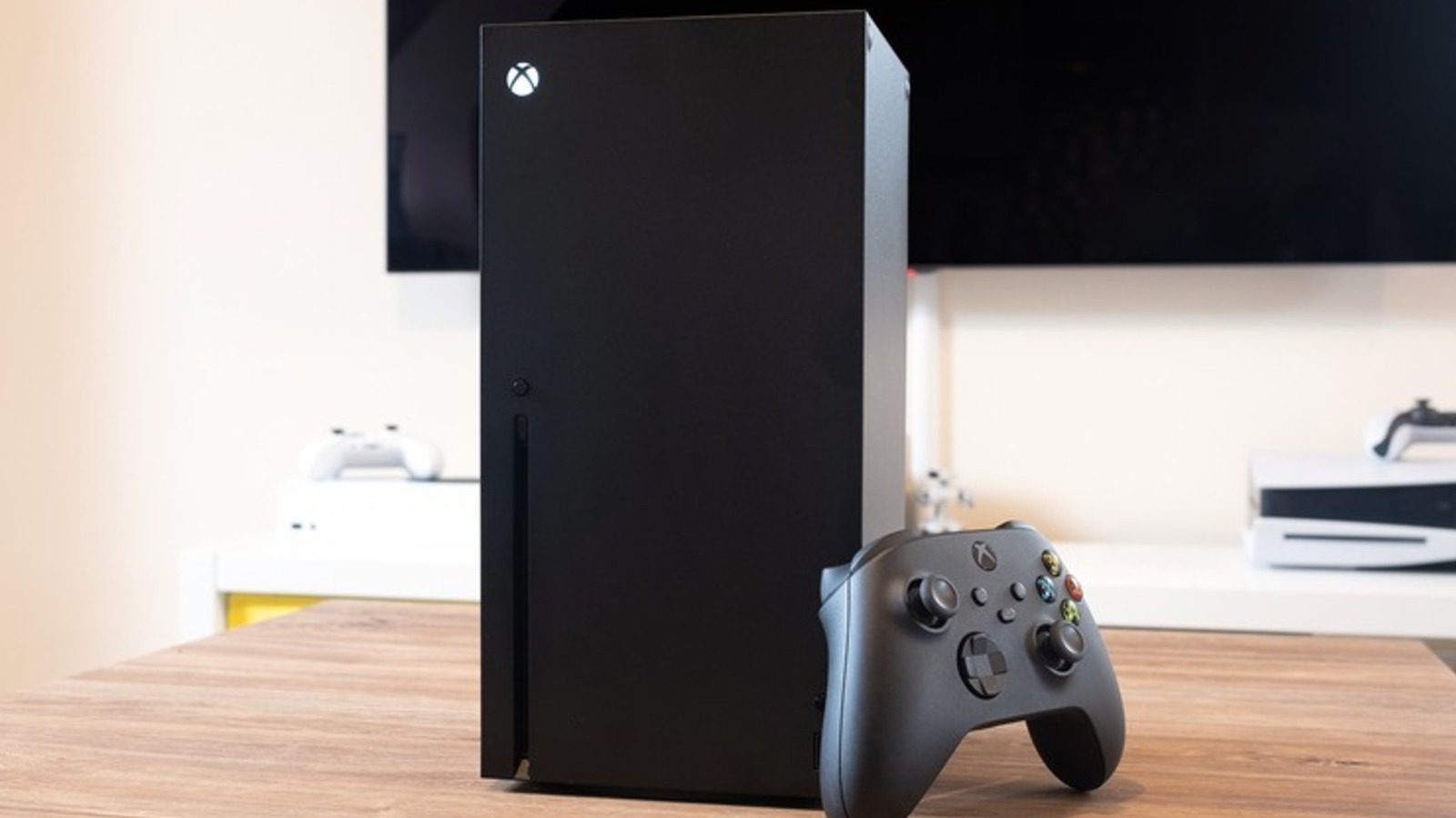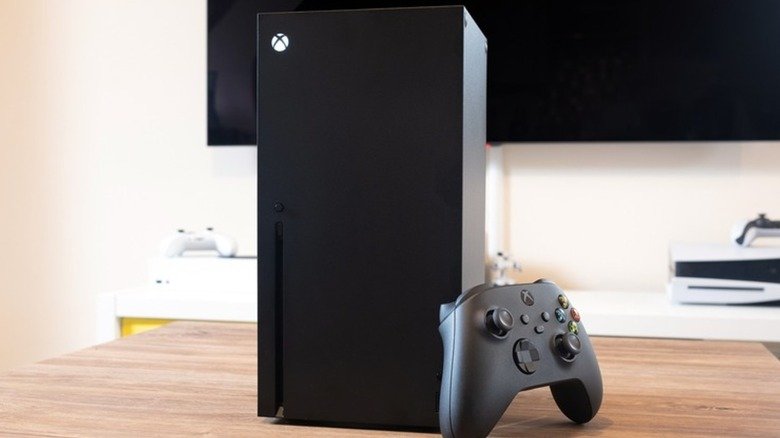
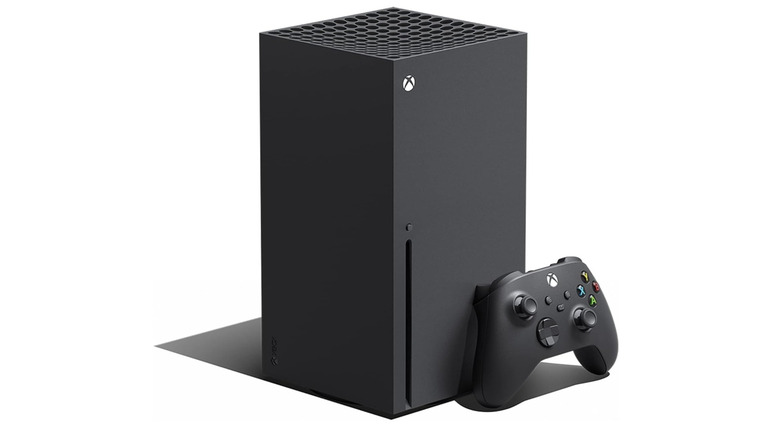
The Xbox Series X vs PS5 Pro debate usually starts with raw GPU performance, where Sony’s console clearly leads. But hardware specs are only part of the story. Microsoft’s flagship still offers a set of practical features that the PS5 Pro does not match, and several of them affect how you buy, store, and resume games every day.
Price and a Built-In Disc Drive
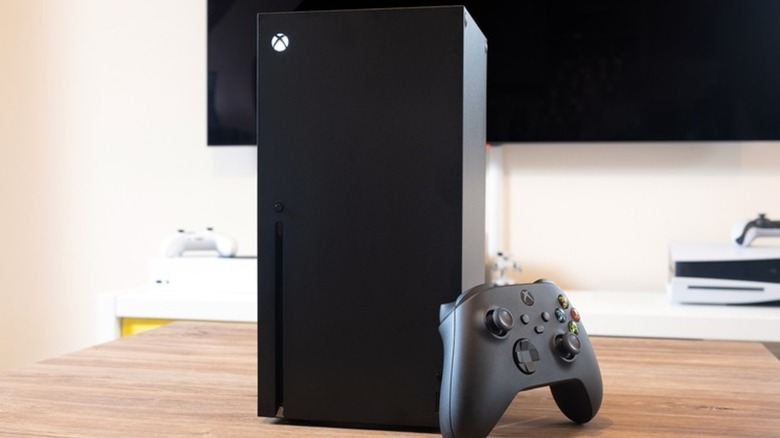
The most immediate difference is cost. The all-digital Xbox Series X starts at $750, while the PS5 Pro now costs $900 after Sony’s price increase earlier this year. The Series X also ships with a disc drive, so existing Xbox One discs and Blu-ray movies work without extra hardware. The PS5 Pro does not include a drive, and adding one costs just under $80 on top of the console price. Without it, physical PS5 games cannot be used.
Smart Delivery Handles the Version Choice

Smart Delivery automatically delivers the best version of a game for the Series X, including updates such as ray tracing or unlocked frame rates, and it syncs saves across console generations. Sony has no equivalent. PS5 owners often have to choose between PS4 and PS5 versions manually, and moving saves from an older version can require downloading them from the cloud first.
Quick Resume Keeps Multiple Games Ready
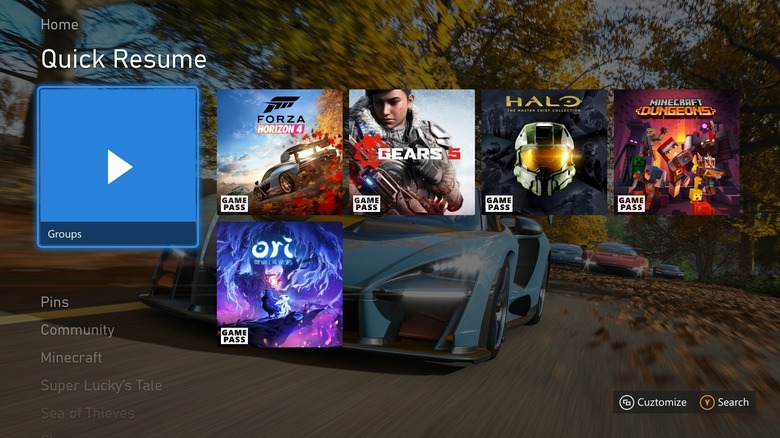
Quick Resume lets the Series X suspend up to three current-generation games at once, and more if you are playing older titles. Suspended games are moved to the SSD, so you can switch off or even unplug the console and still return to the exact point where you left off. The PS5 can suspend only one game, and only while the console is on or in rest mode; a full shutdown means a complete reload. Live service games that require a constant connection tend not to work as smoothly with Quick Resume, but for single-player players it removes repeated loading screens and title sequences.
Dolby Vision for Games
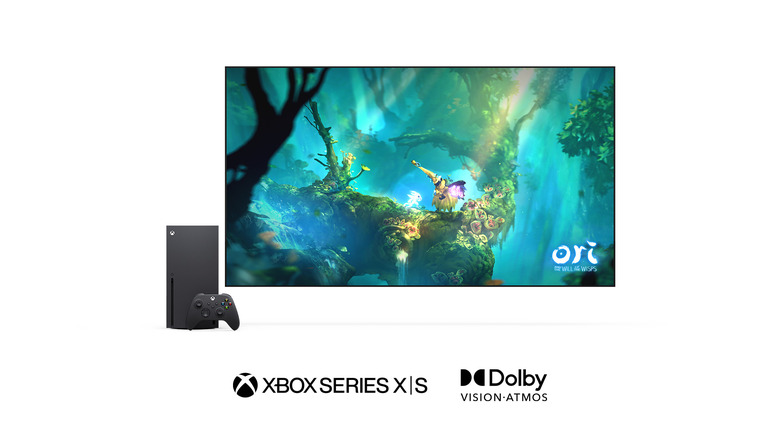
The PS5 family supports Dolby Atmos audio but has never added Dolby Vision for games or movies, leaving HDR10 as the only option. The Series X supports Dolby Vision in games optimized for it, which can deliver better colors and contrast without manual calibration. One caveat: the Series X does not play Blu-ray discs in Dolby Vision.
Game Pass and Play Anywhere
Game Pass remains one of the strongest selling points for Xbox. On the Ultimate tier, subscribers get access to almost every first-party game on launch day, including titles such as Forza Horizon 6, Halo: Campaign Evolved, and Gears of War: E-Day, along with third-party games and indies. The Xbox Play Anywhere program also lets supported titles run on PC and Windows handheld devices with saves carrying over automatically. PS Plus offers value, but Sony’s own games typically arrive on the service a year or two after release.
Deeper Backwards Compatibility
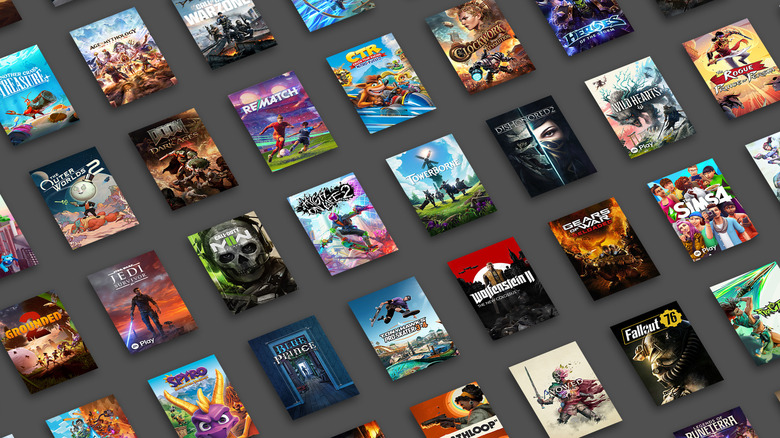
Both consoles play previous-generation games, but Xbox’s coverage is much wider. The Series X runs most Xbox One games, hundreds of Xbox 360 titles, and select original Xbox discs. Many older games also benefit from FPS Boost, Auto HDR, and enhanced resolution. The PS5 Pro plays most PS4 games with improved frame rates and shorter load times, but it does not support physical PS3, PS2, or PS1 games. Retro PlayStation titles on the Premium PS Plus tier are limited, and PS3 games there are stream-only.
Disc-to-Digital Licensing

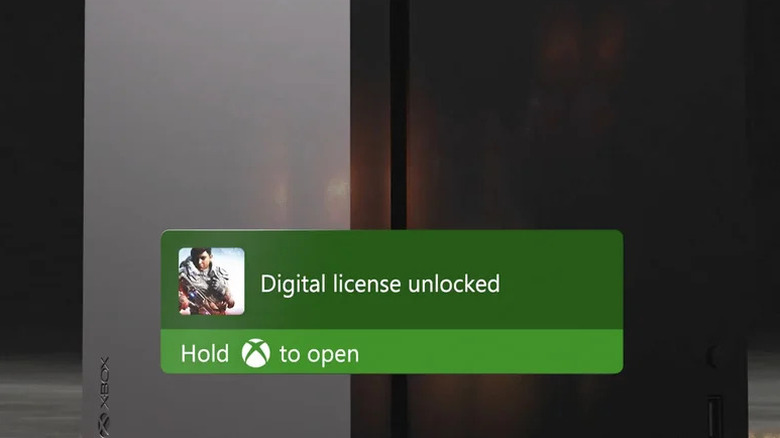
Microsoft’s disc-to-digital program lets Xbox owners create digital licenses from supported physical Xbox Series X and Xbox One games by inserting the disc once. After a confirmation message, the game can be played without the disc. If the title is part of Xbox Play Anywhere, it can also be installed on PC or a Windows handheld. The license is tied to the disc, so selling or lending it cancels the digital copy. Sony offers nothing comparable, and the program gives physical Xbox collectors a path forward if future consoles drop disc drives.
Simpler Storage Expansion
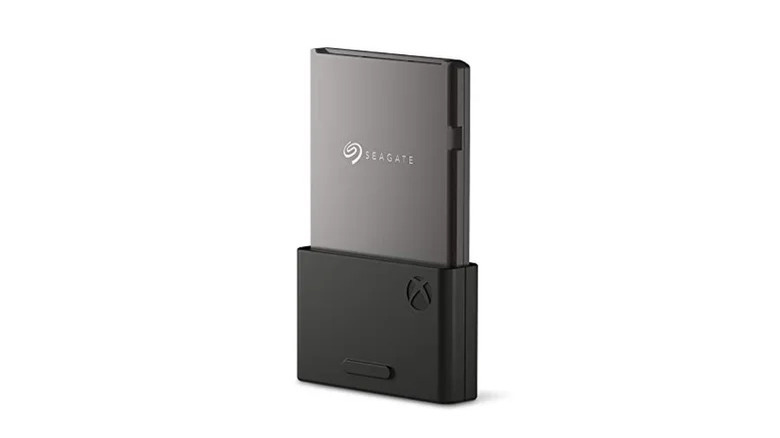
The PS5 Pro includes 2TB of storage, twice the Series X’s capacity, but both consoles can run out of space with large games. Expanding the PS5 Pro requires removing the faceplate, unscrewing the expansion slot cover, and installing an M.2 SSD internally. On the Series X, you plug an officially licensed Seagate or Western Digital Storage Expansion Card into a slot on the back. It takes seconds and requires no tools.
None of these features make the PS5 Pro a weak console; it remains the most powerful option available. But for players who value physical media, quick switching between games, broad backwards compatibility, and subscription access at launch, the Series X still makes a case that goes beyond raw performance.