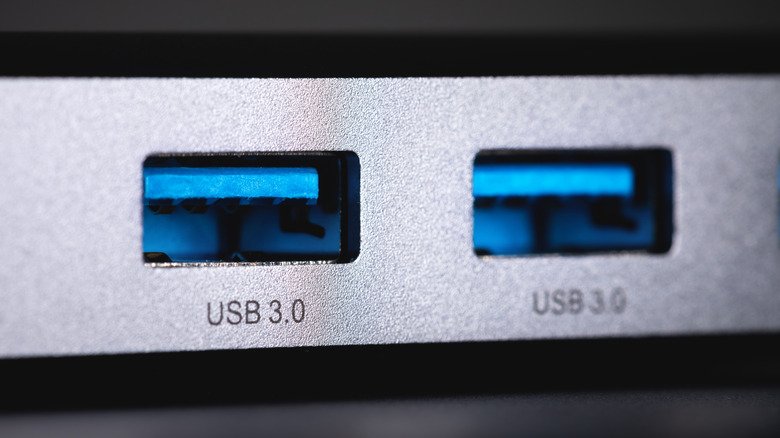
Not every USB port on a computer is the same, and color is one of the few visual hints manufacturers give you. The teal USB port meaning is fairly specific: it generally indicates USB 3.1 Gen 2 or a newer standard. That color choice is meant to help users spot a port built for higher transfer speeds and stronger power delivery than older blue or black slots.
Where the teal color comes from
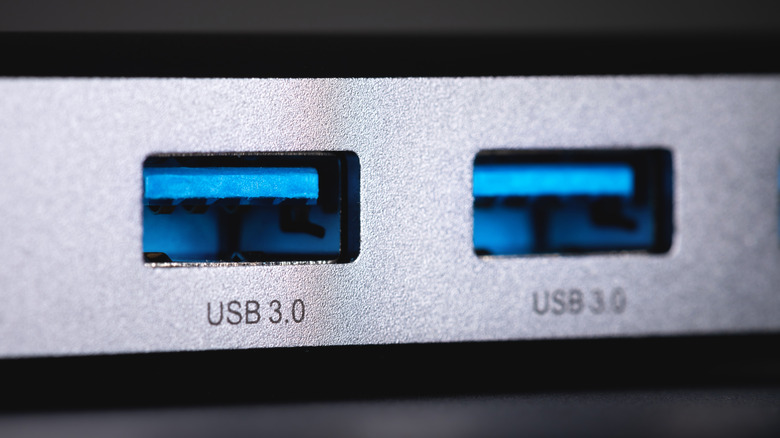
USB 3.1 was introduced in 2013 and standardized by the USB Implementers Forum, or USB-IF. The specification focused on faster data transfers and increased power output for connected devices. Teal became a common way to mark ports that support USB 3.1 Gen 2, which can reach speeds of up to 10 Gbps.
The color is not a strict rule. Plenty of USB 3.1 Gen 2 ports are made in other colors, so a non-teal port can still carry the same capabilities. That makes color a useful but imperfect guide rather than a guarantee.
Speed and compatibility
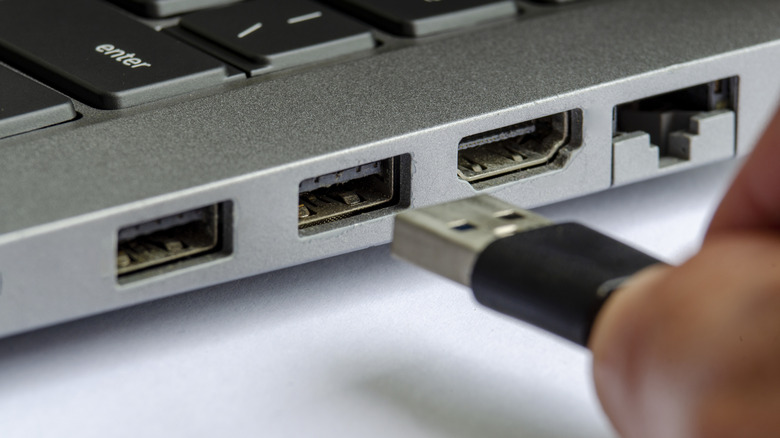
One of the practical advantages of a teal port is backward compatibility. USB 3.1 Gen 2 ports generally work with USB 3.0 and earlier devices. Those older devices will not suddenly reach the higher speeds, but they will still connect and function normally. Since USB is one of the most widely used standards in computing, that compatibility matters for everyday use.
Teal is not the only color associated with faster USB standards. Some red USB ports support USB 3.2, which can reach a top speed of 20 Gbps. Teal-colored USB 3.2 ports do exist, but they are less common. If you are unsure about a specific port’s capabilities, Windows Device Manager or macOS System Report can show the details.
What you can do with the extra speed
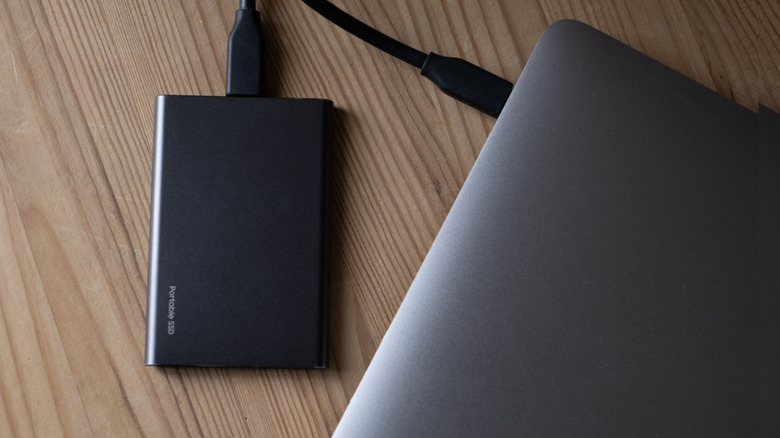
The higher bandwidth of a teal USB port is most noticeable in tasks that move large amounts of data. Transferring files between drives, shifting a game library to another SSD, or moving large video projects can take far less time than with an older port. External SSDs benefit in particular, since they can take advantage of the faster connection instead of being held back by a slower port.
Content creators may notice the difference when working with sample libraries or large video files. Transfers that might otherwise take a long time can finish in minutes when the drive and the port both support the higher standard.
More power for charging
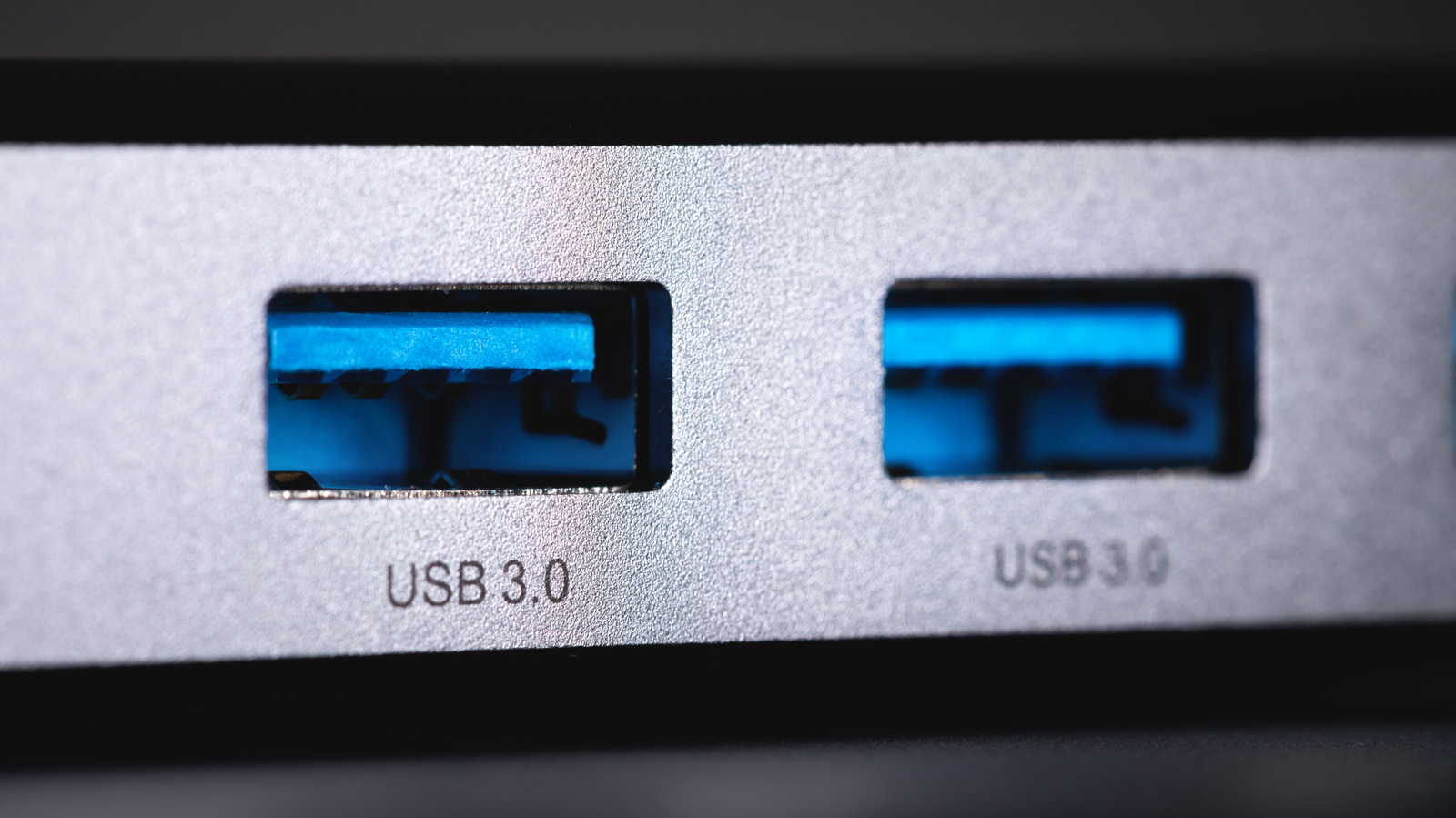
Speed is only part of the story. USB 3.1 Gen 2 also delivers more power than earlier USB versions, which makes teal ports more useful for charging phones, tablets, earbuds, and other small electronics. Charging from a computer port has historically been slow compared with a dedicated charger, but the increased output on these ports makes the experience considerably more practical.
For anyone who regularly connects external drives or charges devices from a desktop or laptop, a teal port is worth identifying. It is not a universal label, but when you see one, it is a strong sign that the port was designed for faster data and more capable power delivery.