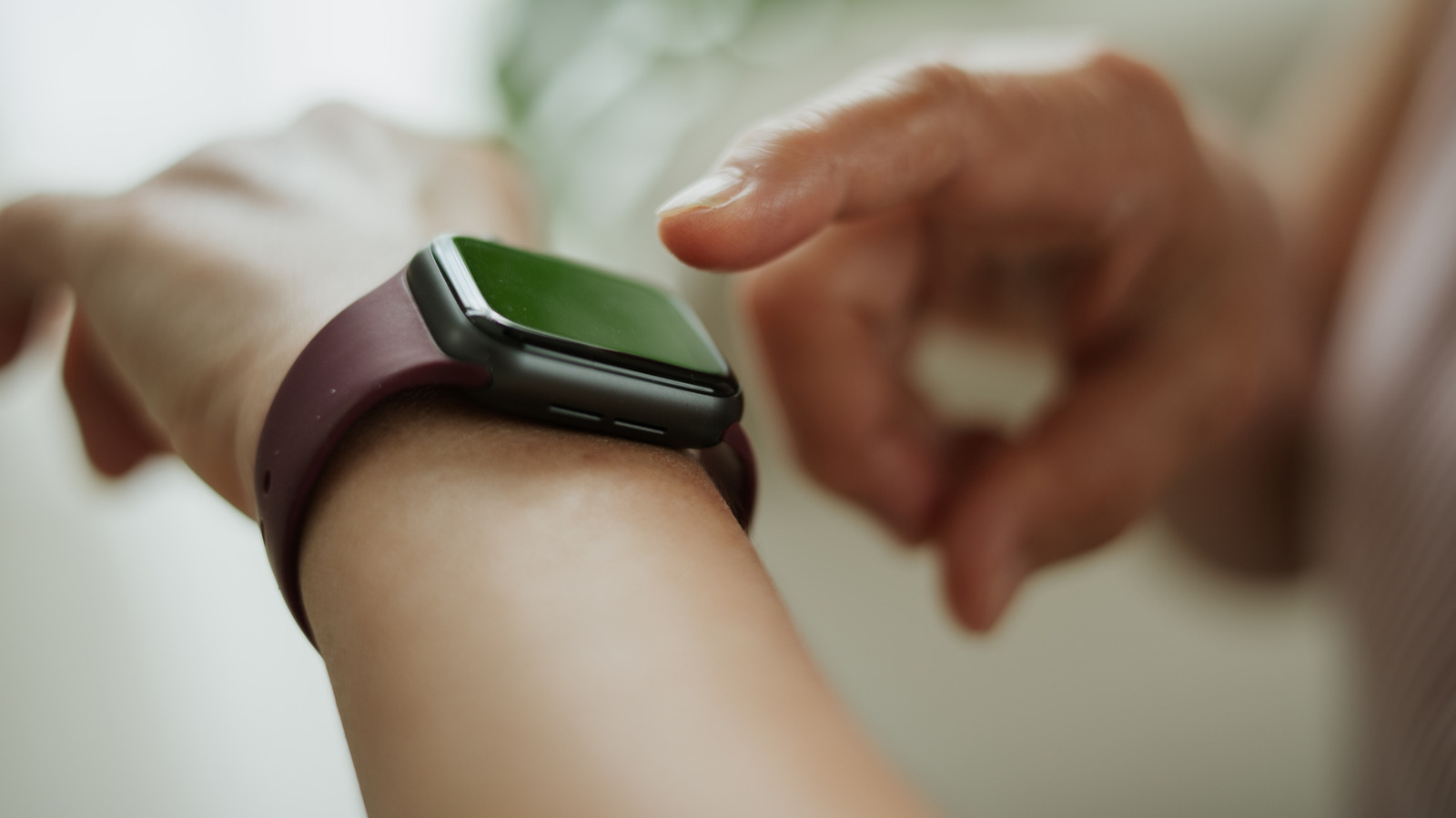
When a new smartwatch arrives, the previous model often ends up forgotten in a drawer. Yet that older device still has capable hardware, and with a few adjustments it can take on a fresh role. These old smartwatch uses range from turning the wearable into a voice-controlled AI terminal to letting a child use it as a standalone communication device. Most setups need only minutes and perhaps an extra app, though some functions depend on a cellular plan or a paired phone.
Give the watch a single AI job
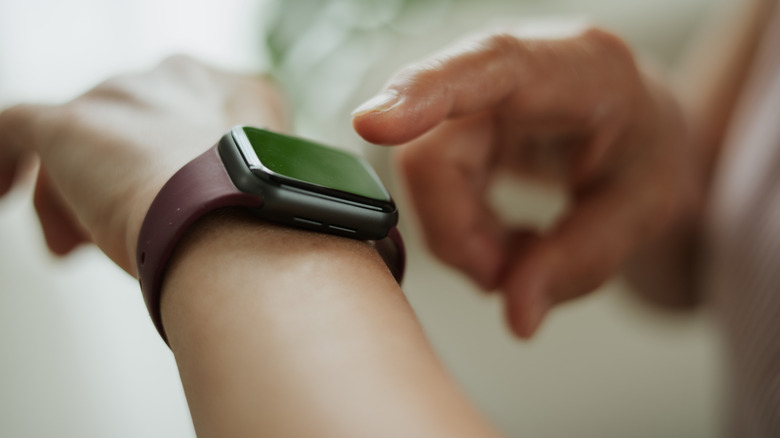
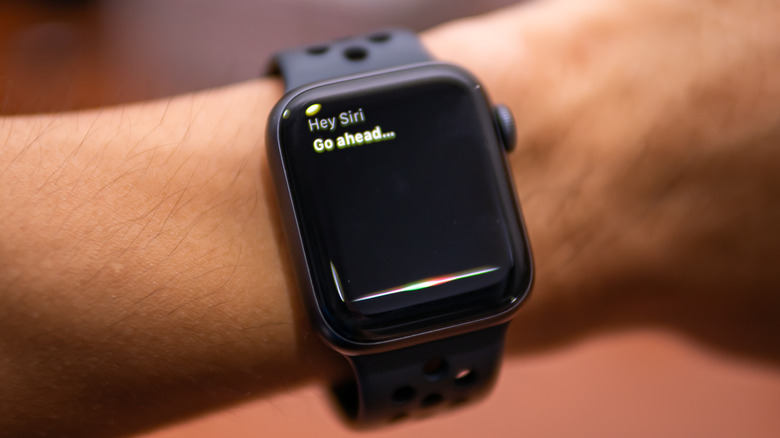
If you already rely on tools such as Gemini or ChatGPT, an older watch can become a hands-free way to reach them without reaching for your phone. On Wear OS 4 or later, install and update Gemini, enable voice activation, and say “Hey Google”; holding the side button also works. Samsung watch owners can assign Gemini to a double press through Settings, Button and gestures, then Double press. Apple Watch users can raise their wrist and say “Hey Siri” or hold the Digital Crown. The Wrist AI app adds ChatGPT or Gemini to Apple Watch, but its free tier limits daily chats and a watch-face complication can speed access. For Wear OS, ChatGPT requires the WristAssist app, which is no longer on the Play Store and must be sideloaded, plus a paid OpenAI API key.
Capture thoughts from the wrist
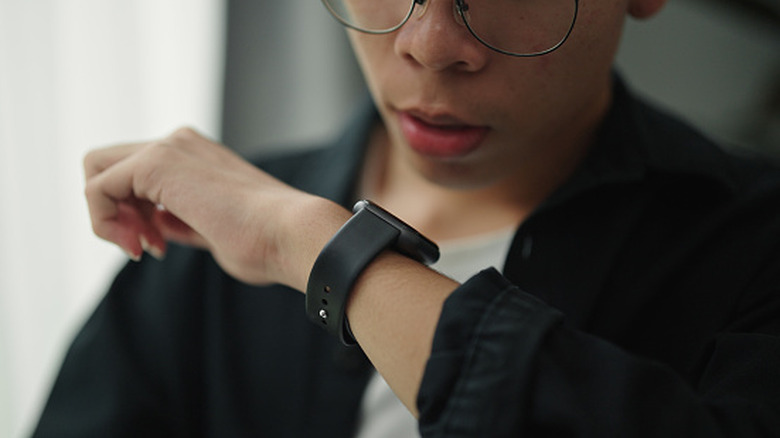
An older watch also makes a convenient voice notebook, especially when AI transcription is accurate enough to turn speech into text. Instead of fishing out a phone, you can speak a quick idea into the watch. Most models already include a notes or voice recorder app. On Apple Watch, say “Hey Siri” and ask it to record a voice memo. Transcriptions for Wear OS and Apple Watch require the phone. Samsung’s voice recorder offers built-in speech-to-text but caps recordings at 10 minutes. Recordings usually sync across devices, so a note made on a walk can be waiting on your phone later.
Wear the spare to bed
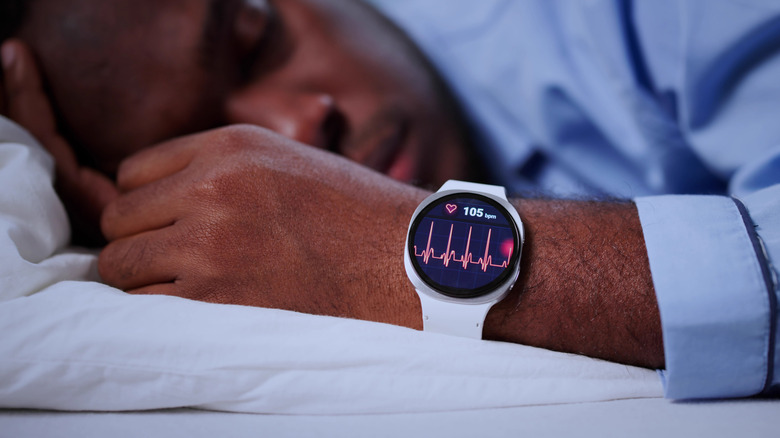
Sleep is vital, and an older watch can monitor it while your main watch charges overnight. The catch is that the spare must be charged during the day, or you may wake to a dead battery. Setup is quick: on iPhone, configure Sleep in the Health app and enable Track Sleep with Apple Watch; on a Galaxy Watch, connect it to your phone and follow the prompts in the Sleep tile. Sensor quality varies by model, particularly on older devices, so treat the numbers as a prompt for a doctor’s visit rather than a diagnosis.
Hand it to a child as a connected watch
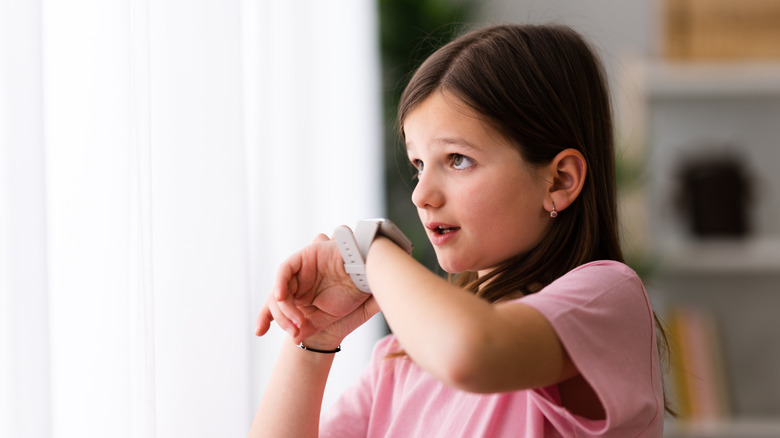
With a cellular model, an old smartwatch can serve as a kids’ watch that handles calls, texts, and location sharing without giving the child a smartphone. Samsung’s Kids mode adds parental controls for approving or blocking apps, setting School Time limits, and managing use through Google Family Link; it requires an LTE Galaxy Watch 6 or newer. Apple Watch for Your Kids works on Series 4 or later with cellular, or an SE with cellular on watchOS 7 or later, and includes calling, texting, location tracking, screen time management, and Schooltime. A carrier plan is required and adds fees, and not every carrier supports standalone calling from a watch.
Cash out instead
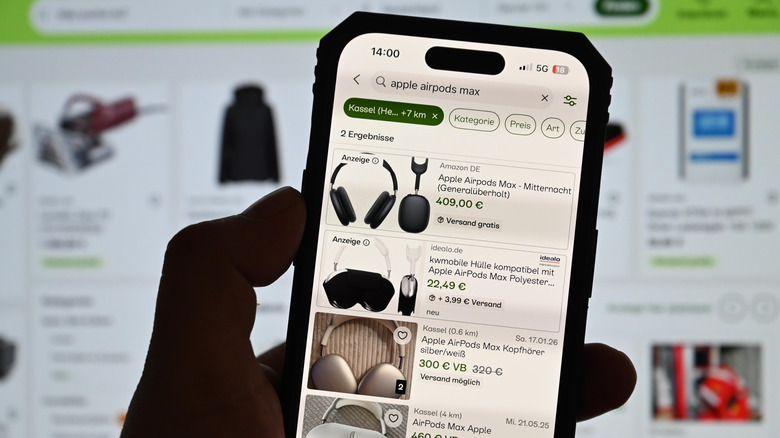
If none of these roles fit, selling the device may be the most practical option. Marketplaces such as eBay can bring the highest return but demand a listing, photos, pricing, buyer replies, shipping, and fee calculations. Buyback companies such as Greenbuyback typically pay less but simplify the process: get a quote online, ship the watch, and receive payment after inspection if its condition matches the description; some programs pay within 24 business hours of receipt, while others take up to five business days. Retailers like Best Buy and manufacturer programs like Apple Trade In accept trade-ins for store credit or lower value. Before selling or trading in, unpair the watch from your phone and wipe it; unpairing erases an Apple Watch, while Wear OS requires signing out of accounts and a factory reset.