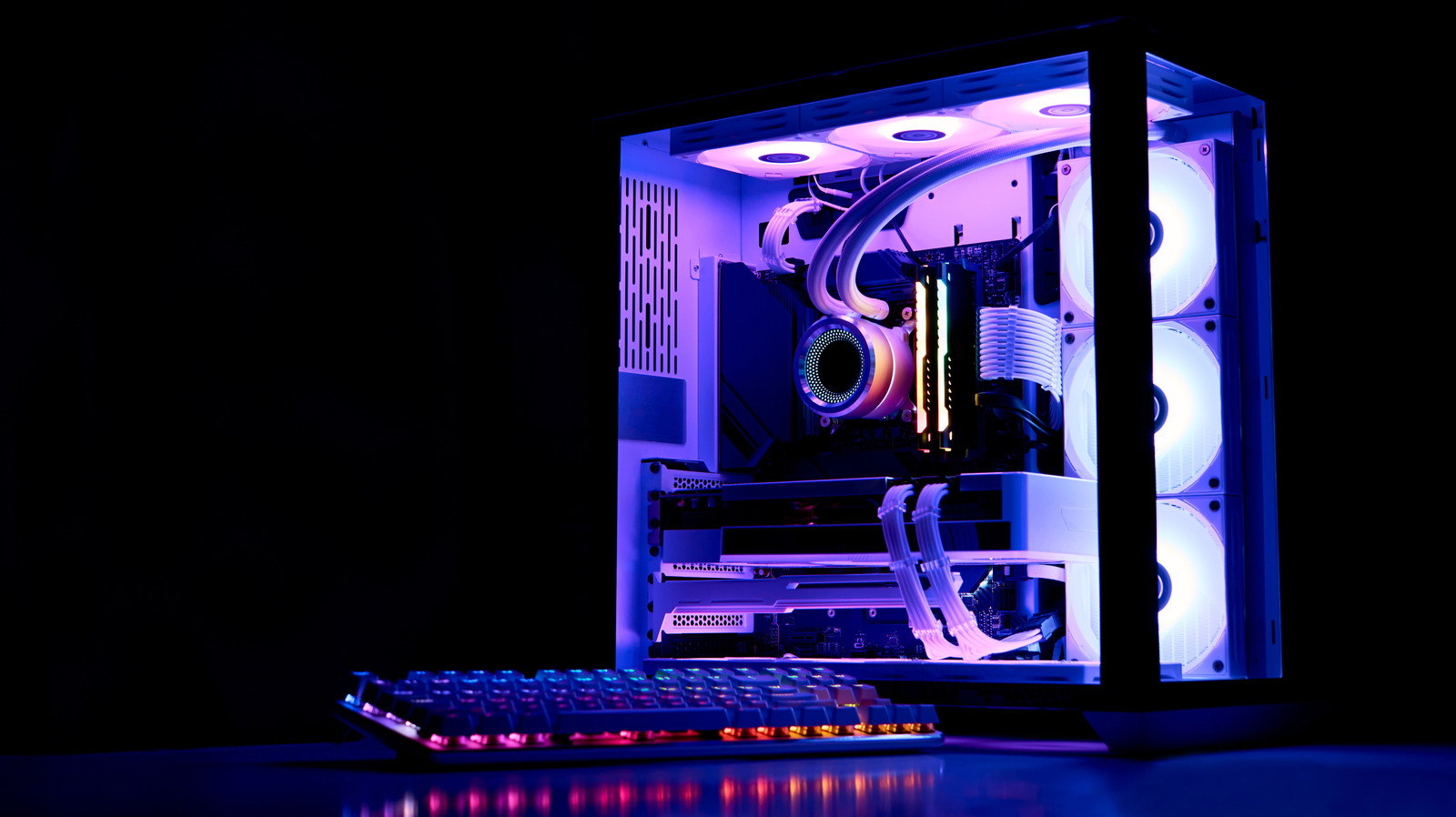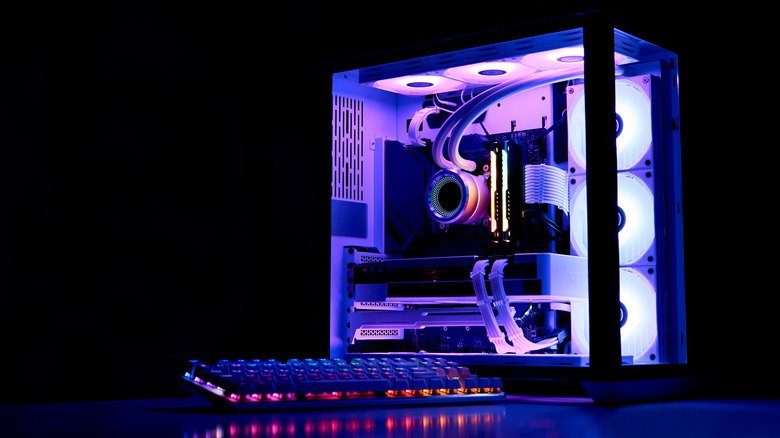
Liquid cooling can be an effective way to manage heat in a desktop computer, but it comes with upkeep that air cooling does not. One of the most important tasks is PC coolant replacement, because the fluid inside a loop does not stay in good condition indefinitely. Knowing when to swap it out can prevent long-term damage and keep temperatures where they should be.
Why coolant stops doing its job
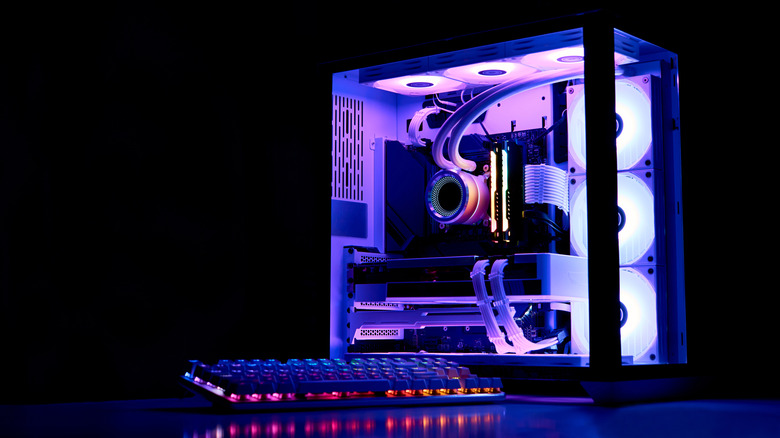
The main reason coolant needs to be changed is not that it evaporates. Some water can be lost through softer tubing over time, but the bigger concern is the gradual breakdown of the fluid under constant use. As the coolant circulates and absorbs heat, its additives wear out.
Corrosion inhibitors are a key example. These compounds protect the metal parts inside the loop, and once they are depleted, the liquid can begin attacking the components it is supposed to safeguard. Lubrication also fades with use, which can affect the pump motor and other moving parts. On top of that, the loop can develop algae and other particles, especially when the coolant contains colorful pigments or other cosmetic additives. Those contaminants can clog the system and reduce flow, while also making the loop look worse.
How often should you change it?
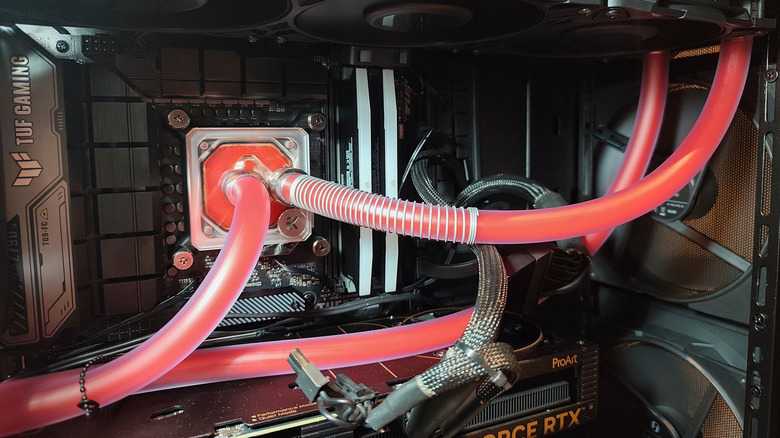
A common recommendation is to replace the coolant at least once a year, and in some cases twice. If you use a semi-transparent coolant, a six-month interval is worth considering because the extra pigment can cause the fluid to clog faster. For a plain, no-frills coolant, an annual change is generally reasonable.
There is no need to assume a biological bloom will appear overnight, but regular replacement is the best defense. Between changes, inspect the tubing, reservoir and water block for signs of trouble. A murky color, haze, grime or visible algae are all indicators that the fluid is past its prime. It is also smart to watch CPU temperatures. A sudden, sustained rise in heat can mean the coolant is no longer doing its job and should be replaced.
Staying ahead of the maintenance curve
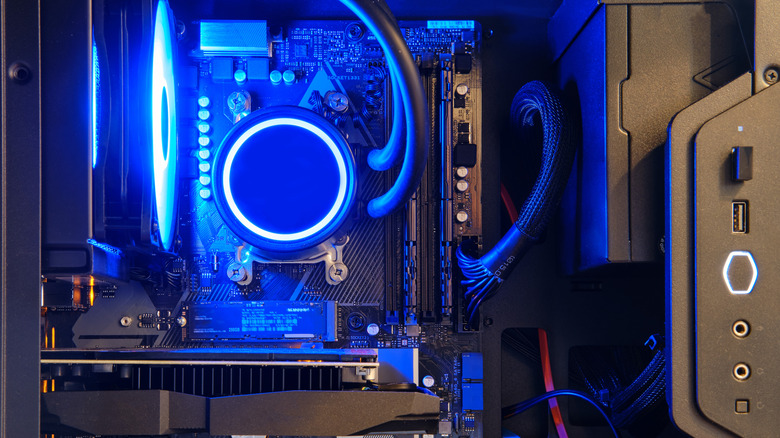
PC coolant replacement is not a complicated job, but it is easy to postpone. Treating it as part of a regular maintenance routine helps avoid corrosion, clogging and pump wear. Whether you choose a yearly schedule or a shorter interval for pigmented fluids, checking the loop and the CPU temperature regularly will tell you when the time has come.