
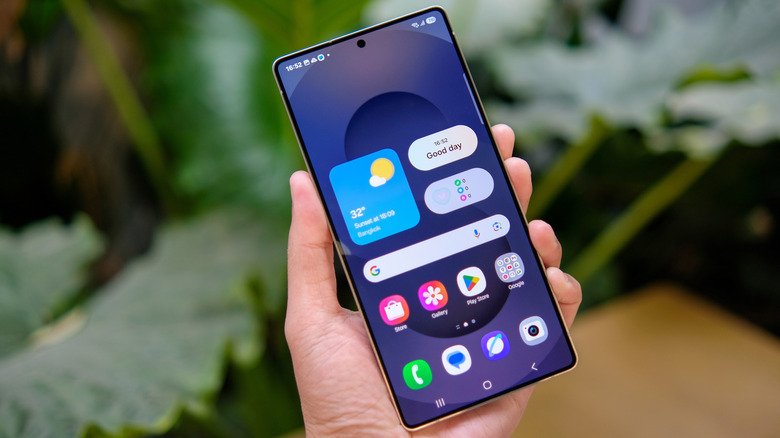
Samsung’s recent One UI releases no longer place the classic apps button on the home screen by default, pushing users toward the swipe-up gesture that opens the app drawer. For anyone who still prefers a visible shortcut, it is possible to restore the apps button on Samsung One UI without installing anything or changing launchers. The option remains buried in the home screen settings, waiting to be switched back on.
Why the button disappeared
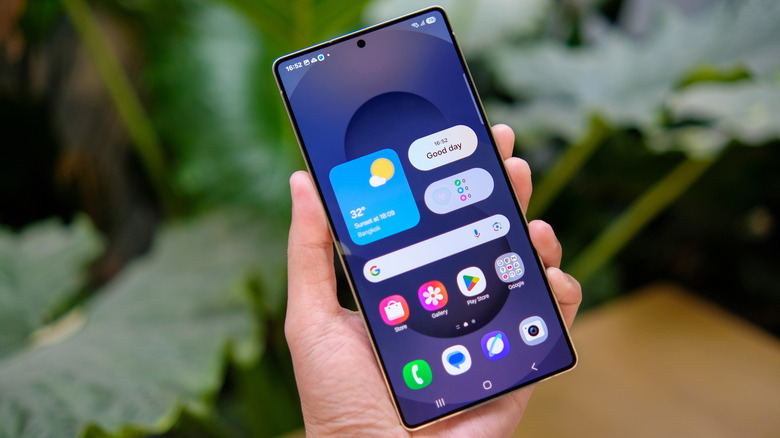
Android has long separated the home screen from the app drawer, letting people keep their main screen free of every installed icon. On current Android versions, including Samsung’s One UI, the standard way to reach that drawer is a swipe upward from the home screen. The older all apps button performed the same job, so Samsung stopped displaying it by default in recent updates. That leaves some users hunting for an icon they expected to see, especially those who never learned the swipe gesture or who simply prefer a button they can tap.
How to bring the apps button back
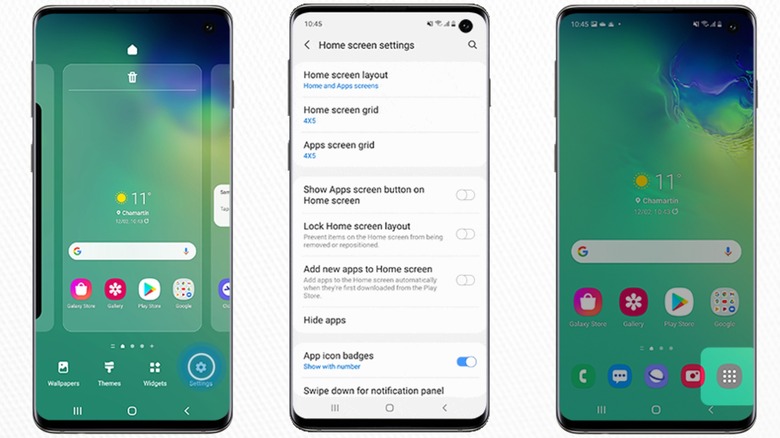
The fix takes only a few taps. First, find an empty area on the home screen and either long-press it or pinch inward as if zooming out on a . Either action opens a menu of contextual options. From there, tap the gear icon labeled Settings, which appears in the bottom right corner. Scroll through the list until you find the toggle called Show Apps screen button on Home screen, then turn it on.
Once you return to the home screen, the apps button should appear on the right side of the favorites dock at the bottom of the display. It is a small change, but it makes the app drawer reachable with a single tap rather than a gesture.
A trade-off in the dock
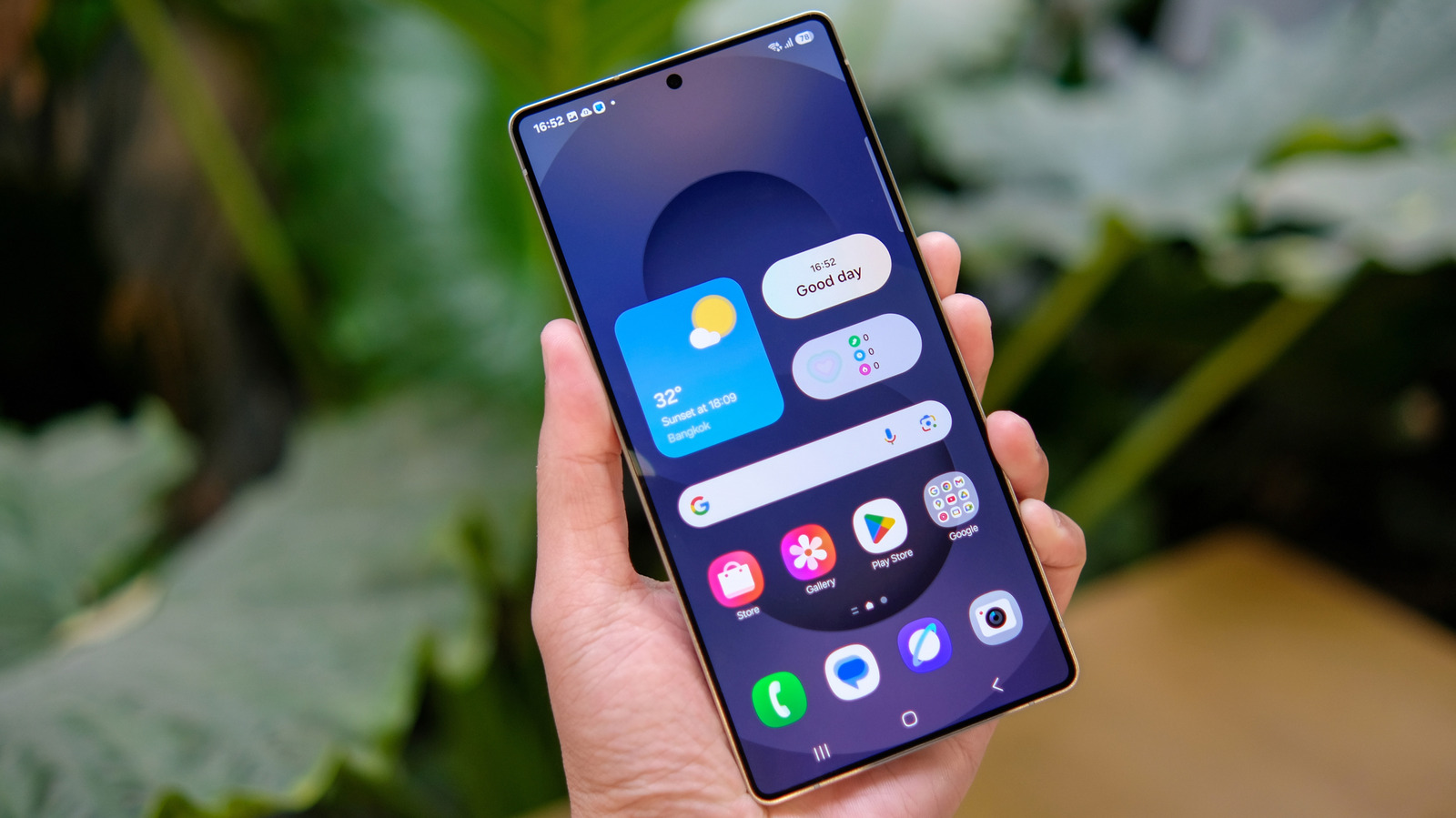
Restoring the button does consume a slot in the favorites dock, which could otherwise hold another app. That makes the toggle most useful for people who genuinely want the old behavior and have no interest in adopting the swipe-up motion. For everyone else, leaving the button off keeps the dock available for one more shortcut.
Samsung's habit of keeping old options
The decision to leave the apps button available as an optional setting fits a broader pattern. Samsung has generally been willing to retain features that long-time users depend on, even when the default experience moves in a different direction. In some areas, that approach goes further than many competitors. Samsung is the last major phone maker still shipping Android 3.0 Honeycomb’s three-button on-screen navigation as the default, despite stock Android introducing gesture-based navigation with Android 9.0 Pie in 2018. Users who prefer gestures can still switch between the two navigation styles in Settings.
For the apps button, the choice is similarly reversible. The setting is not hidden behind developer options or experimental menus; it sits in the same home screen settings area where wallpaper and layout options live. That means anyone who notices the button missing can put it back in seconds, and anyone who likes the cleaner dock can leave it alone.