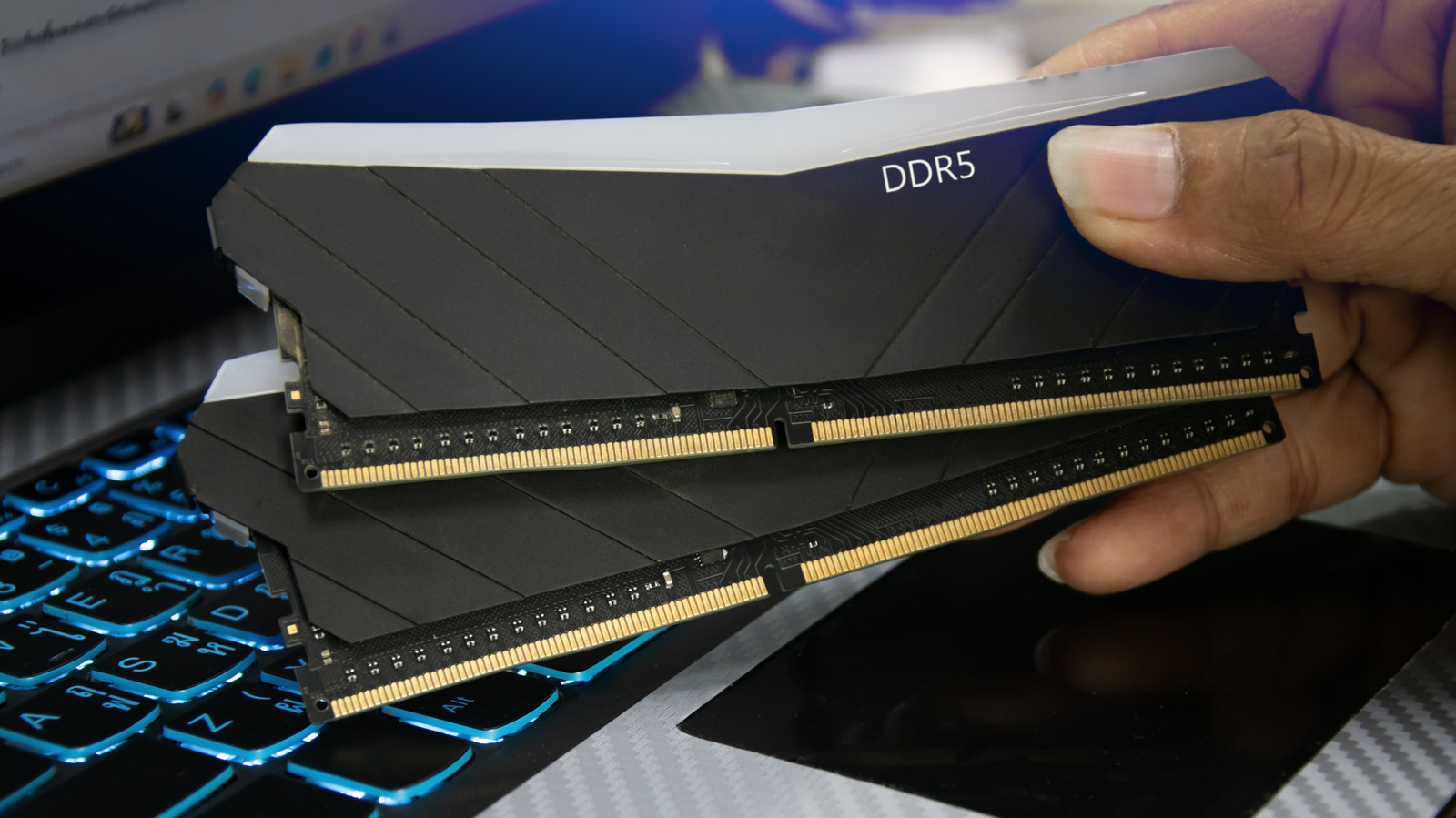
With memory prices climbing sharply due to demand from AI data centers, the question of PC RAM lifespan has become more practical than ever. Replacement modules may be hard to afford, and new computers are launching at higher prices. The reassuring news is that your existing RAM will likely outlast your current build. The bigger uncertainty is whether its performance will remain adequate as software demands grow.
What Determines How Long RAM Lasts
Material longevity for RAM generally falls somewhere between 3 and 15 years, according to PCWorld. That wide spread reflects several variables, starting with manufacturing quality. Major brands such as G.Skill, Samsung, and Corsair are generally reliable, but defects can still slip through quality control. Lesser-known brands carry more risk.
Workload is another major factor. A PC used for browsing, email, streaming, and light gaming puts little strain on memory. Systems handling hours of video editing, AI processing, or photorealistic 3D gaming push RAM much harder. Every read and write generates waste heat, which gradually wears down circuitry.
Overclocking adds further stress. It can boost performance, but without extra cooling it may push heat beyond the module’s design tolerances. Ambient conditions matter too, especially if the CPU and GPU generate substantial heat or voltage stability is inconsistent. Quasi-random failures such as static shock are also possible, which is why a well-grounded PC is important.
Performance Gaps Often Force Upgrades First
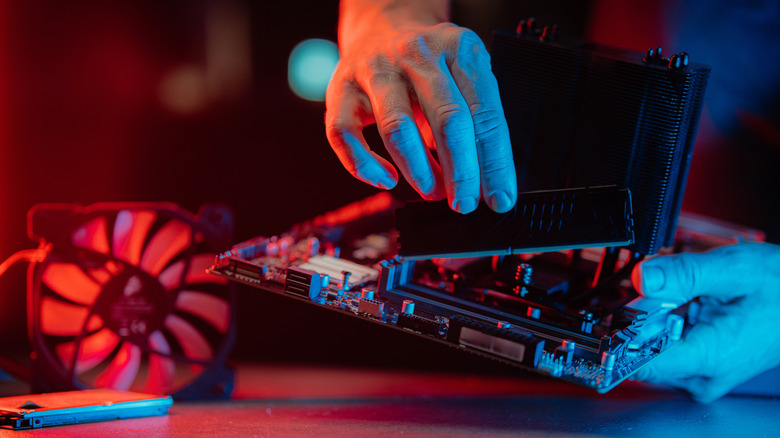
For most people, older DDR4 memory remains fast enough. DDR5 can offer meaningful gains in gaming and other tasks, but CPU and GPU speed typically have a deeper impact. Capacity can matter more than generation: 32GB of DDR4 is generally better for heavy multitasking than 16GB of DDR5. Google Chrome alone can consume more than 8GB with a dozen or so tabs open.
The real obstacle is the link between RAM and CPU performance. Motherboards built for the latest CPU sockets are typically designed for DDR5 and are not backwards compatible with DDR4, let alone DDR3. Choosing a DDR4-compatible motherboard can seriously limit CPU speed unless you find one of the recent options, such as certain Intel boards, created to work around the memory crisis.
In practice, anyone who wants to stay on the cutting edge may need to change RAM type long before the old modules expire. Five years can be an eternity in PC evolution, and ten or more even more so. Only users who push their systems hard through prolonged workloads or excessive overclocking should seriously worry about sudden failure.