Setting up a private chatbot on your own computer is surprisingly easy: install Ollama or LM Studio, choose a model, and you’re chatting offline within minutes. The real question isn’t whether you can run a local AI model, but which one your hardware can handle. The answer comes down to local AI hardware requirements, and they’re more modest than you might fear for small models — though the gap to frontier cloud systems remains enormous.
Memory Sets the Ceiling
A model’s appetite for memory grows almost linearly with its parameter count, measured in billions (B). Most people run compressed, or quantized, versions that store each parameter in about four bits, shrinking a model to roughly a quarter of its original size. In Ollama’s library, that puts Llama 3.1 8B at 4.9GB, Microsoft’s Phi-4 at 9.1GB, Google’s Gemma 3 27B at 17GB, and Meta’s Llama 3.3 70B at 43GB.
The practical upshot: an everyday PC with 16GB of RAM can run relatively small models in the seven-to-eight-billion-parameter range, such as Meta’s Llama 3.1 8B or Alibaba’s Qwen3 8B. A graphics card with 8GB of VRAM will run them at decent speed. But these are far from the frontier models behind ChatGPT or Claude.
To get closer, you’ll need at least 32GB of memory and a GPU with 16GB or more of VRAM — hardware that, at current prices, doesn’t come cheap. Ollama’s general rule of thumb has been 8GB of RAM for a 7B model, 16GB for 13B, and 32GB for 33B.
Some models bend the rules. OpenAI’s gpt-oss-20b has 21 billion parameters but uses only 3.6 billion per token through a mixture-of-experts design, making it fast while still requiring the full model to fit in memory. OpenAI says it runs with just 16GB of memory, but at 14GB in Ollama, it consumes almost all of a 16GB PC’s capacity.
Bandwidth Determines Speed
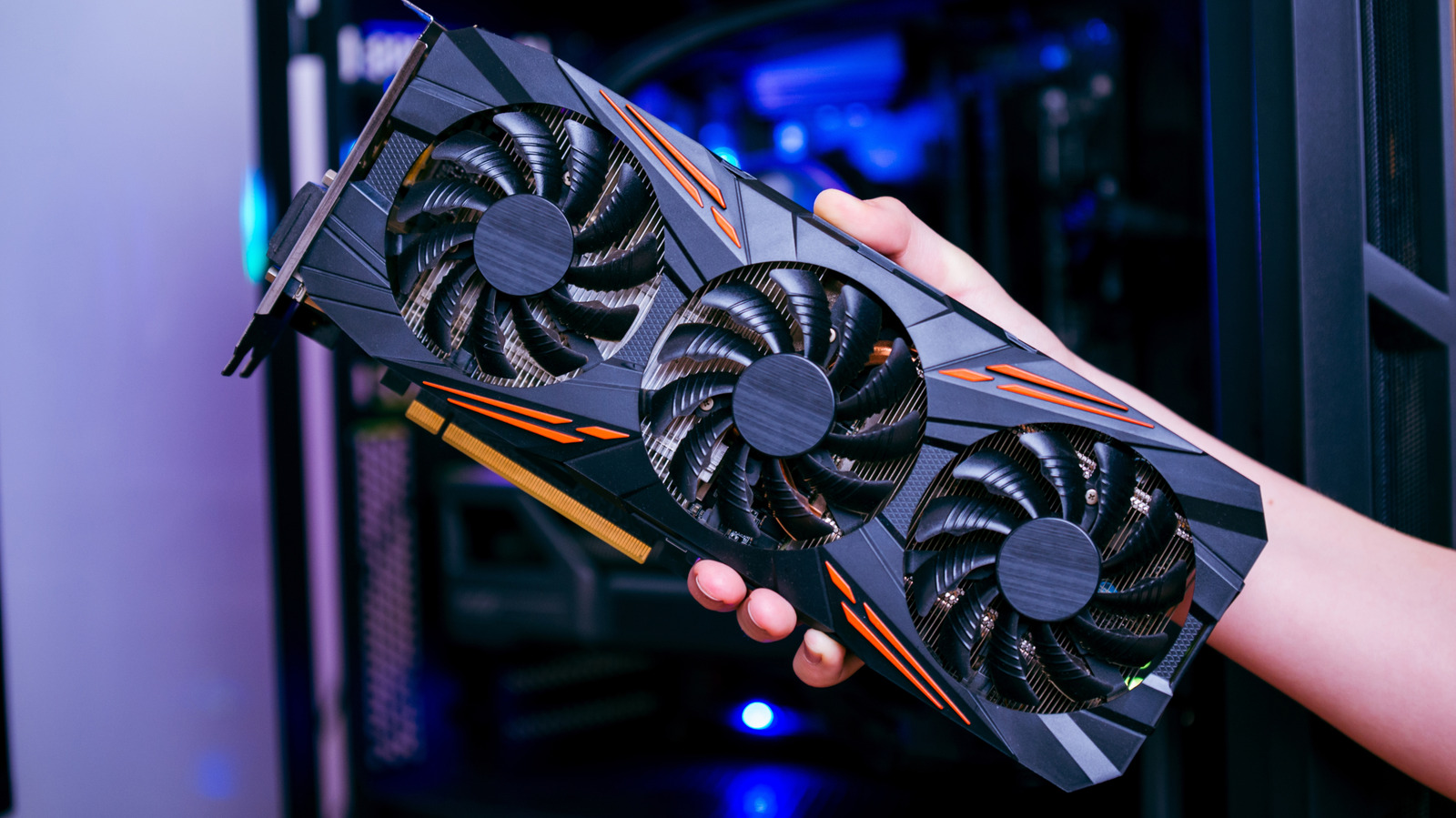
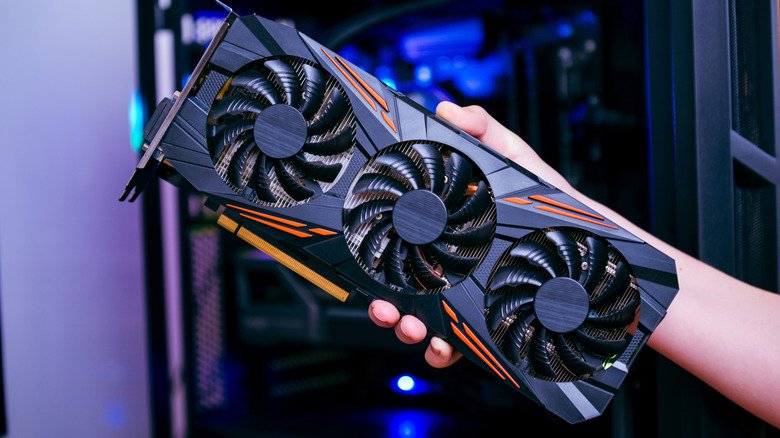
Generating each token requires reading through all of a model’s parameters, so speed depends far more on memory bandwidth than raw processing power. Nvidia’s engineers describe this stage as memory-bound. VRAM on a graphics card is several times faster than system RAM, which is why a model that fits on your GPU runs much faster than one that spills into system memory.
As a rule of thumb, anything above five to 10 tokens per second keeps pace with most people’s reading speed. In LMSYS testing, Nvidia’s RTX 5090 generated text from gpt-oss-20b at 205 tokens per second. Benchmarks from llama.cpp put Apple’s base M4 chip at about 24 tokens per second on a 7B model. Ollama measured Nvidia’s $3,999 DGX Spark at 38 tokens per second on Llama 3.1 8B, but just 4.42 on the 70B version.
One hands-on test on a 2024 Asus Zenbook Duo with 32GB of RAM and an Intel AI Boost NPU showed Mistral 7B pushing CPU use to 52 percent and memory use to around 17GB through Ollama — manageable alone, but a drag if other demanding tasks were running. Using Intel’s OpenVINO toolkit instead kept the NPU at 98 percent and the CPU at three percent, leaving the laptop responsive while it wrote 2,500 words in about three minutes.
How Close Can You Get to the Frontier?
In Artificial Analysis’ April 2026 rankings, Alibaba’s Qwen3.5 27B scored 42 on its intelligence index, level with OpenAI’s GPT-5 at its medium setting, while Google’s Gemma 4 31B scored 39. The leading frontier cloud models sat at 57. Qwen3.5 27B needs between 17GB and 20GB of memory — beyond what a 16GB PC can give.
Even the most powerful PCs barely scratch the surface of frontier intelligence. Moonshot’s Kimi K2.6, a 1-trillion-parameter model that was among the best open-weight models when it launched in April 2026, needs around 600GB of combined RAM and VRAM to run at 4-bit, according to Unsloth. Its successor, Kimi K3, scored 57 on the intelligence index in July 2026, behind only Anthropic’s Claude Fable 5 and OpenAI’s GPT-5.6 Sol. At 2.8 trillion parameters, its weights alone come to roughly 1.4TB — barely fitting on an eight-GPU data center server, by TECHi’s estimate.
So a 16GB PC is fine for the odd private summary or some offline coding help. For something you’d actually use instead of a cloud chatbot, you’ll want 32GB of RAM or a 16GB graphics card. A 32GB kit of DDR5 alone costs $434, according to Tom’s Hardware’s RAM price index — almost two years’ worth of a $20-a-month ChatGPT Plus or Claude Pro subscription. Anything close to the frontier, though, is a job for a data center.