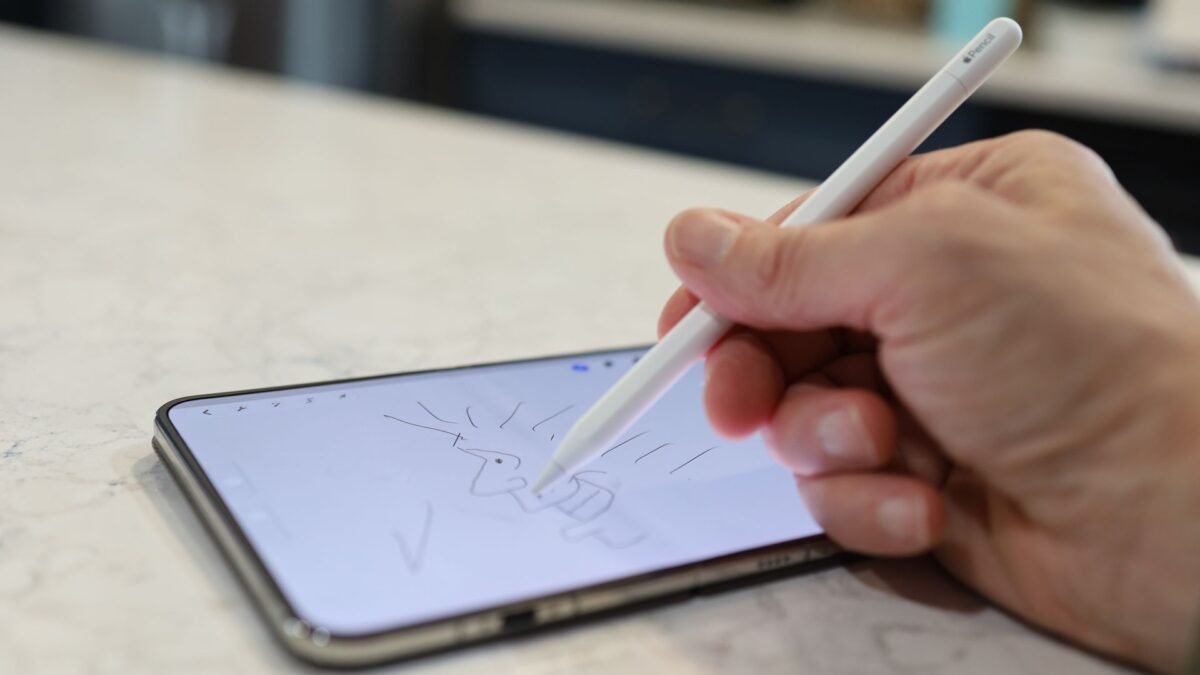
Using Apple Pencil on iPhone Duo is no longer a thought experiment. The foldable handset, which pairs a 5.4-inch cover display with a 7.6-inch inner screen, is the first iPhone to accept stylus input, and after spending time sketching on it in Procreate Pocket, the experience lands surprisingly close to drawing on an iPad Mini.
What the iPhone Duo allows, and what it doesn't
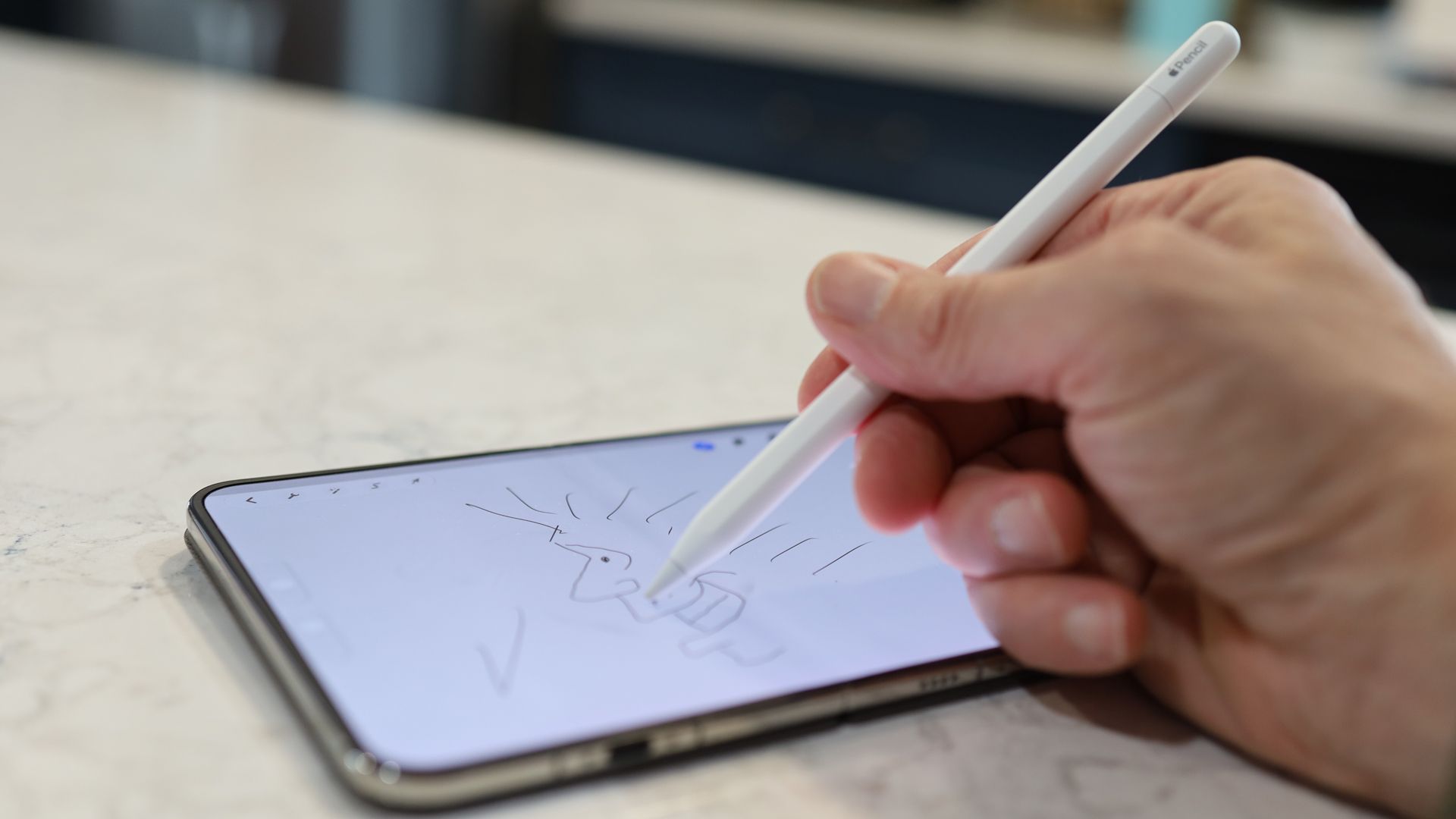
The support is deliberately narrow. Only the Apple Pencil (USB-C) works with the device, and every other iPhone on the market, including the iPhone 18 Pro, ignores Pencil input entirely. The restriction traces back to how Apple’s other Pencils operate: they pair and charge by attaching magnetically to the edge of a compatible iPad. The iPhone Duo offers no such magnetic edge, even when unfolded.
To connect the USB-C Pencil, you slide back its rear end to expose a USB-C port, run a cable from the phone to the stylus, and pairing happens automatically. After that, the Pencil is recognized on both the inner and outer screens.
Setup and everyday use
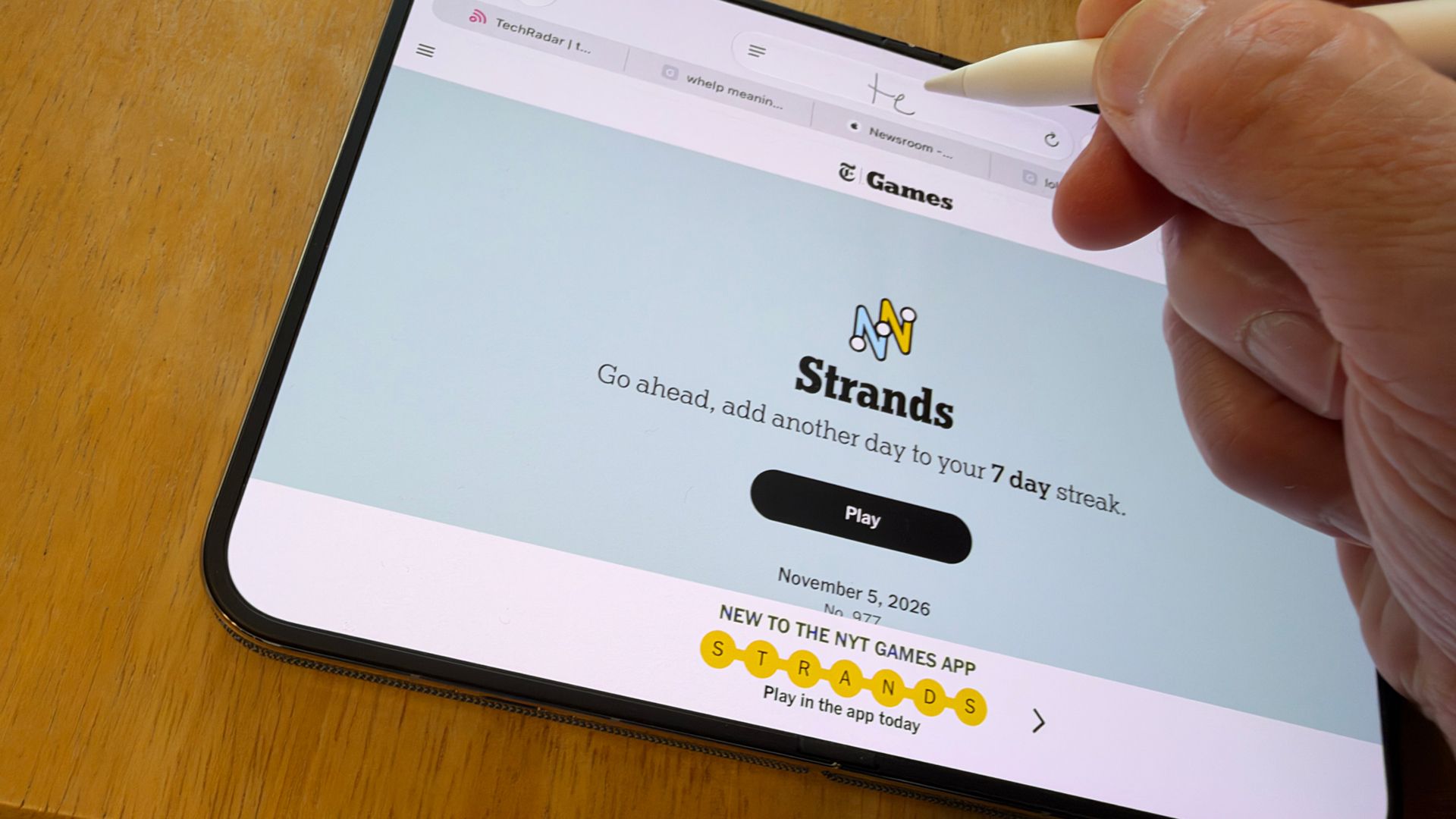
The Pencil can do everything a fingertip can, which makes it a serviceable navigation tool if you prefer it. The platform also brings Scribble support, so handwriting website addresses in Safari, jotting notes, and working through simple written equations all function as expected. Those features are handy, but the real draw is putting ink on the display.
Drawing on the main screen
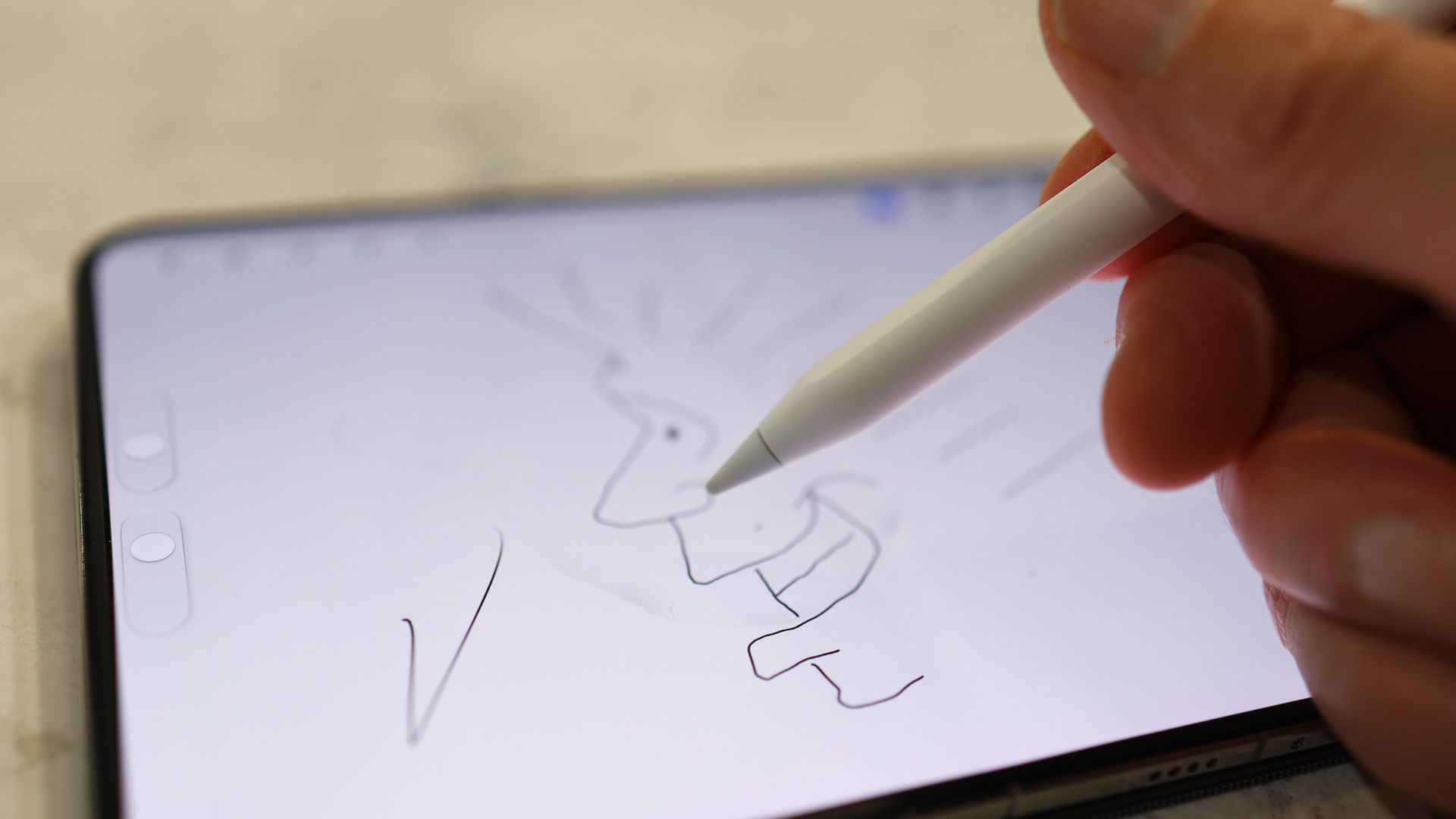
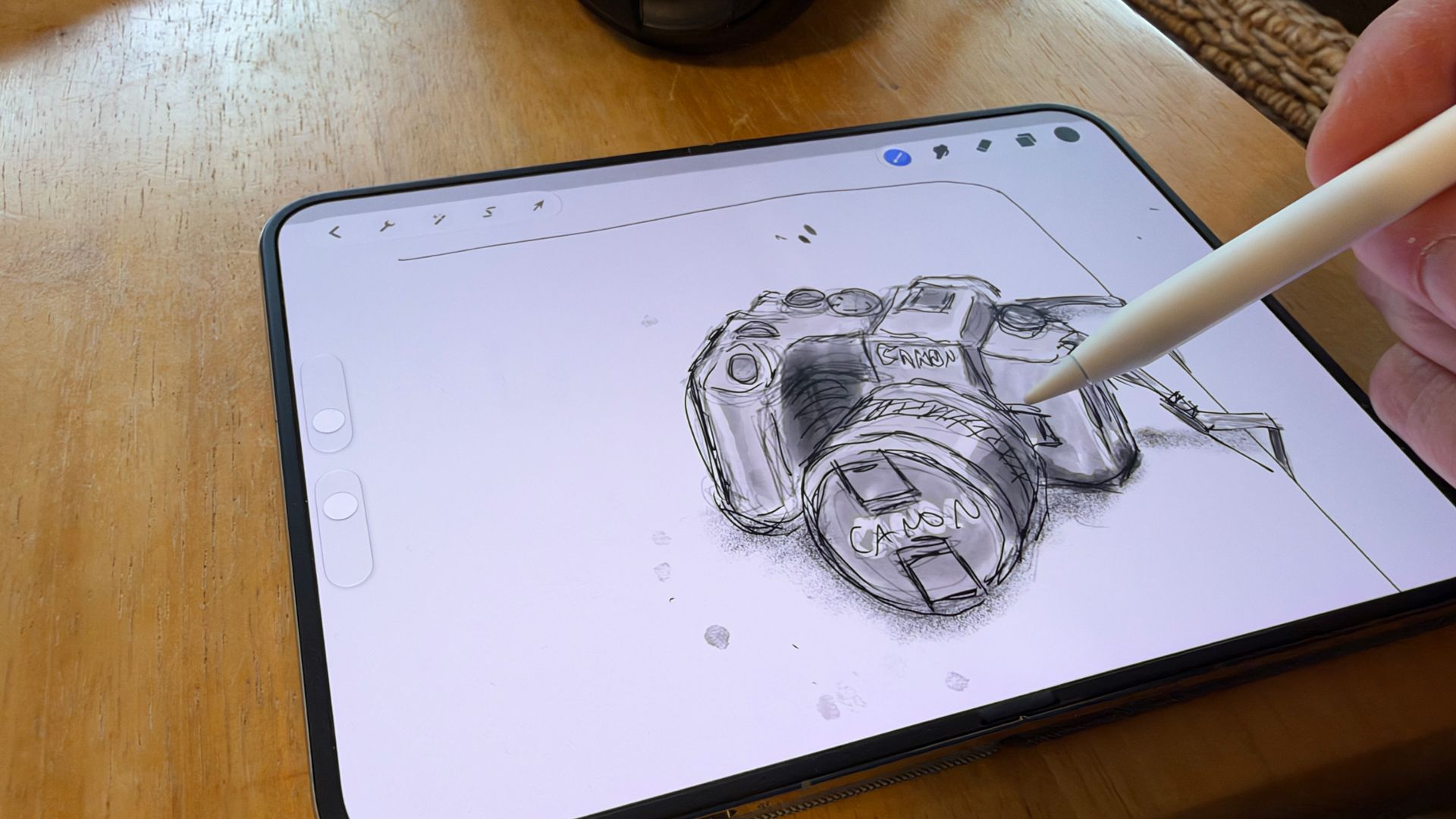
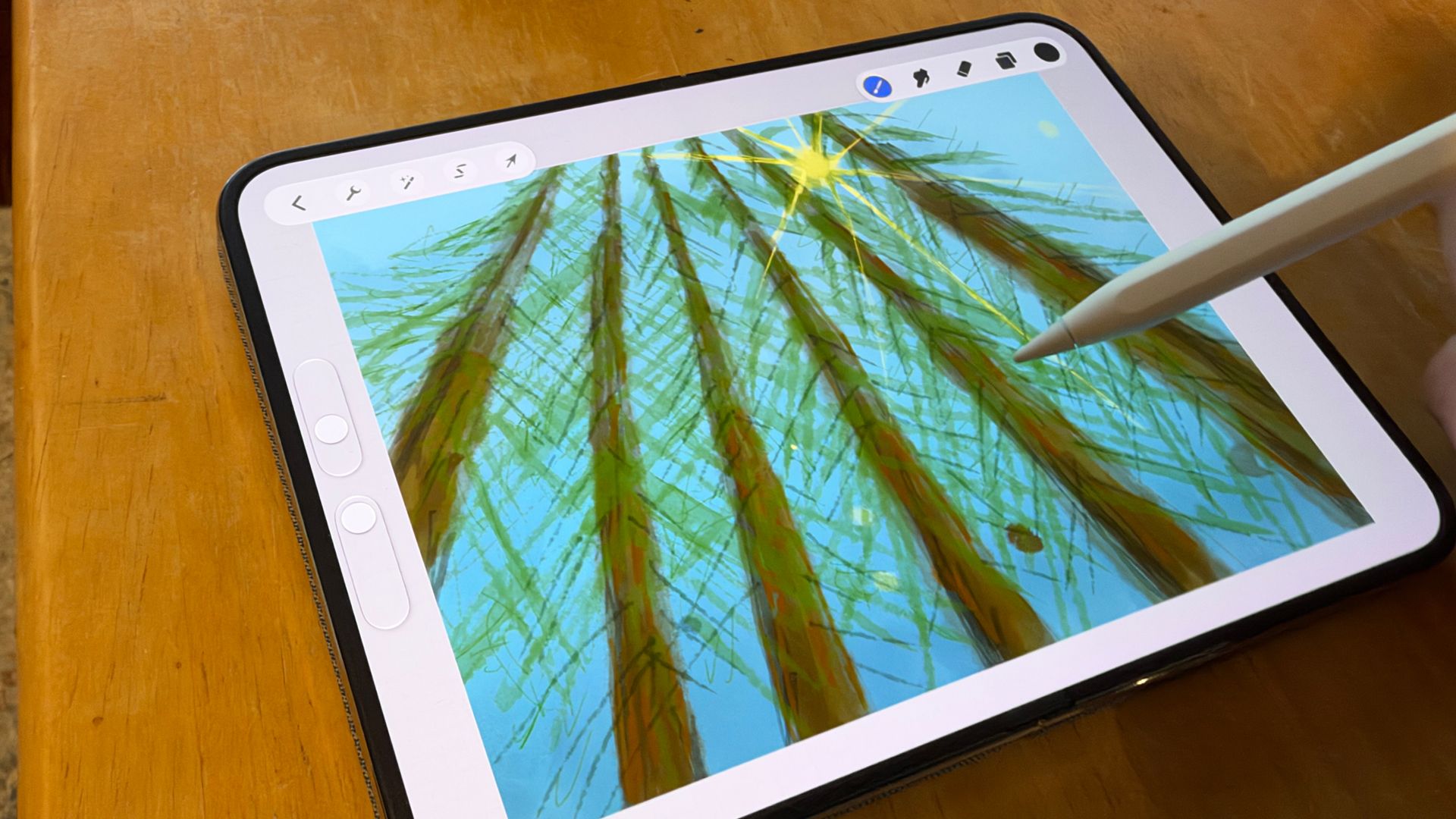
Procreate Pocket, the iPhone-compatible version of Procreate, launched without trouble on the unfolded Duo. The first thing that stands out is how closely the Pencil behaves to its iPad counterpart. Palm rejection works, so a hand can rest on the 7.6-inch panel while drawing. Latency is low enough that strokes appear to flow from the tip, whether the chosen medium is ink, paint, charcoal, or watercolor.
The nano-etched finish gives the display a light texture that adds a bit of grip. Glossy screens often feel slick under a stylus, but this one does not. The crease is another matter: dragging the Pencil back and forth across the full unfolded display does produce a faint tactile bump. The lines themselves, however, come out straight and free of squiggles, as if the screen ignores the slight unevenness.
One limitation shapes the drawing process. The main screen reads pen angle and speed but not pressure. That is likely intentional, since Apple probably does not want users pressing harder on the Pencil and, by extension, the display to darken or thicken a line. The practical effect is that tapering strokes require a workaround: shorten the stroke, reduce the pen width, and then continue. Even with that adjustment, drawing feels natural enough that the flexible display fades from awareness, much like working on an iPad Mini.
Procreate Pocket ran smoothly overall, though selecting a tool such as the eraser or pen occasionally required more than one tap before it engaged.
The cover screen and the question of storage
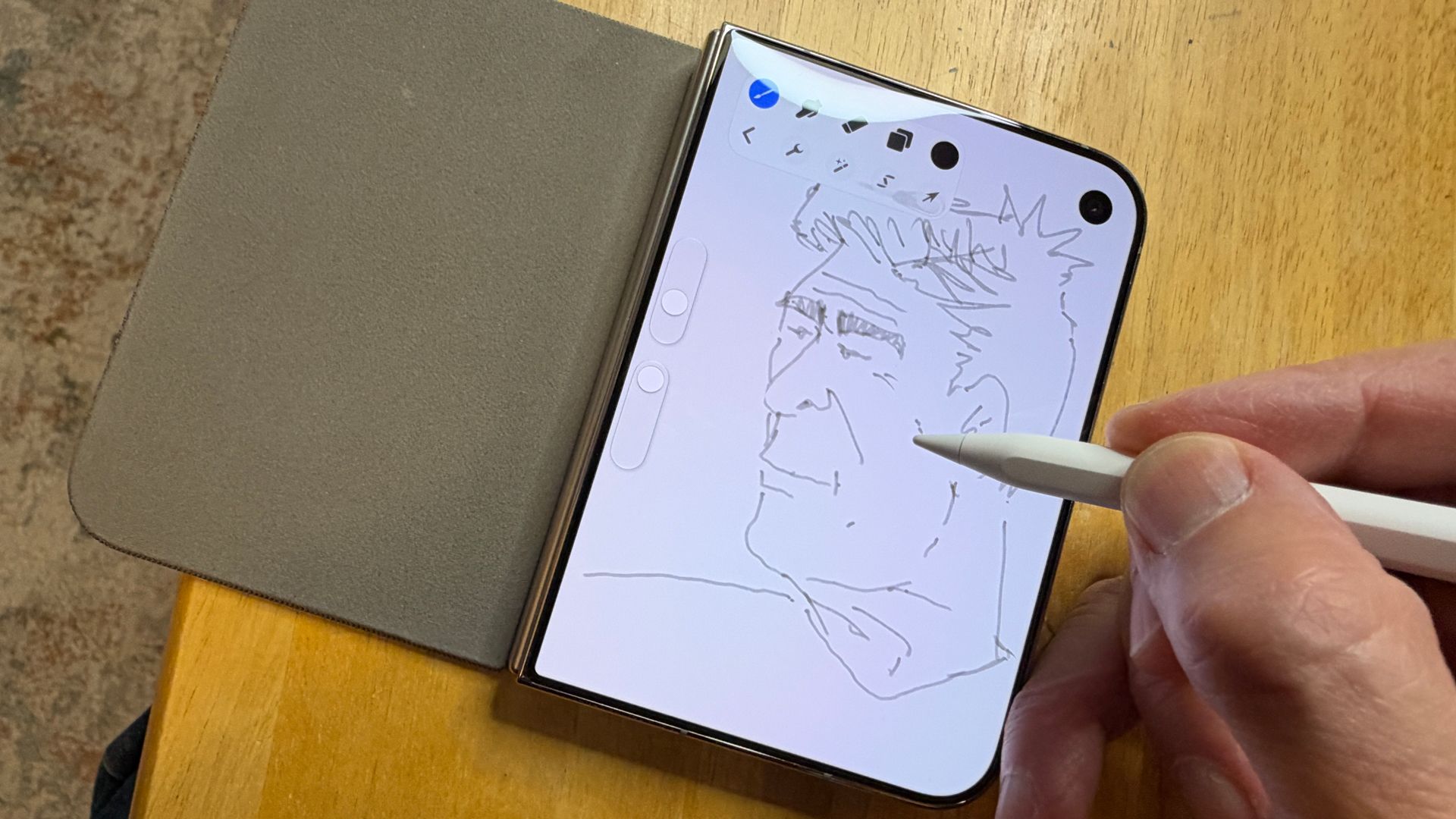
The Pencil works just as well on the smaller cover display, but the reduced canvas feels restrictive for serious drawing. There is also the practical matter of where the stylus goes when it is not in use. Even if Apple released a case with a holder, the Apple Pencil (USB-C) is at least an inch longer than the folded Duo.
A different kind of iPhone canvas
The appeal is not just that the iPhone Duo accepts a stylus. It is that unfolding the device reveals a hidden 7.6-inch drawing tablet that fits in a pocket, replacing the cramped single-screen sketching experience with something closer to a dedicated art surface. The comparison to an expandable chalkboard is apt: one moment it is a phone, the next it is a canvas.
For anyone who has wanted Pencil support on an iPhone, the Duo delivers it with the expected iPad-like feel, a few deliberate limits, and a crease that stays out of the artwork.