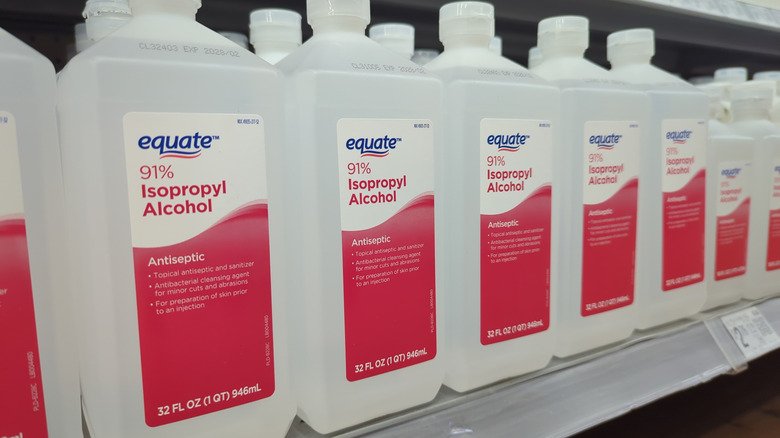
That bottle of isopropyl alcohol tucked away in a cabinet may seem like a reliable standby for cleaning a computer, but if it has been sitting for years, it might do more harm than good. Expired isopropyl alcohol can absorb moisture from the air and become diluted, turning a trusted electronics cleaner into a potential hazard for sensitive components.
The Moisture Problem
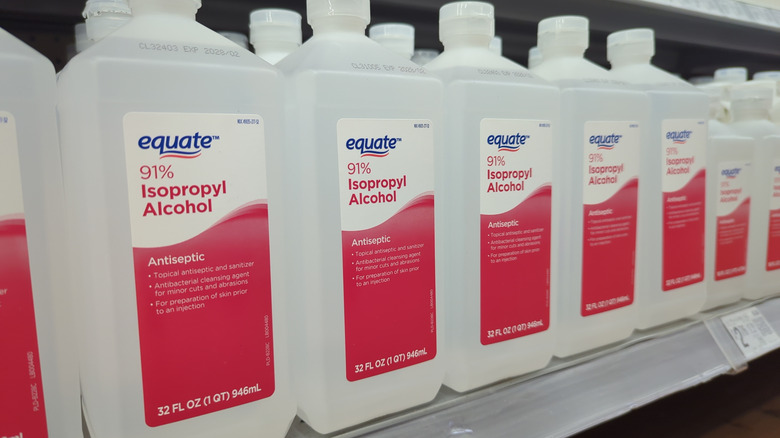
Isopropyl alcohol is hygroscopic, meaning it draws water molecules from its surroundings. This happens even through tiny gaps, including when the cap is closed. Over time, the liquid slowly takes on water until it reaches an equilibrium of roughly 65 percent alcohol and 35 percent water. The longer a bottle sits, the more likely its water content has climbed above what it was when purchased.
For electronics, that extra water matters. The general range of isopropyl alcohol considered safe for cleaning electronics is between 90 and 99 percent. At those concentrations, there is far less water present, and the alcohol evaporates quickly, leaving little opportunity for lingering moisture to damage delicate parts. A bottle that has been open or stored for a long time may no longer meet that standard.
Shelf Life and Storage
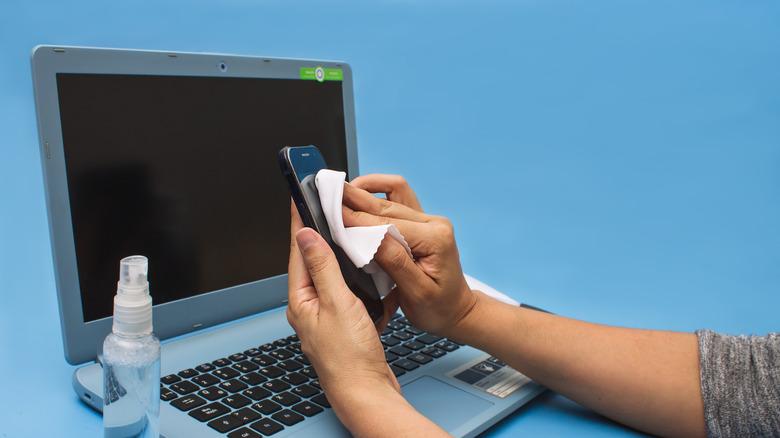
Isopropyl alcohol has a notably long shelf life. Its peak quality lasts about three years from the manufacturing date, though this can vary by brand. Passing that date does not mean the product is instantly unusable, especially if it has been kept away from excessive heat and sunlight. Still, using a bottle a decade past its prime on sensitive computer parts is a risk many would rather avoid.
Where Alcohol Can Cause Damage
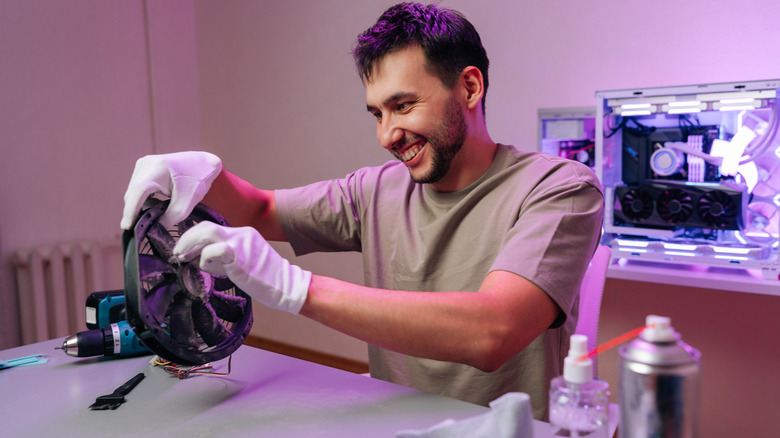
Even fresh isopropyl alcohol is not safe for every part of a PC. It can cloud acrylic and polycarbonate components, and it may smear or dull painted, printed, or glossy finishes. Screens with special coatings should only be cleaned with isopropyl alcohol if the manufacturer approves it. Over time, alcohol can also dry out rubber seals and gaskets.
For these more delicate areas, other methods are better suited. Compressed air and a microfiber cloth can handle most cleaning situations where isopropyl alcohol is not appropriate. Dust filters can be rinsed with water as long as they are allowed to dry completely before being put back.
Practical Cleaning Guidance
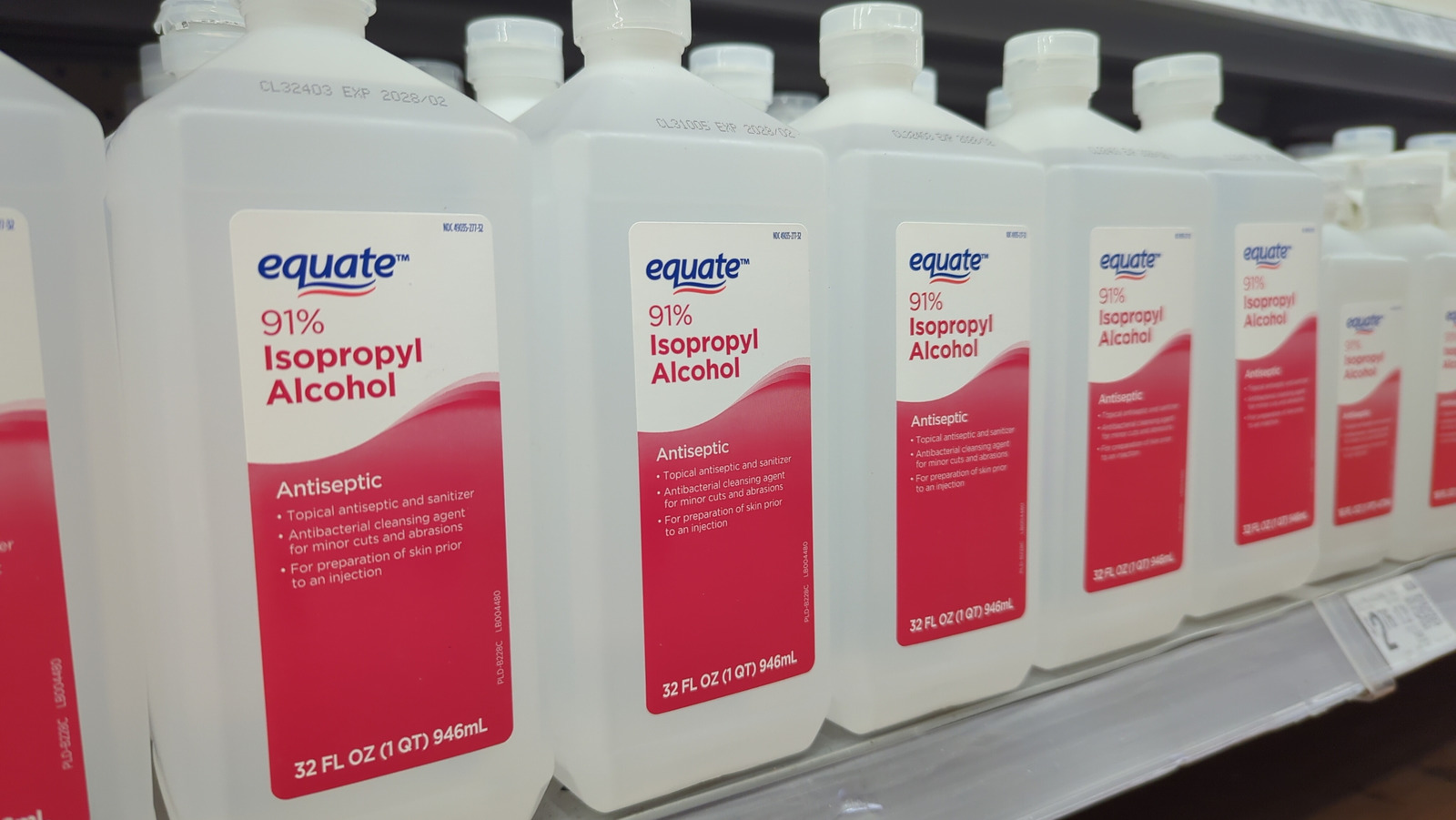
Before reaching for isopropyl alcohol, check its age and consider how it has been stored. A relatively new bottle in the 90 to 99 percent range is a better choice for electronics than an old one that may have absorbed moisture. For parts that alcohol could damage, rely on dry or water-based cleaning methods with thorough drying. Keeping these distinctions in mind helps protect a PC from unnecessary wear while still keeping it clean.