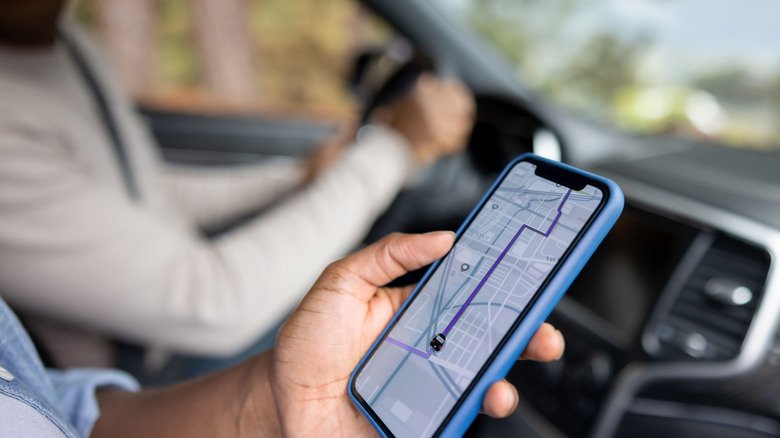
For many seniors, finding the best GPS app for older drivers comes down to one quality: predictability. A navigation tool that shouts alerts, flashes pop-ups, and crowds the screen with icons can add stress rather than remove it. Google Maps, already installed on most Android phones and available for iPhone, takes a quieter approach. Its uncluttered display and straightforward spoken directions make it a natural fit for drivers who want help without distraction.
Less Clutter, More Focus on the Road
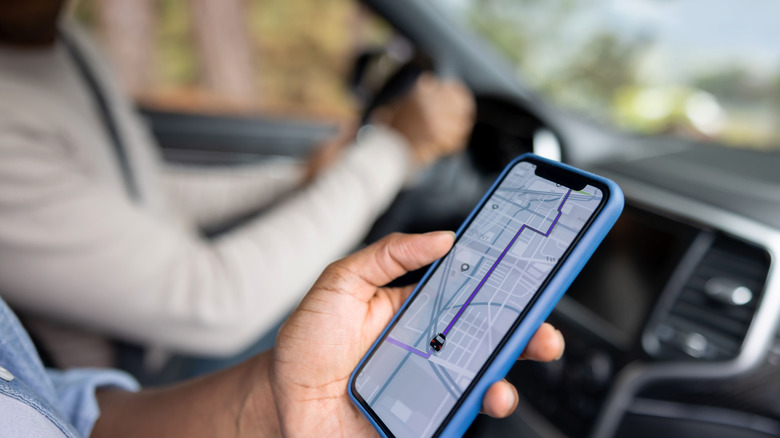
Compared with busier apps that serve up a steady stream of driver-reported warnings, Google Maps keeps the driving view simple. That restraint matters when your attention should be on traffic, lane changes, and street signs. The app relies on color-coded road segments to convey conditions at a glance: green for free-flowing traffic, yellow where speeds dip, and red where congestion is heavy.
Voice guidance is equally plain. Spoken prompts announce the next turn, name the street, and note the distance remaining. If a driver misses a turn, the route recalculates on its own without requiring any taps. For anyone who finds screen-reading while driving difficult, that hands-free reliability is a genuine safety benefit.
Planning a Trip Without the Guesswork

Uncertainty about travel time can be just as unsettling as the drive itself. Google Maps offers a departure and arrival time tool that helps remove that worry. After looking up a destination and tapping Directions, a driver can open the menu in the upper right and choose the option to set a desired arrival time. Entering a target like 9:45 a.m. for a 10 a.m. appointment lets the app factor in typical traffic for that hour and suggest when to leave. The phone then provides a reminder at the appropriate moment.
This feature is especially useful for medical visits or other appointments where punctuality matters and parking may take extra minutes. Rather than estimating backward from a vague sense of distance, the driver gets a concrete recommendation based on expected conditions.
Offline Maps for Weak Signal Areas
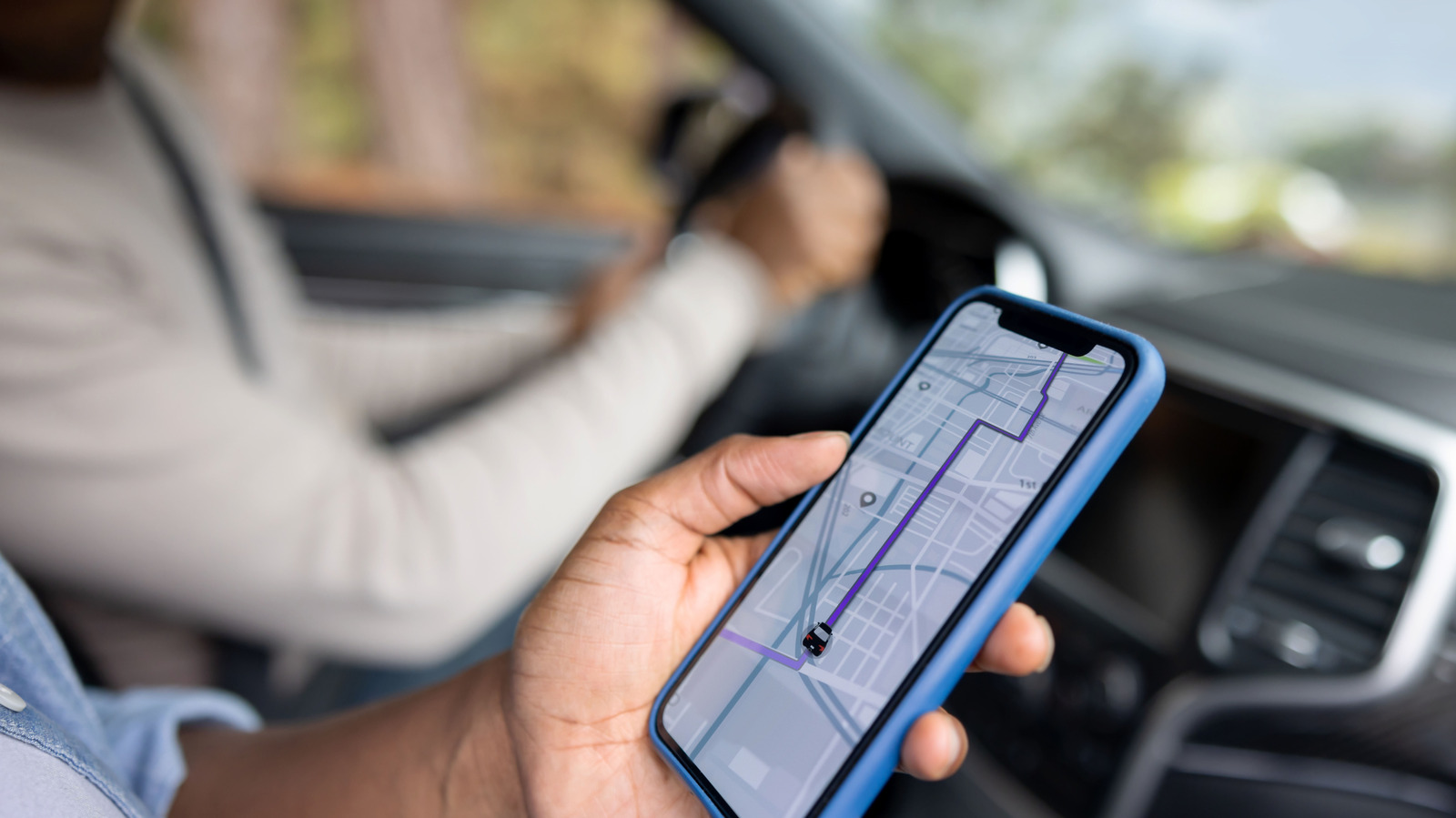
Rural roads and parking structures often have spotty coverage, but a downloaded map can keep navigation running when the connection drops. The process is simple: tap the profile , select Offline maps, choose to pick a map manually, zoom until the desired area fills the frame, and tap Download. One caveat is that offline maps do not include live traffic information, so they are best treated as a backup for routes where conditions are unlikely to change quickly.
Accessibility and Everyday Errands
Google Maps also includes accessibility settings that can be switched on with a few taps. Under Settings and then App & Display, users can enable a feature that gives prominence to wheelchair-accessible details such as entrances, seating, and parking when viewing a location. For older drivers or passengers with mobility concerns, this information can inform where to stop and how to approach a building.
Beyond navigation, the app serves as a practical errand companion. It can locate nearby gas stations or restaurants, show how busy a business is at a given time, and display reviews and menu details before arrival. Those small conveniences reduce uncertainty and help drivers plan stops along the way.
A Tool That Works Beyond the Car
Driving is not the only situation where clear guidance helps. Google Maps also provides walking and public transit directions, including which bus to board, how many stops to ride, and how far to walk to the final destination. That versatility means one familiar app can cover multiple modes of travel, which may appeal to older users who want to avoid learning several different tools.
No app is a substitute for attention behind the wheel, and drivers should always rely on their own judgment and local traffic laws. But for those seeking a navigation companion that prioritizes clarity over flash, Google Maps offers a measured, dependable option.