

Travelers concerned about surveillance in hotels and short-term rentals can use your phone to find hidden cameras with a few simple steps. A quick inspection can offer peace of mind, especially in private accommodations where cameras may be disguised as everyday objects.
Why Hidden Cameras Are a Concern
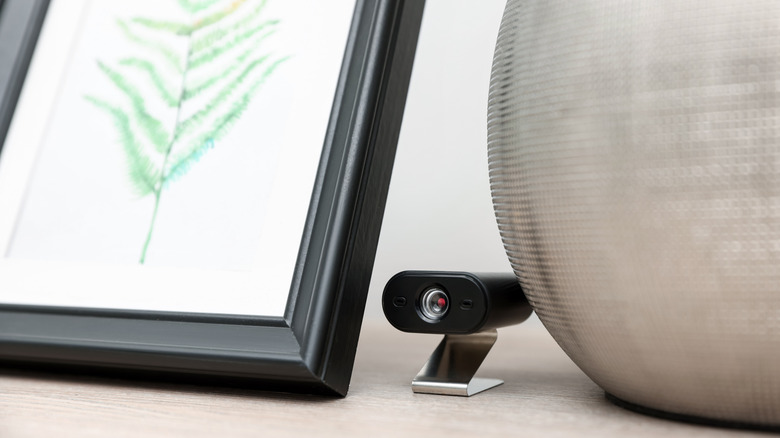
While the problem is relatively uncommon, it is not unfounded. A 2024 CNN report found that Airbnb processed 35,000 support tickets related to surveillance devices over the previous decade. The company said less than 0.1 percent of its properties received safety complaints, including those about cameras. Still, 51 percent of visitors said they distrust short-term rentals. Indoor recording devices are banned on Airbnb, but outdoor cameras such as doorbells are allowed. Cameras can be hidden in smoke detectors, chargers, frames, air purifiers, televisions, shower heads, or lights, making them hard to spot.
Start With a Flashlight Sweep
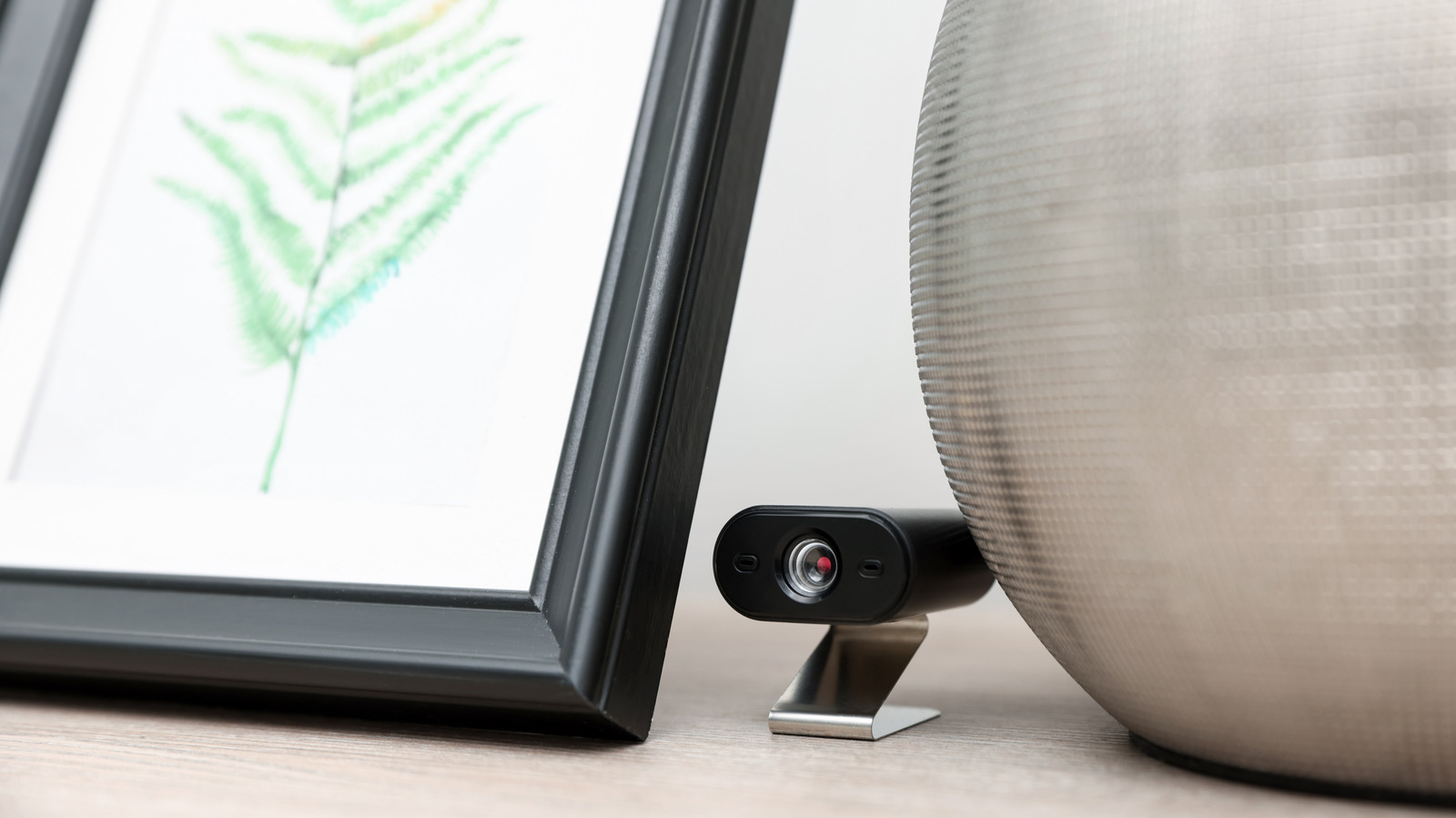
Begin by closing the curtains and turning off the lights. Then sweep the room with a flashlight, looking for glimmers that might indicate a lens or an LED. Pay special attention to areas near the bed and shower. Mirrors also deserve a check: shine the light at the mirror—it should bounce back rather than pass through. You can also place a finger against the glass. In a real mirror, there will be a gap between your finger and its reflection; in a two-way mirror, they will appear to touch.
Use Your Phone Camera to Detect Infrared
Night-vision cameras emit infrared light, which may appear as purple or white dots on your phone’s camera app. To confirm your phone can detect infrared, point it at a TV remote and press buttons—if you see light, your camera can pick it up. The front-facing camera is more likely to have this ability, but test both. Once confirmed, scan the room slowly to look for IR emissions.
Scan Wi-Fi and Bluetooth Networks
Many hidden cameras stream over Wi-Fi, and scanner apps like Fing, Net Analyzer, or WiFiman can help you spot unfamiliar devices. Connect to the local Wi-Fi and look for names containing “cam” or “camera,” or common camera brands like Wyze, Blink, or TP-Link. These apps also show MAC addresses and device types for further investigation. However, benign devices such as printers or televisions may also appear, and some cameras use their own networks—so check your phone’s list of available Wi-Fi networks for similar names. For Bluetooth-enabled cameras, you can simply open your Bluetooth settings and see what shows up; no app is required.
What to Do If You Find a Camera
If you suspect a device, double-check with both the physical sweep and digital scan. Once confirmed, do not touch it. Instead, photograph it, contact the police, and notify the platform’s customer support. Airbnb has clear policies against indoor cameras, even disconnected ones, and has permanently removed hosts and fully refunded guests in reported cases. Vrbo also bans recording devices and advises guests to report incidents immediately; affected guests may be eligible for a refund. The CNN report noted that Airbnb does not have a strict policy requiring employees to contact law enforcement, so if you feel unsafe, call the police yourself.
Combining a flashlight sweep, an infrared check with your phone’s camera, and a network scan with a dedicated app provides the most thorough way to check for surveillance. While no method is foolproof—especially since some cameras record to local memory cards and won’t appear on any scan—these steps can increase your confidence when staying in an unfamiliar place.


