
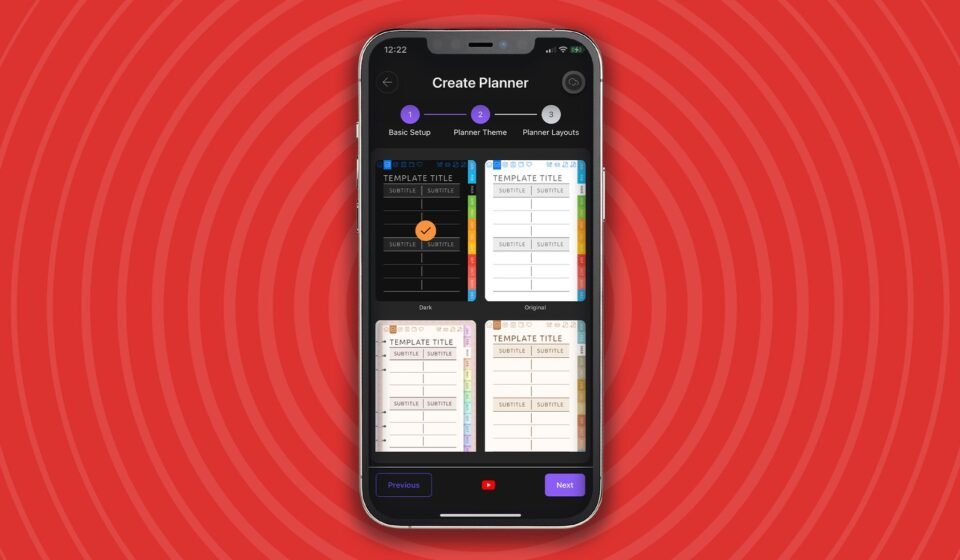

Ultimate Planner is a digital planning app built around a simple proposition: bring the feel of a paper diary to a screen without giving up the flexibility of software. Its creators describe it as the most customizable digital planner app, and the design leans heavily on familiar paper conventions — diary-style page layouts, Filofax-style tabs and support for stylus input.
Paper conventions, digital flexibility
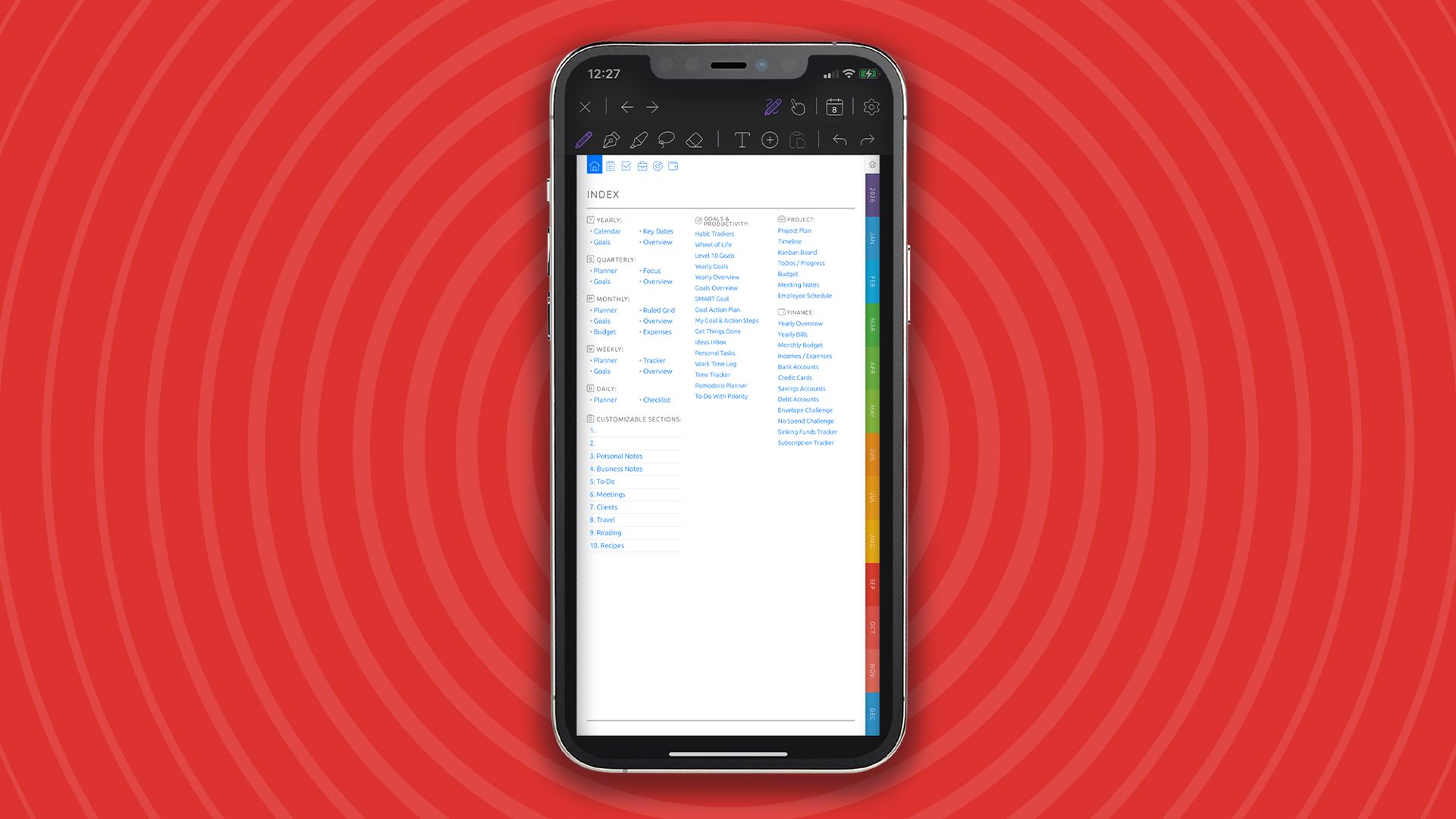
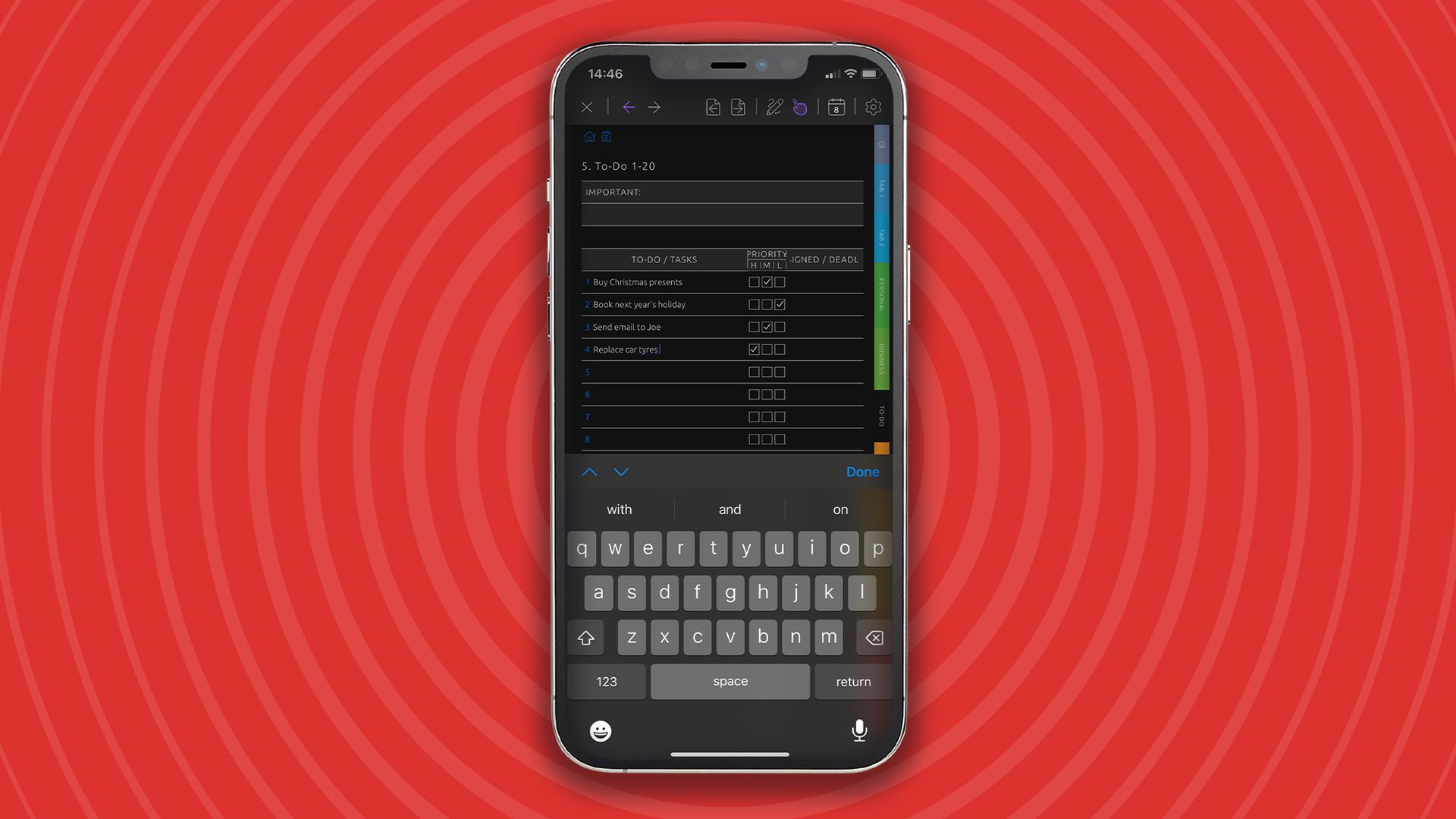
The app is intended to replicate the experience of using a paper diary rather than replace it with a purely list-based task manager. Tabs recall the dividers of a ring-bound organizer, while stylus support lets users write on the page in a way that suits handwritten notes and annotations.
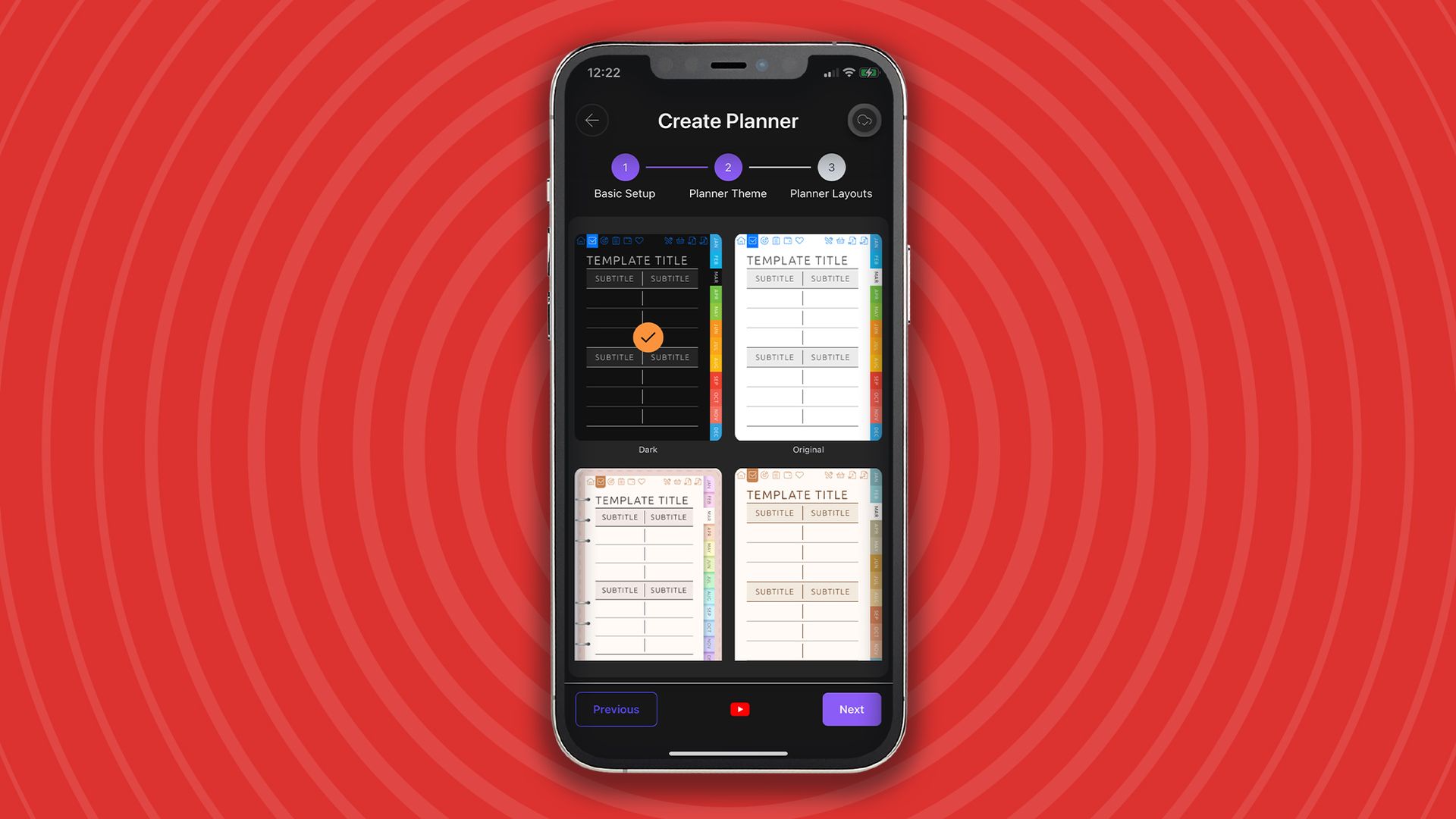
Customization is the central selling point. Users begin by choosing a planner type, which then shapes the features available to them. Layouts can be adapted with bespoke sections, and a broad range of templates is offered for those who want a particular personal aesthetic. The app also provides unlimited pages, notebooks and layouts, with a yearly rollover that keeps a planner going across calendar years.
There is a caveat familiar to anyone who has opened a feature-rich planning tool for the first time: showing everything at once can make the app feel complex. The depth is there, but it rewards a deliberate setup rather than a quick glance.
Free account versus Pro
A free account covers the core features, giving users a working planner without a subscription. The Pro tier adds specialized planners — currently teaching, gratitude and business — and removes the limit on how many planners a user can create.
Pro is priced at $39.99/£39.99 per year, or $69.99/£69.99 for a one-off lifetime purchase. No free trial is offered, so anyone weighing the upgrade has to decide from the free tier and the published feature list rather than a timed test of Pro.
Calendar sync and cross-device continuity
Ultimate Planner syncs with multiple digital calendars, and users can choose which calendars appear inside the planner. That matters for people who keep separate work and personal schedules, or who manage several calendars for a single role.
Data syncs across iPad, iPhone, Android and the web, so a planner set up on one device carries over to another. The app is available on iOS and Android.
Who it suits
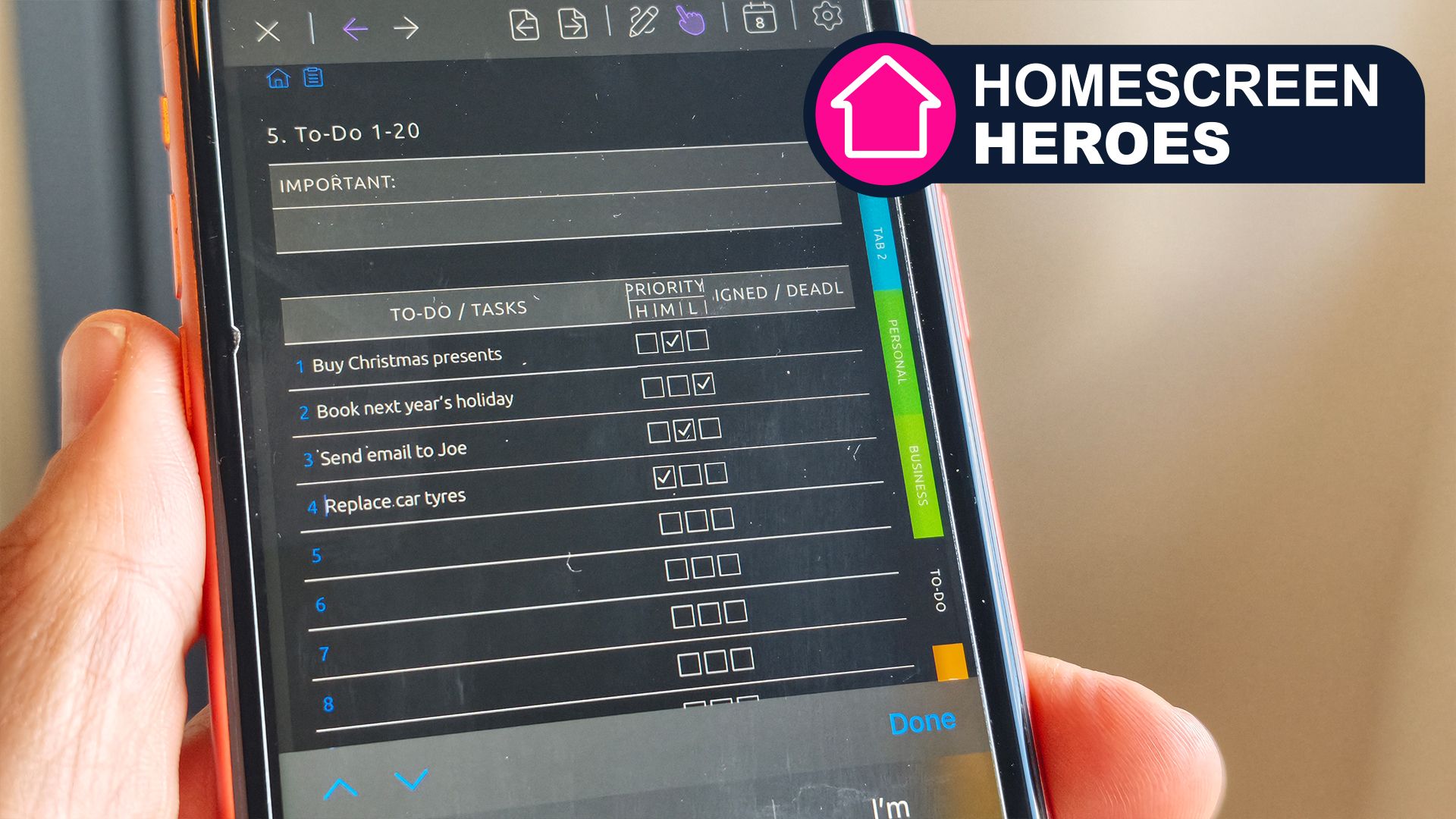
The combination of paper-like layouts and calendar integration points to users who want a diary they can write in and a schedule they can see in the same place. The same setup can serve work and personal planning, with the option to display only the calendars that are relevant at a given time.
For anyone drawn to the structure of a paper organizer but unwilling to leave digital calendars behind, Ultimate Planner is a considered option. The free account provides a way to test the core experience, while the Pro tier is aimed at users who want specialized planners and unlimited planner creation. The absence of a free trial makes the free tier the practical starting point.