Your iPad can do more than stream video or browse the web. A handful of well-designed apps can help you organize media, build habits, plan meals, journal and even learn about art. The following ten iPad apps for daily life each offer a free way to get started, and most keep artificial intelligence to a minimum. None are first-party Apple apps or subscription-only Adobe products.
Track what you watch and read
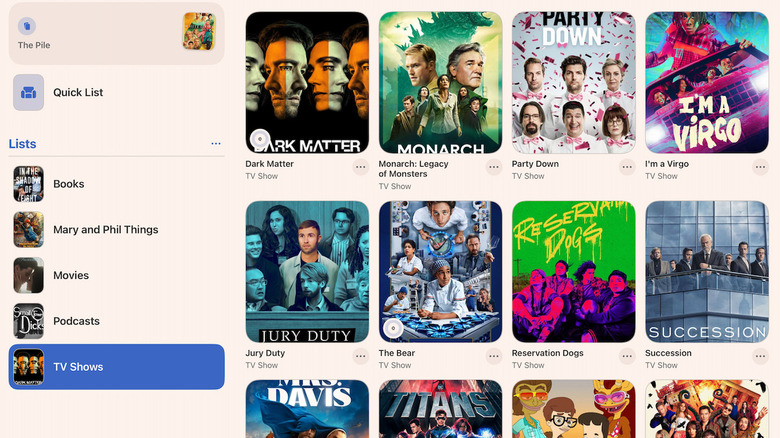
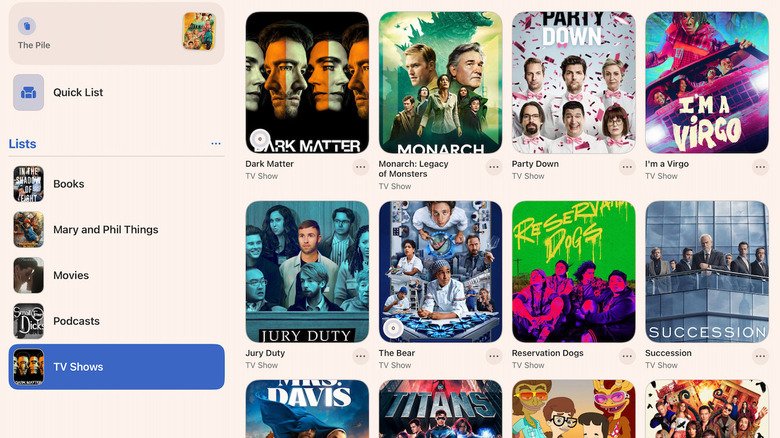
Sofa helps voracious media consumers keep tabs on books, TV shows and movies, with room to add custom categories. Its clean interface pulls in title images and details, and you can mark episodes as watched or add notes. The free tier tracks two series at once without ads, while paid plans unlock unlimited titles and custom ratings. Subscriptions run $5.99 per month, $49.99 per year or $249.99 for a lifetime membership.
Take notes without clutter

Bear is a Markdown-based notepad that keeps its interface simple. You can organize thoughts with tags, add links and create searchable to-do tasks. The app supports smooth Markdown styling and remains elegant even if you ignore advanced features. A $3 monthly or $30 yearly subscription adds syncing across devices and publishing to HTML or ePub.
Turn your tablet into a magazine
Flipboard transforms the touchscreen into a personalized magazine with large images and a clean layout. You choose topics from broad categories like sports or science down to niche interests such as a specific soccer league or sustainable design. You can follow individual authors and sites, and block sources you don’t want. Flipboard is completely free and sometimes surfaces stories normally hidden behind paywalls.
Plan meals with a little help
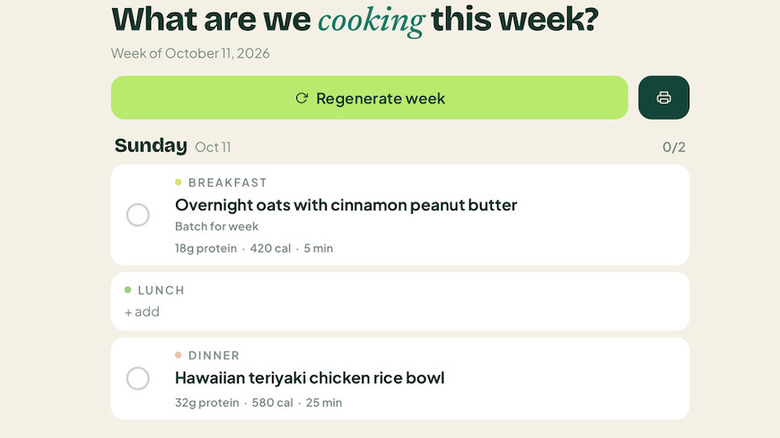
Happy Spoon is a meal planner that uses AI to understand plain-language requests, like using up chicken breast in several recipes. It generates a weekly menu and a shopping list sorted by grocery aisle, and it adjusts portions for adults or kids. The AI features are free for two weeks; after that, the service costs $5.99 per month or $49.99 per year. You can use the app without the AI tools.
Map out ideas visually

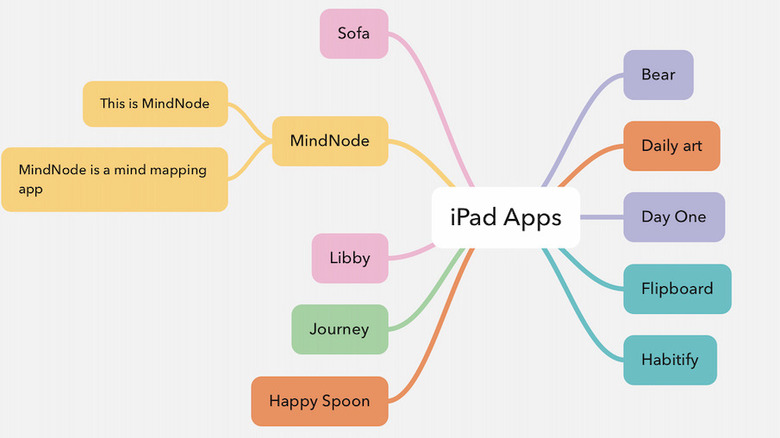
MindNode provides a canvas for connecting thoughts, whether you’re organizing a meeting agenda, a workout plan or life goals. Start with a central idea and branch outward; the app keeps large maps neat and can also show them as text outlines. The premium subscription at $2.99 per month or $24.99 per year adds editing tools, photos, emoji, real-time collaboration and task reminders. Apple Intelligence features are included but optional.
Keep a diary that grows with you
Journey stores journal entries, calendar appointments, photos, multimedia and maps of places you’ve been. Its templates cover travel planning, personal goal tracking and a 30-60-90 day plan for a new career. You can tag entries with moods and view graphs of your feelings over time. Premium features, including sharing a journal and an AI assistant that answers questions about your entries, cost $6.99 per month, $49.99 per year or $199 for lifetime access.
Borrow from your library
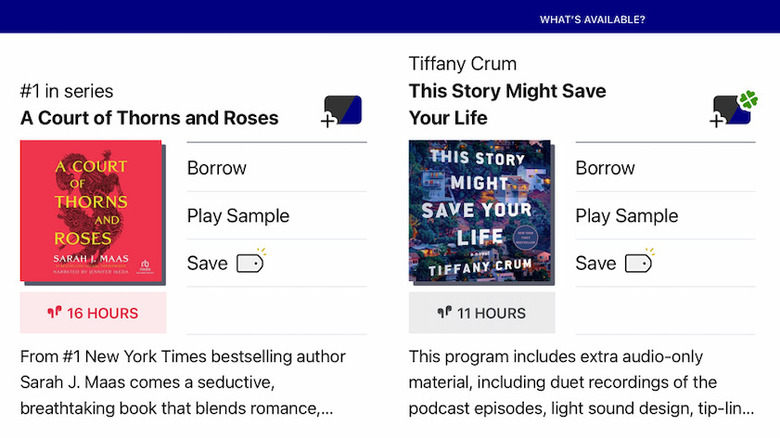
Libby brings your local library to the iPad. Register a library card to borrow ebooks, audiobooks, periodicals, graphic novels and comic books. The app handles borrowing and provides its own ereader interface, or you can send titles to a Kindle. If a best-seller is unavailable, you can join a waiting list or request that your library acquire a copy. Libby has no premium tier.
Start journaling with prompts
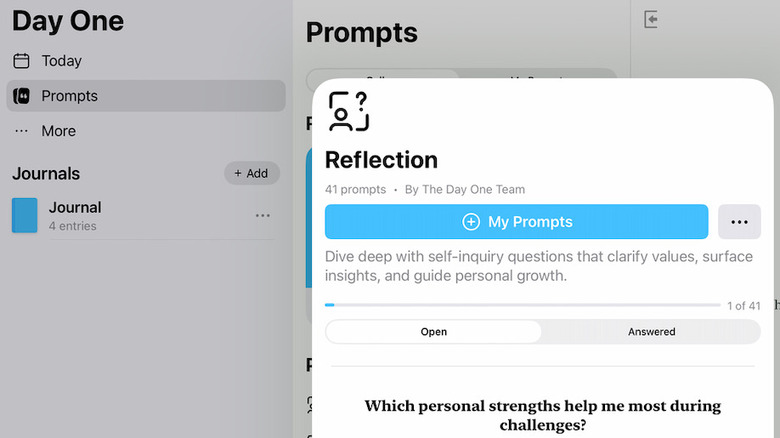
Day One reduces the effort of journaling by automatically recording the time, date, location, weather and moon phase when you begin an entry. It offers prompt categories such as Reflection, Fitness and The Year Ahead, and can pull photos, maps and calendar events into a daily summary. Privacy features include an app-specific passcode and a setting to disable AI. Unlimited entries are free; unlimited photos, videos and audio recordings require a $49.99 yearly subscription, which also adds IFTTT integration and markup tools.
Build habits quietly

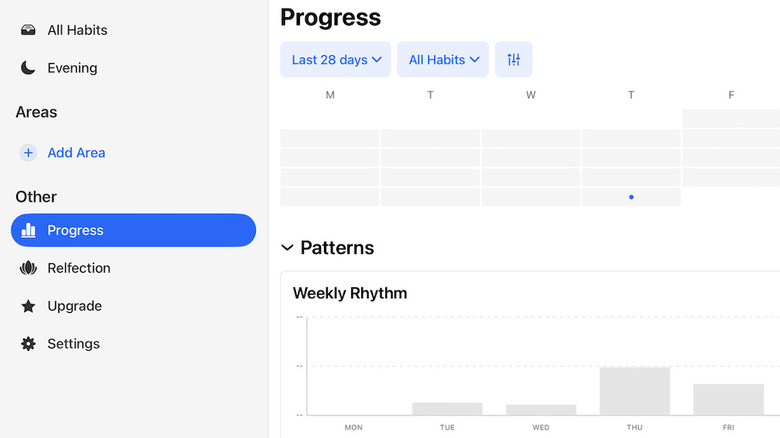
Habitify lets you design a habit or goal, then monitors progress in the background. You specify which days you’ll repeat the habit and a specific goal. Siri integration means you can log habits and check progress without opening the app. The paid option at $49.99 per year adds Apple Health and Google Health integrations, Apple Watch and Fitbit connections, and screen-time monitoring.
Discover art daily

DailyArt serves up a single artwork each day with a brief history of the work and artist, plus an explanation of its style. You can tap links to explore more art or browse collections grouped by artist, movement or theme—such as paintings of people working with their hands or cats in art. Quizzes and games add a playful element. The app has an unobtrusive ad bar; a premium option at $4.99 per month or $29.99 per year removes ads and unlocks unlimited searches in a library of high-quality artwork.