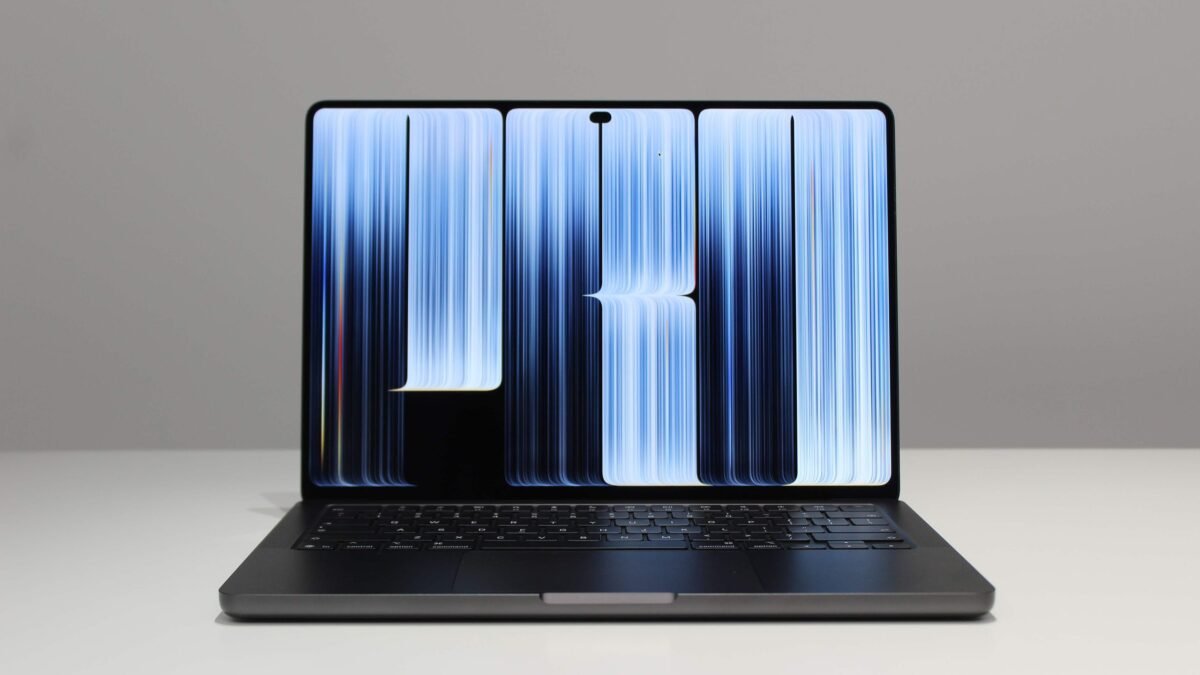
In our Apple MacBook Pro OLED review, one thing becomes immediately clear: this is a laptop defined by contradictions. The display is without question the finest ever fitted to a portable computer, yet the touchscreen feels like an experiment Apple hasn’t fully committed to. And then there’s the price, which pushes well beyond what most professionals will comfortably spend.
A Display That Redefines Laptop Visuals

The centerpiece is what Apple calls the PROLED XDR panel. It’s a tandem OLED screen that reaches 1,000 nits in standard dynamic range across everyday content, and can peak at 2,000 nits in specific situations—outdoor use with the ambient light sensor active, or when displaying HDR material. In testing, the panel maxed out at 1,849 nits, though it managed 1,025 nits with every pixel illuminated. That’s brighter than any laptop screen we’ve measured, and the deep blacks of OLED make HDR content look genuinely dimensional.
Compared directly with the Mini-LED MacBook Pro, the difference is obvious. The OLED model is only about 12 percent brighter in raw terms, but the contrast transforms the viewing experience. For anyone working with HDR footage professionally, this opens doors that were previously closed on a laptop. The optional nano-texture glass, a $150 upgrade, is worth considering if you often work outdoors—the standard glass remains fairly reflective.
Touchscreen: Useful but Unconvincing

Apple has finally brought touch to the MacBook Pro, but the implementation feels cautious. During daily work, the touchscreen largely disappears from your awareness. Swiping away a notification or scrolling through a feed while lounging can feel natural, but these moments are rare. The software makes some effort—window controls expand when tapped, menu bar dropdowns are more spaced out—yet tapping small icons remains clumsy, much like on Windows laptops.
Third-party app support is inconsistent. Some Rosetta-translated apps, like Steam, don’t support certain touch features such as zooming window controls. Creative professionals might find uses in Pixelmator Pro or ZBrush, but for many tasks, the trackpad and keyboard remain faster. Apple hasn’t added a 180- or 360-degree hinge, and Apple Pencil isn’t supported. The touchscreen feels like a catch-up feature rather than a reimagining of how we use laptops.
Design Tweaks: Goodbye Notch, Hello Glow

The controversial notch is gone, replaced by a hole-punch camera and Dynamic Island, which can display live activities like timers or currently playing music. The bezels are slightly thinner, and the rubber feet have softer edges. The glowing Apple logo returns, exclusive to the OLED model—a pure status symbol that matches the display’s brightness so it doesn’t distract in dark rooms.
Weight has also dropped significantly. The 16-inch model now weighs just 4 pounds, well over half a pound lighter than its non-OLED counterpart, thanks to the thinner OLED layers. It’s a meaningful improvement for a laptop this size.
Performance: Same Chips, Same Speed

The 2026 OLED MacBook Pro uses the same M5 Pro and M5 Max chips as the previous generation—the first time Apple has repeated silicon in a Mac since introducing Apple Silicon. Benchmark scores in Cinebench 2026 and games were nearly identical to last year’s models. Apple says the internals were redesigned to support the new display, but the goal was parity, not improvement.
If you already own an M5 Pro or M5 Max MacBook Pro, upgrading is hard to justify unless the display is essential to your work. Those coming from older M1 Max or M2 Max machines face a tougher choice between the OLED and non-OLED models, which Apple continues to sell side by side.
Pricing: The Best Comes at a Cost

The OLED model commands a $400 premium over the non-OLED version, on top of earlier price increases. The 14-inch OLED starts at $2,899, while the 16-inch begins at $3,399. Our test configuration—16-inch, M5 Max with 18-core CPU and 32-core GPU, 128 GB of memory, and 2 TB of storage—retails for $7,399. That’s not even the most expensive build available.
With memory prices rising, there’s little hope for relief soon. If the OLED screen is the draw, the 14-inch M5 Pro is the more sensible entry point, though you’ll sacrifice some performance. The non-OLED M6 MacBook Pro remains a strong alternative for those who can live without the new display and touch features.
Verdict

The Apple MacBook Pro OLED is a remarkable piece of engineering with the best laptop display we’ve ever tested. But the touchscreen feels half-baked, performance hasn’t moved, and the price is eye-watering. It earns an 8/10 for pushing display technology forward while leaving us wondering whether the rest of the package justifies the premium.