Apple Music works on more than just Apple hardware, but a new device won’t automatically mirror your collection unless Apple Music Sync Library is active. The usual culprit is a single toggle—or an account mismatch—that leaves your songs stranded elsewhere. The fix is straightforward once you know where to look.
Start with the account
Before changing any settings, confirm that every device is signed in with the same Apple Account. On an iPhone or iPad, open the Apple Music app and tap your profile on the Home tab. The email shown there should match the one on your other devices. If it doesn’t, sign out and sign back in with your primary account.
Turn on Sync Library by device
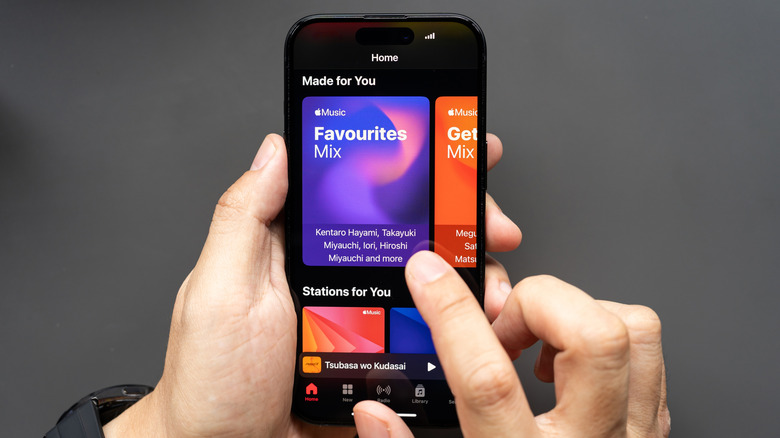
The location of the Sync Library switch varies by platform, but the goal is identical: make sure it is enabled everywhere you listen.
iPhone and iPad
Open Settings, tap Apps, find Music in the list, and enable Sync Library.
Mac
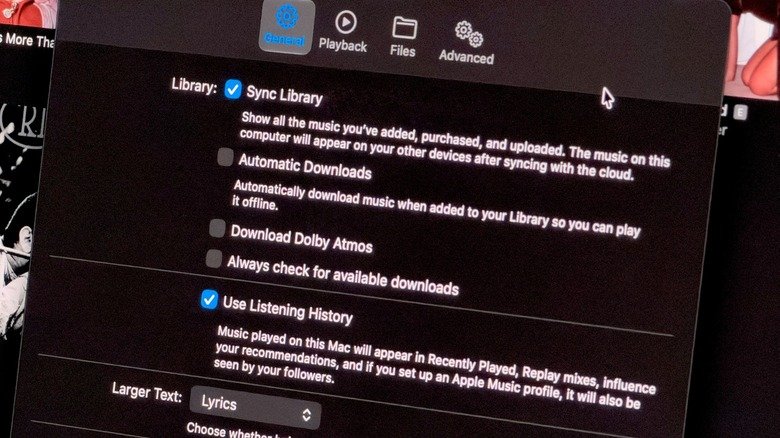
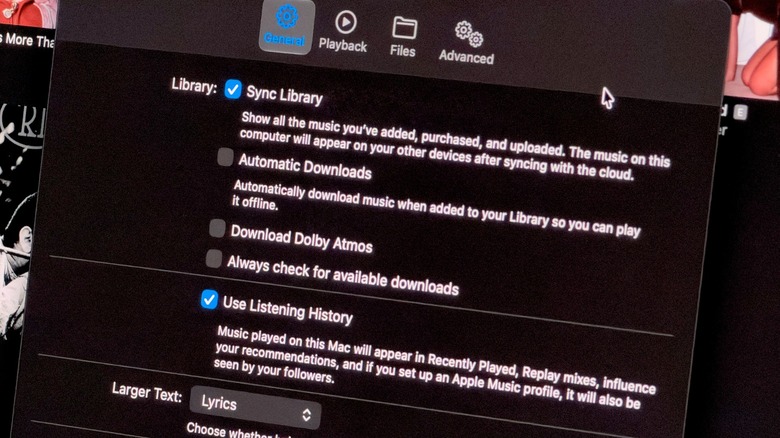
Launch the Music app, click the Music menu at the top of the screen, and choose Settings. Under the General tab, confirm that Sync Library is on, then click OK to save.
Windows
The steps are nearly the same as on a Mac, but you reach Settings through the three-dot button instead of the Music menu.
Android
Sync Library is enabled by default on Android, so no change is needed there.
After switching it on, give the first sync time to finish. A large library can take a while, and songs may not appear immediately. Keep the Music app open and wait a few minutes before assuming something is wrong.
When songs still don’t appear
If the library remains incomplete, try forcing a sync from a computer. In the Mac app, click File, go to Library, and select Update Cloud Library. The same option is available in the Windows app’s sidebar. The iOS and Android apps do not offer this command.
On mobile, check that the device is connected to Wi-Fi and is not in Low Power Mode, since either condition can block syncing. If the problem persists, return to Settings, turn Sync Library off, and turn it back on. Signing out of your Apple Account and signing back in is another option.
For listeners without an Apple Music subscription who keep an offline library on a Mac or PC, syncing works differently: the Music folder must be transferred manually to another computer using Apple iTunes or Apple Devices.
While you’re in the settings, it’s also worth reviewing audio quality options—including lossless audio—to get the most from your subscription.