It can be frustrating when your phone screen dimming with auto-brightness off interrupts what you’re doing, whether you’re reading, gaming, or watching video. Even with the automatic brightness adjustment disabled, several other settings and conditions can cause the display to darken. Understanding these triggers is the first step toward stopping the dimming.
Heat and power management
One of the most common reasons a phone screen dims is overheating. When the device gets too hot, it reduces performance and energy use to protect internal components. Because the display is one of the most power-hungry features, brightness is lowered as a precaution. Heat can come from outside the phone or from demanding activities such as gaming, camera use, HD streaming, software updates, or wireless charging. Moving the phone to a cooler environment, removing a protective case, and closing power-intensive apps can help it cool down.
iPhone-specific causes
On an iPhone, power-saving settings can dim the screen automatically. Checking the screen timeout setting is also worthwhile; if it is set to less than one minute, the display will dim quickly. Another possibility is the Attention Aware Features setting, which dims the screen when you are not looking at it. This can be turned off by going to Settings > Accessibility > Face ID & Attention and disabling Attention Aware Features.
The proximity sensor, which turns off the screen during calls when the phone is near your ear, can also cause dimming or blackouts if it is dirty or triggered by movement near the top of the phone. Cleaning the top of the iPhone with a microfiber cloth and keeping it free of dust and oil may resolve the issue. A misaligned screen protector can also block the sensor, so replacing it may help.
For iPhone 14 Pro models and later, the Always-On Display feature keeps the Lock Screen visible by dimming it. According to Apple, the display turns off entirely in certain situations, such as when the phone is face down, CarPlay is active, it is away from a paired Apple Watch, Continuity Camera is in use, Sleep Focus is enabled, or Low Power Mode is on. Since Always-On Display is enabled by default on newer iPhones (except the Air), unfamiliarity with this feature could explain the dimming.
Android-specific causes
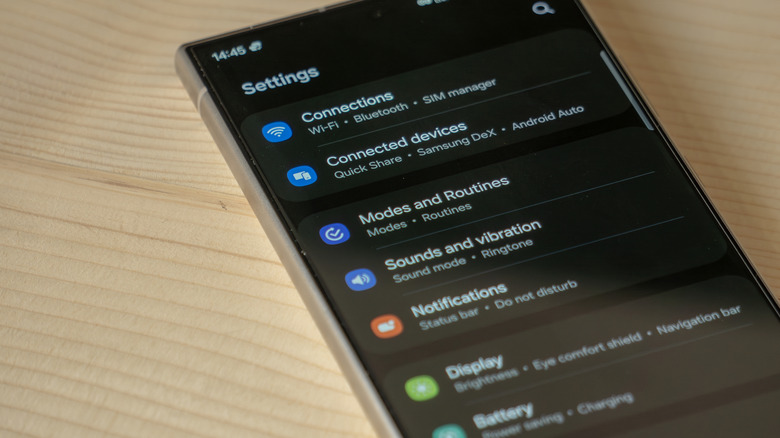
Android phones dim for the same reasons as iPhones, but the settings differ. Keeping the phone cool and ensuring the proximity sensor is not blocked by a screen protector are still important. Samsung Galaxy phones offer a feature called Keep screen on while viewing, which uses the front camera to detect your face and keep the screen on regardless of the timeout setting. It can be enabled via Settings > Display > Screen timeout.
Power-saving features on Android can also cause dimming. On Samsung Galaxy phones, options such as Always On Display, limiting CPU speed to 70 percent, and decreasing brightness by 10 percent are found under Settings > Battery and device care > Battery > Power saving. Disabling some of these can prevent the screen from dimming automatically.
Google Pixel phones have similar fixes but also include an Extra dim feature in the brightness adjustment within Quick Settings on newer models. For Pixel 9 and earlier, check Settings > Accessibility > Extra dim to ensure it is disabled, as it lowers brightness below the standard minimum. Battery Saver can be turned off by going to Settings > Battery > Battery Saver.
When to seek professional help
If the screen continues to dim excessively after trying these solutions, the phone may have internal damage. Warning signs include abnormal flickering, light surges, a dark screen at startup, bright or shadowy spots, ghosting, or permanent dimming. These symptoms often indicate component damage that settings cannot fix. Repairing or replacing an OLED or AMOLED screen, common on newer iPhones, Samsung Galaxy S-series phones, and Google Pixels, can be expensive, so comparing the cost of a new screen with that of a replacement phone may be wise.