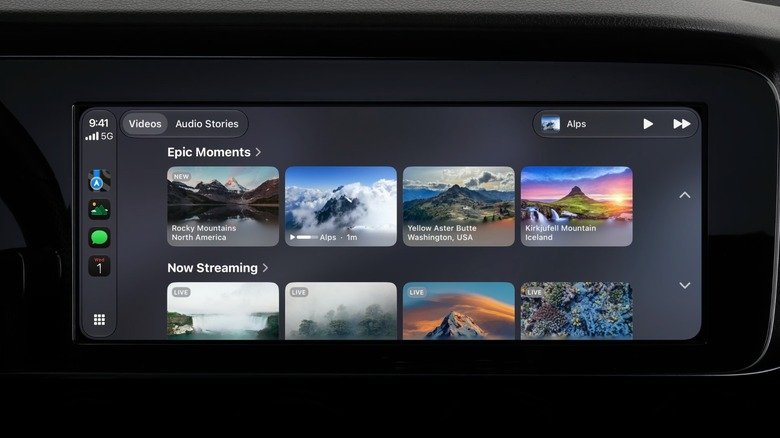
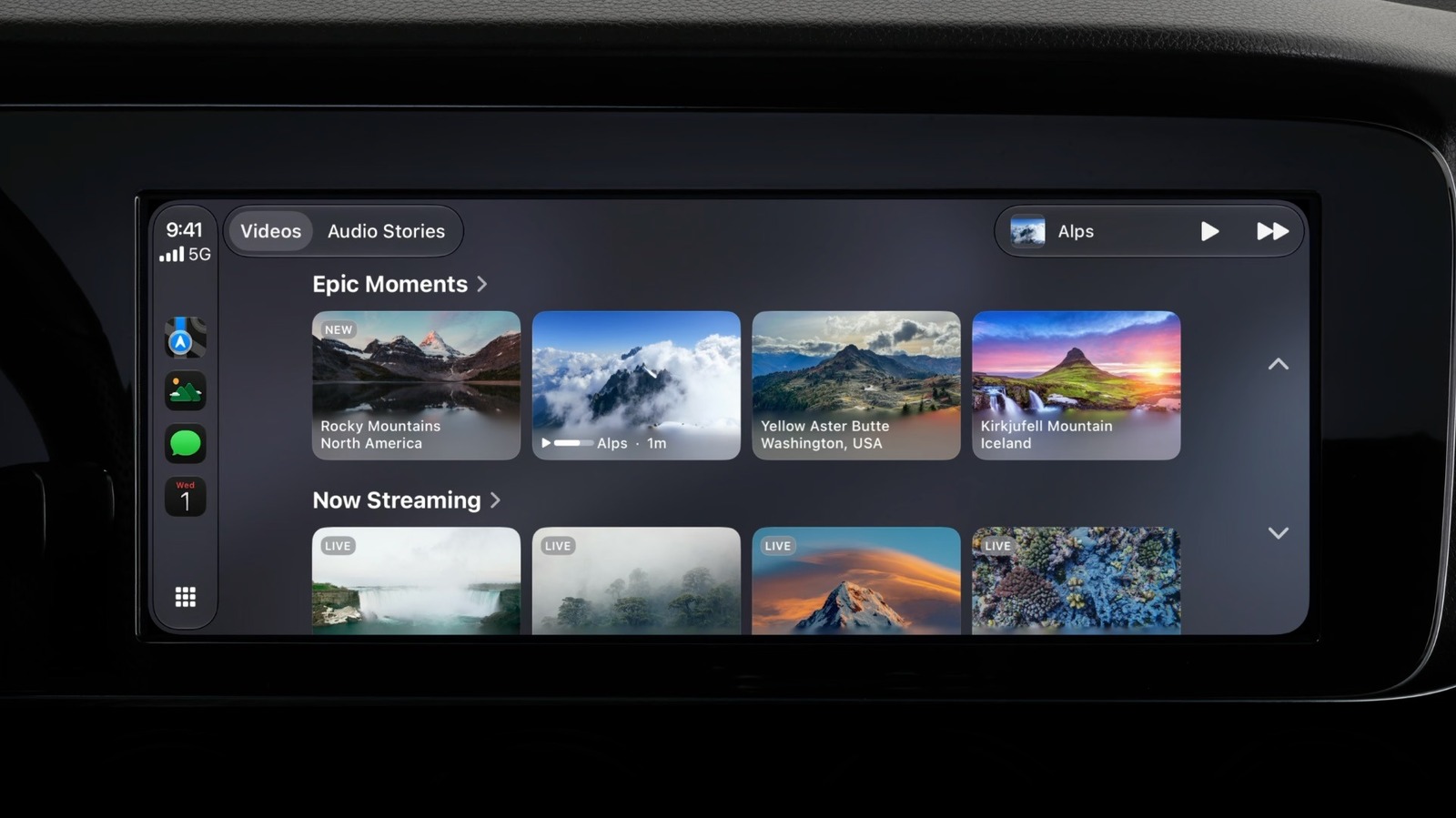
With iOS 27, Apple has finally enabled video playback on CarPlay, but only when the vehicle is stationary. The feature is limited by app support and hardware requirements, so not every driver will be able to watch videos on Apple CarPlay right away. Here is what you need to know before you try.
The software and app requirements
Native video apps on CarPlay require iOS 27, which is available on the iPhone 11 and later. If you are using AirPlay to mirror video from your iPhone to the CarPlay display, you need iOS 26.4 or later. To check for updates, go to Settings, then General, then Software Update on your iPhone.
Not all video apps work with CarPlay natively. Popular services like YouTube and Netflix do not support CarPlay video directly. If you have a compatible app installed on your iPhone, its icon will appear on the CarPlay Home Screen. You can open it there to browse and play videos without touching your phone.
How to stream video with AirPlay
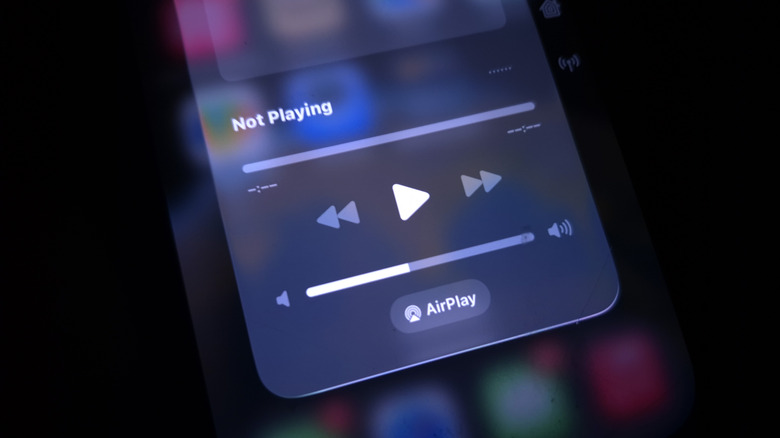
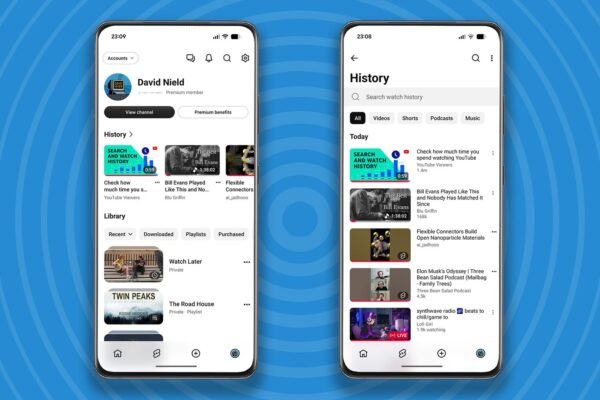
If your favorite video app does not have native CarPlay support, you can still use AirPlay to send video to your car’s dashboard. First, connect your iPhone to CarPlay. Then open an AirPlay-compatible app, such as YouTube, and start playing a video. Tap the AirPlay button and select CarPlay from the list of available devices. The video should appear on your car’s screen, and playback controls will be available on both your iPhone and the CarPlay interface.
To stop mirroring, tap the AirPlay button again and deselect your car. Remember that the vehicle must be parked for video to play. When you start driving, CarPlay automatically switches to audio-only mode, so audio from a podcast or other content can continue.
Why your car might not support video playback
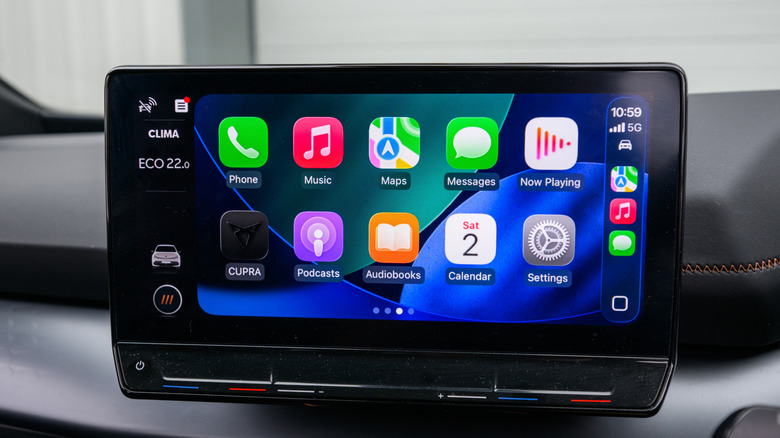
Even with the right iPhone and software, video playback on CarPlay depends on your vehicle. Automakers must add support for video apps, and many older car dashboards do not have the necessary hardware and likely never will. Apple requires CarPlay screens to have a resolution of at least 1,920 x 1,080 pixels, support the HEVC codec, and include at least 4GB of memory. Older systems may fall short of these specifications.
Apple does not publish a list of vehicles that are compatible with video apps on CarPlay, so you will need to check your own car’s capabilities. If you have followed the steps above and video still does not appear, your vehicle is probably the limiting factor.
Aftermarket options and safety concerns
If your car is not compatible, companies like Carlinkit and Ottocast sell Android-based AI boxes that plug into your car’s dashboard. These devices let you install Netflix, YouTube, and other video apps without jailbreaking your iPhone. However, these workarounds also bypass the restrictions that limit video playback to when the vehicle is parked. Watching video while driving can be distracting, so use these devices responsibly.
For now, watching videos on CarPlay while parked is possible, but it requires a recent iPhone, the right software, a compatible video app, and a car that supports video-in-car technology. Check each of these before you expect the feature to work.