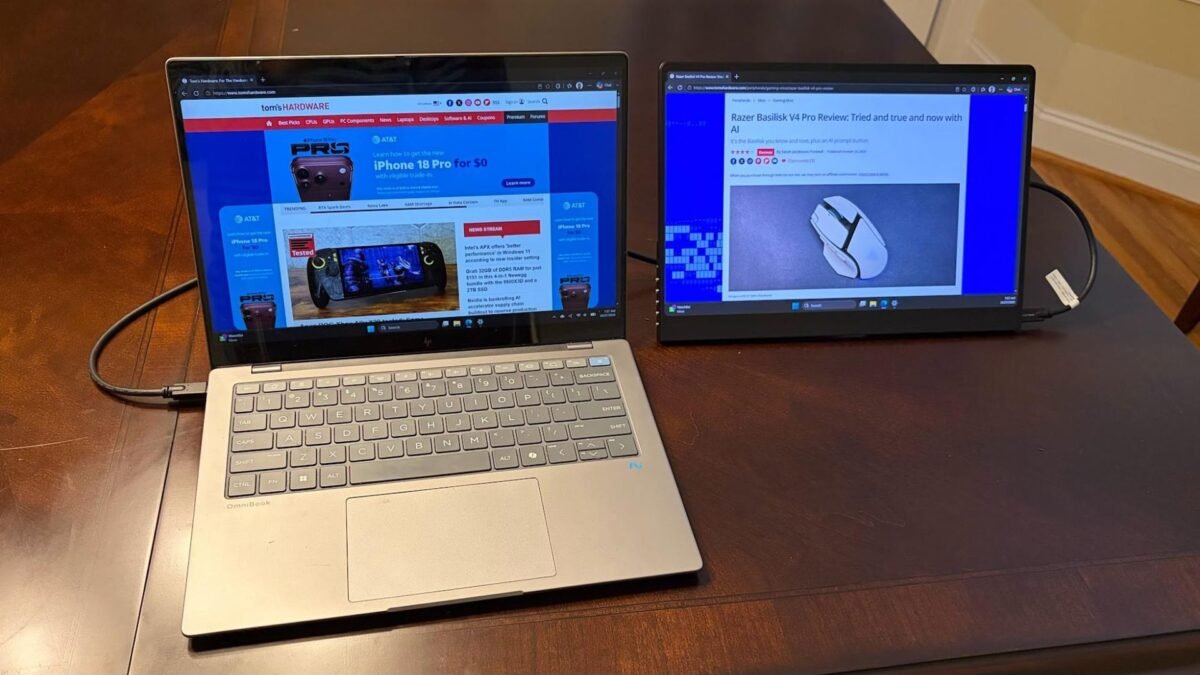
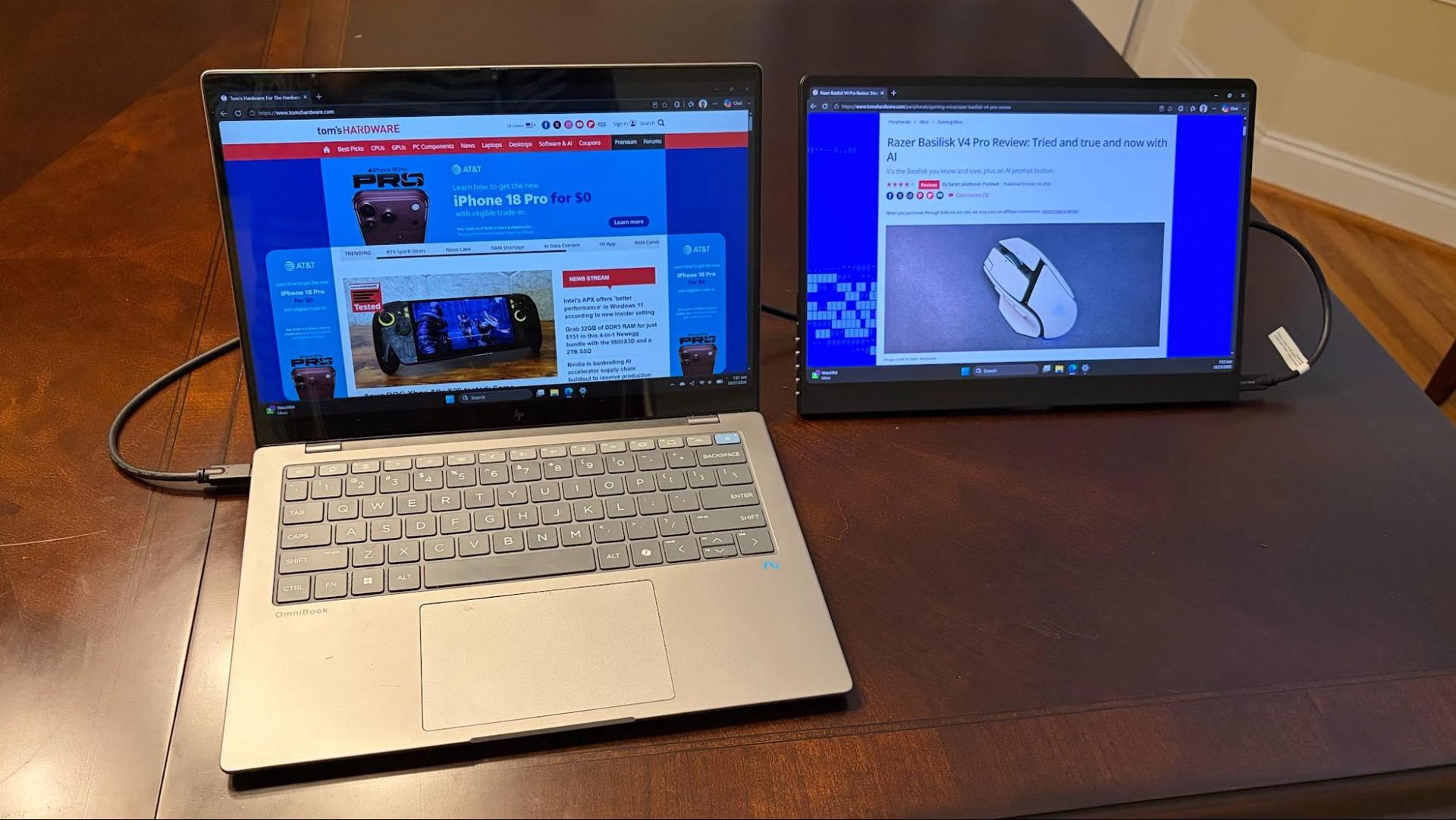
In this UPERFECT GR14BU review, the focus is a 14-inch portable monitor that departs from the usual 1080p IPS formula. UPERFECT’s GR14BU packs a 2880 × 1600 OLED panel with a 120 Hz refresh rate and touch input for Windows 11. At $299 on Amazon, it undercuts many OLED portables while adding features typically reserved for pricier models.
Design and Build
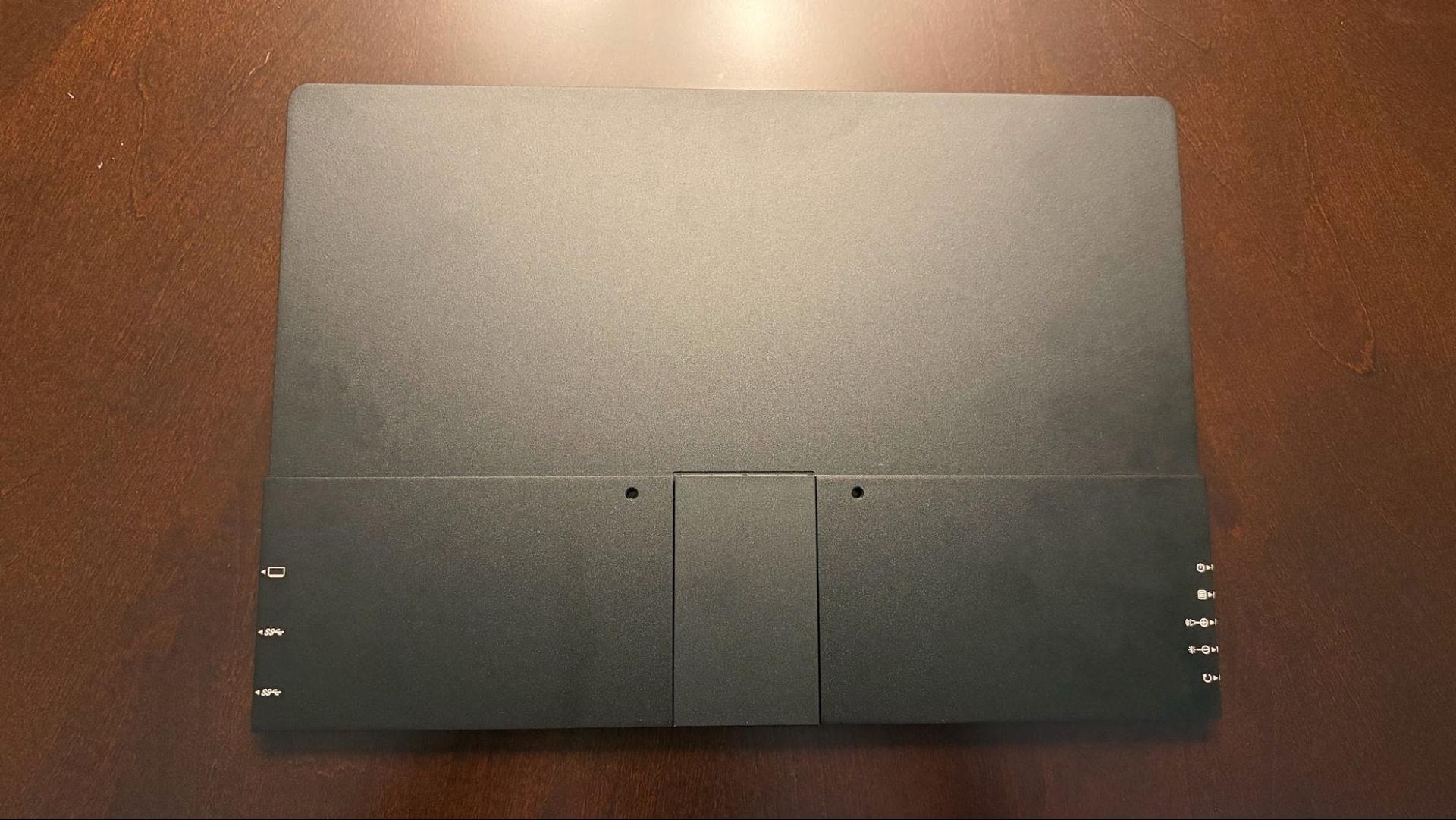
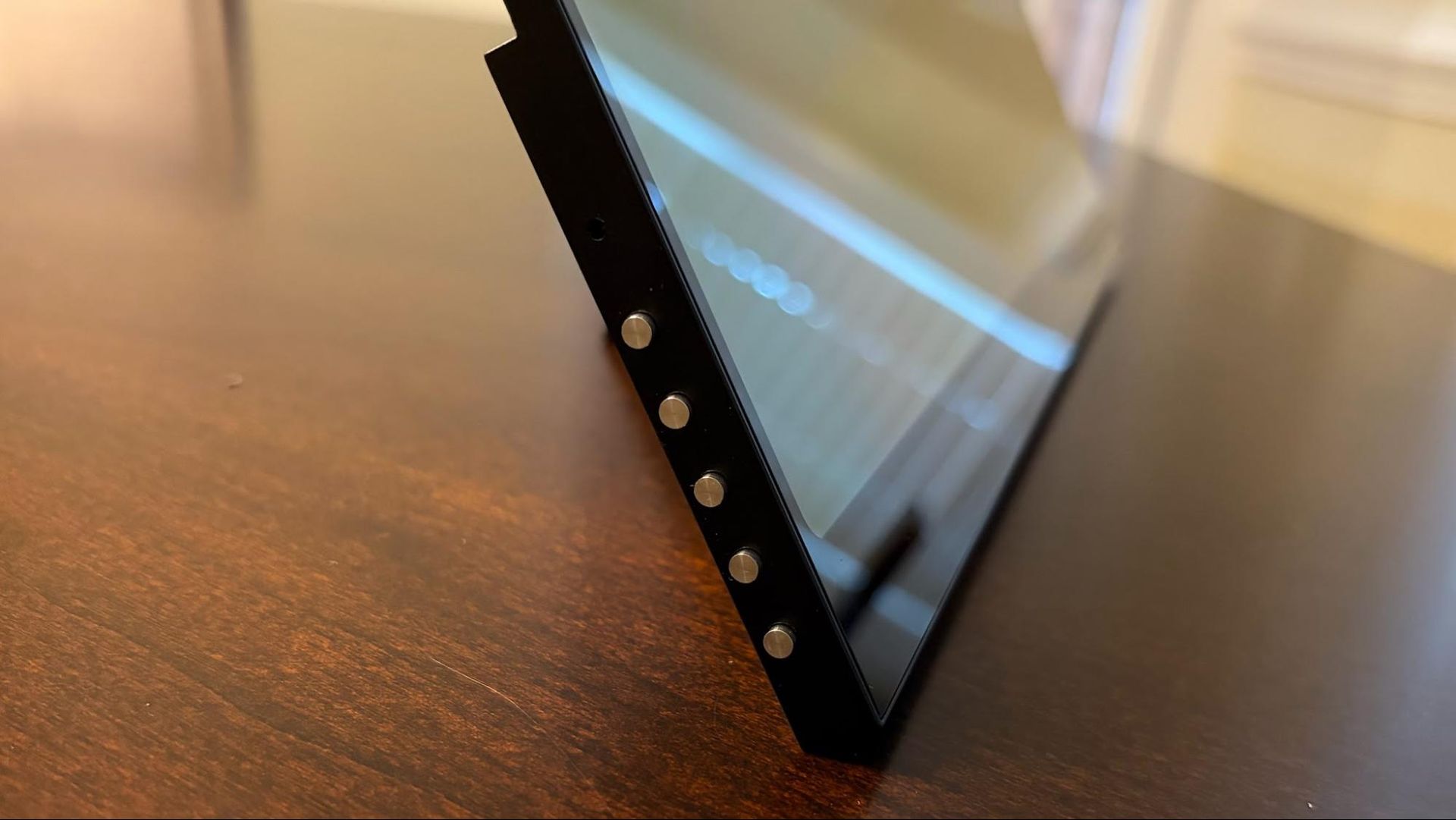
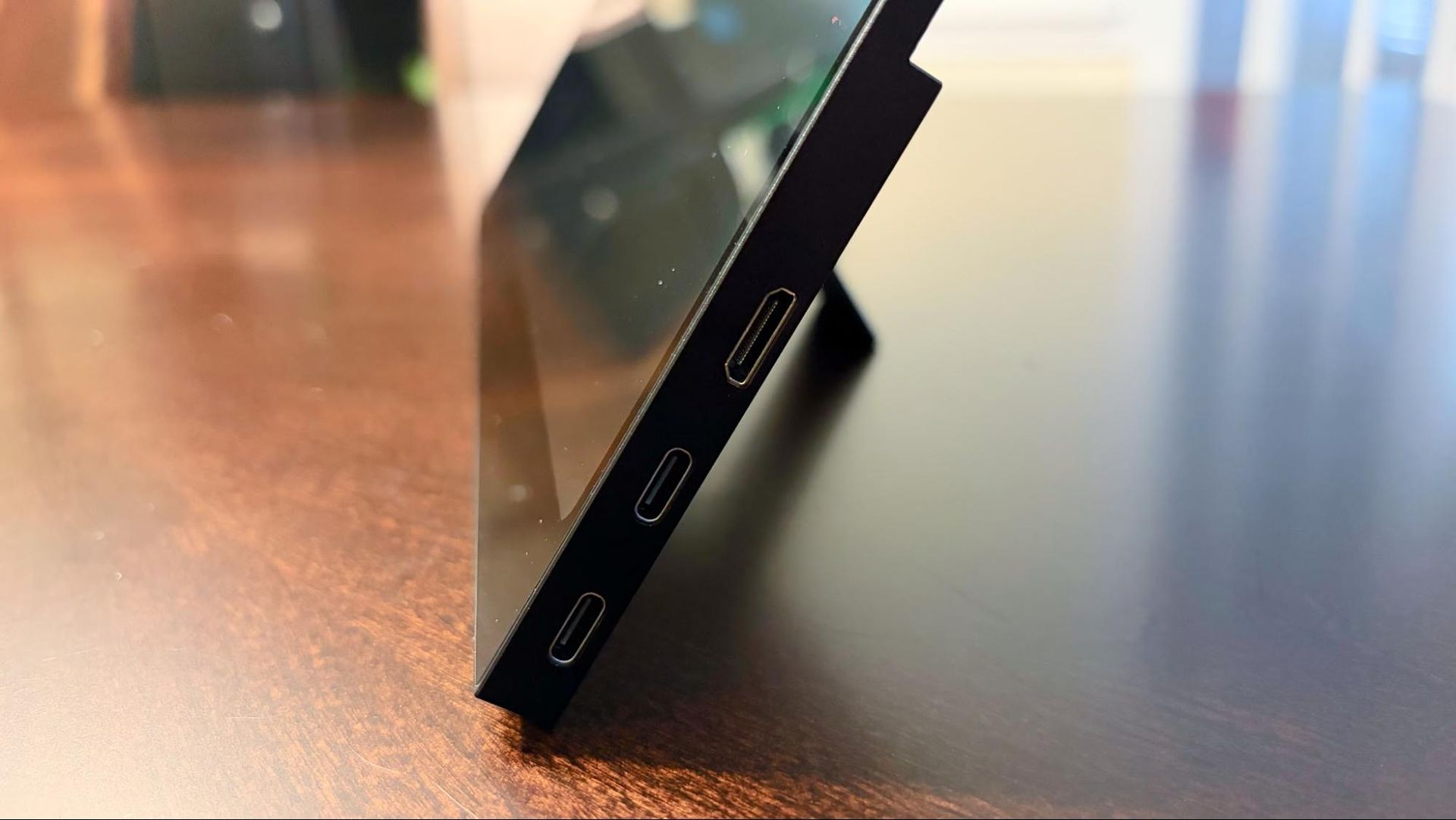
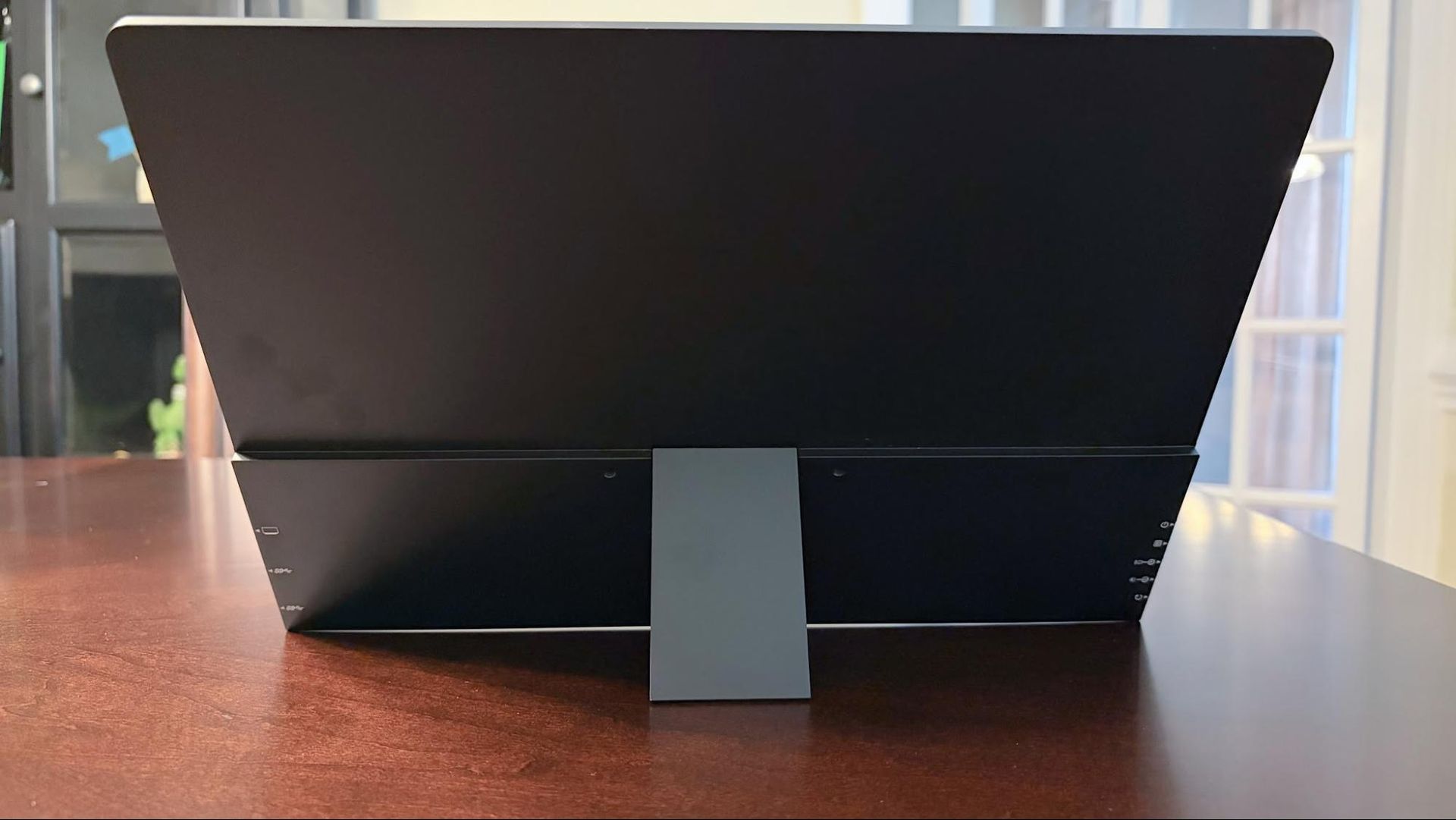
The monitor wears a black aluminum frame around glossy glass, a look common to OLED panels. An integrated kickstand is welcome, but it is small and centered on the back, so the GR14BU only works in landscape orientation. Portrait use is further blocked by the side-mounted ports and buttons: two USB-C ports and a micro-HDMI on the right, five OSD buttons on the left.
Those buttons are a low point. They wobble and feel flimsy, which is hard to accept on a device with a $399 list price. The set includes power, OSD, up, down, and back.
UPERFECT bundles plenty of connectivity gear: two USB-C to USB-C cables, a micro-HDMI to HDMI cable, two 180-degree USB-C adapters, a 180-degree micro-HDMI adapter, and a USB-C wall adapter. One quirk: with a single USB-C cable to the test system, brightness capped at 20 percent. Adding the second USB-C link to the wall adapter restored full brightness automatically.
Specs and On-Screen Controls
The 14-inch panel has a 16:10 aspect ratio, 1 ms GtG response, 500-nit typical brightness, and a 100,000:1 contrast ratio. Ports are two USB-C with DisplayPort Alt Mode and one micro-HDMI. Two 1-watt speakers are built in. The unit measures 12.2 × 8.5 × 0.28 inches and weighs 1.3 pounds, with a one-year warranty.
The OSD is basic. Pressing Up without opening the menu brings up volume, and further Up/Down presses adjust it. Pressing Down alone opens brightness. The dedicated OSD button opens the full menu for and color settings; Up and Down navigate, OSD selects, and Back steps out.
Performance and Real-World Use
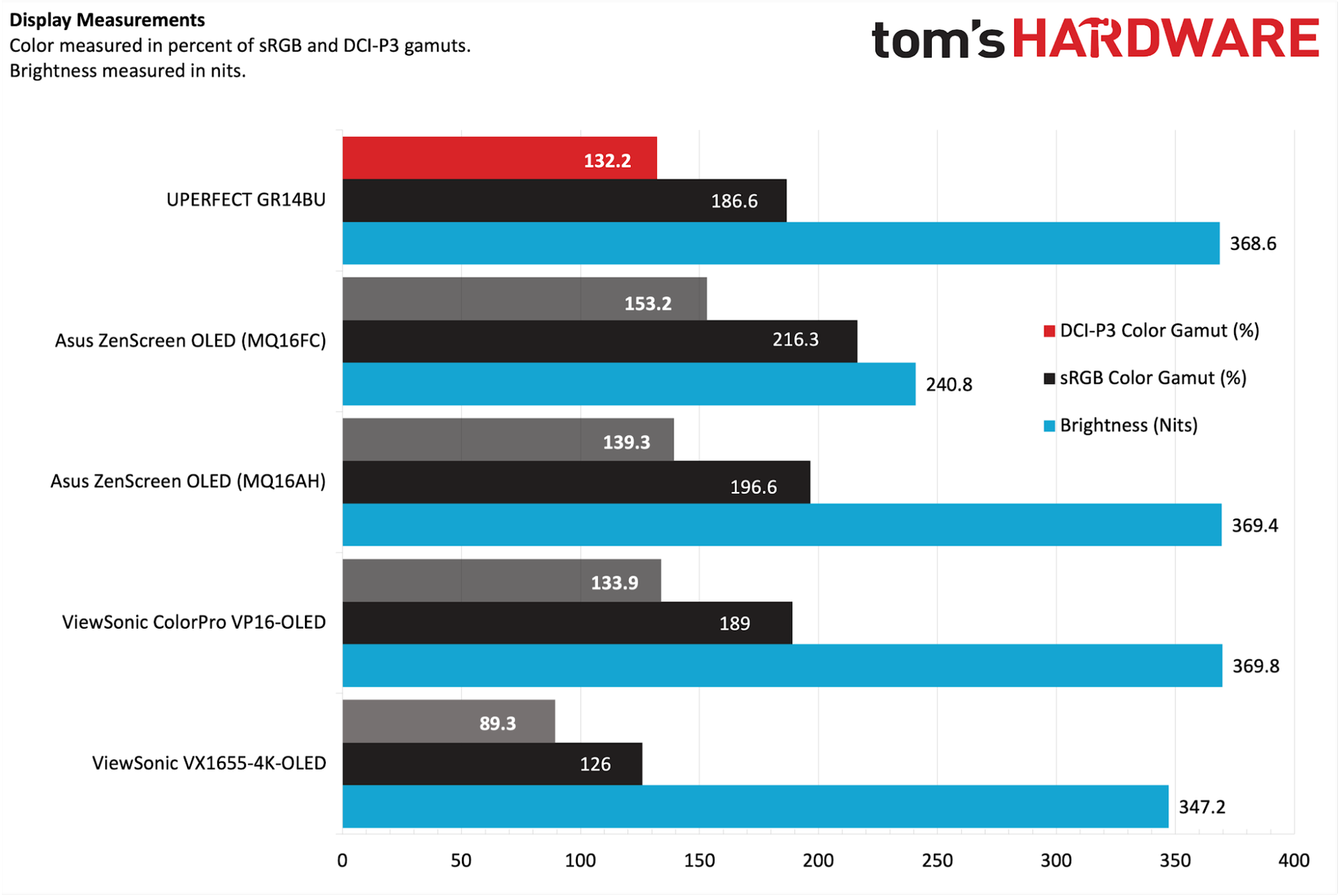
Measured peak brightness reached 368.6 nits, below the 500-nit claim but close to the Asus ZenScreen OLED MQ16AH (369.4 nits) and ViewSonic ColorPro VP16-OLED (369.8 nits). Color coverage was 132.2 percent of DCI-P3 and 186.6 percent of sRGB, again in line with those peers.
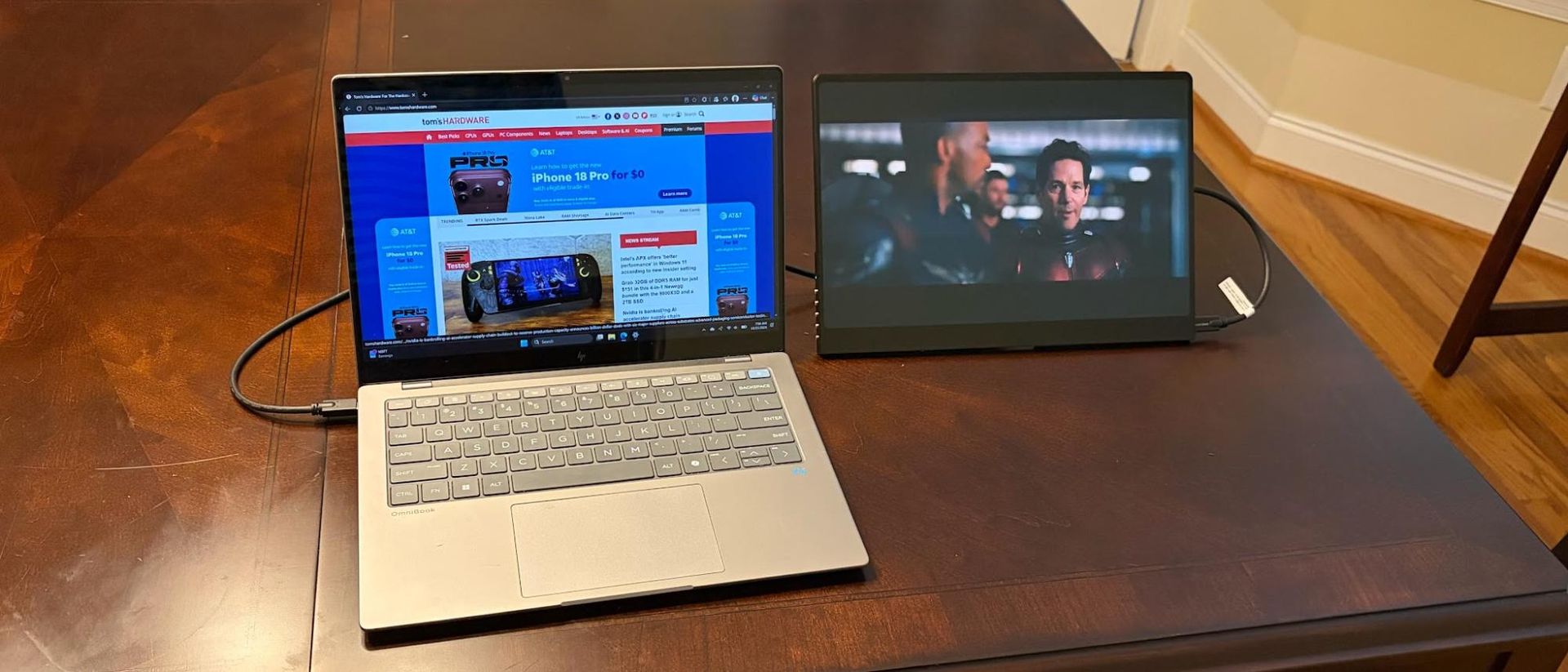
In a well-lit home office the screen was bright enough, and it handled most reflections outdoors under overcast skies. Colors were vivid, especially reds and greens in nature footage, and black levels were excellent, as expected from OLED.
Productivity use exposed the biggest miss: no portrait mode. Switching orientation at will is a common preference, and the kickstand design prevents it.
Gaming at native resolution and 120 Hz was mostly smooth in Battlefield 6 over HDMI, but heavy action briefly dropped frame rates into the 90 fps range and introduced some screen tearing. The GR14BU lacks Adaptive-Sync, so neither FreeSync nor G-Sync is available.
The internal speakers are thin. Past 75 percent volume, distortion sets in; at moderate levels they are passable but bass-free and flat across genres. Laptop speakers are likely a better choice.
Bottom Line
The GR14BU delivers a bright, colorful 3K OLED touch panel at 120 Hz for $299, with a kickstand and speakers included. The landscape-only stand, missing Adaptive-Sync, and cheap OSD buttons are real compromises. Still, compared with the Asus ZenScreen OLED MQ16FC—a 16.1-inch 1200p non-touch OLED at 60 Hz—the GR14BU costs $30 more while offering touch, higher resolution, and stronger color and brightness performance. For budget-conscious buyers who value the panel above the stand, it is a compelling package.