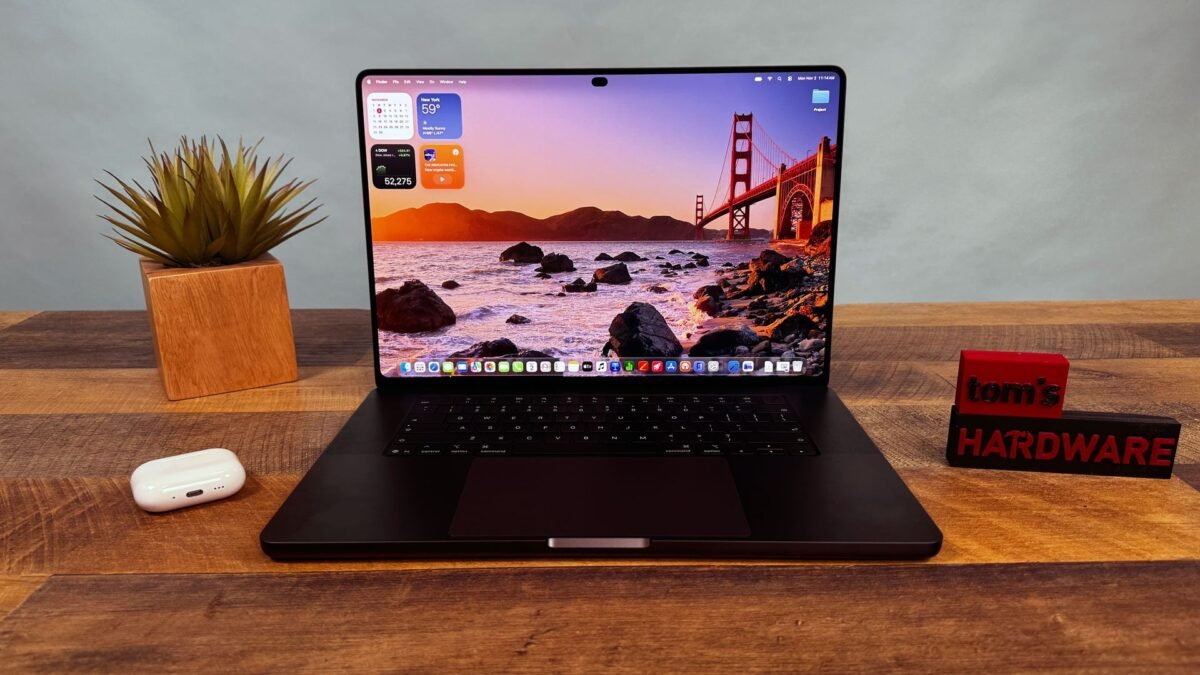
Apple’s first OLED laptop is a display triumph wrapped in familiar aluminum. This MacBook Pro PROLED XDR review focuses on what the new panel, touch input, and lighter chassis actually deliver — and what they cost. The 16-inch model starts at $3,399 and reaches $7,399 as tested, a $400 premium over mini-LED versions with the same chips.
The Screen Steals the Show
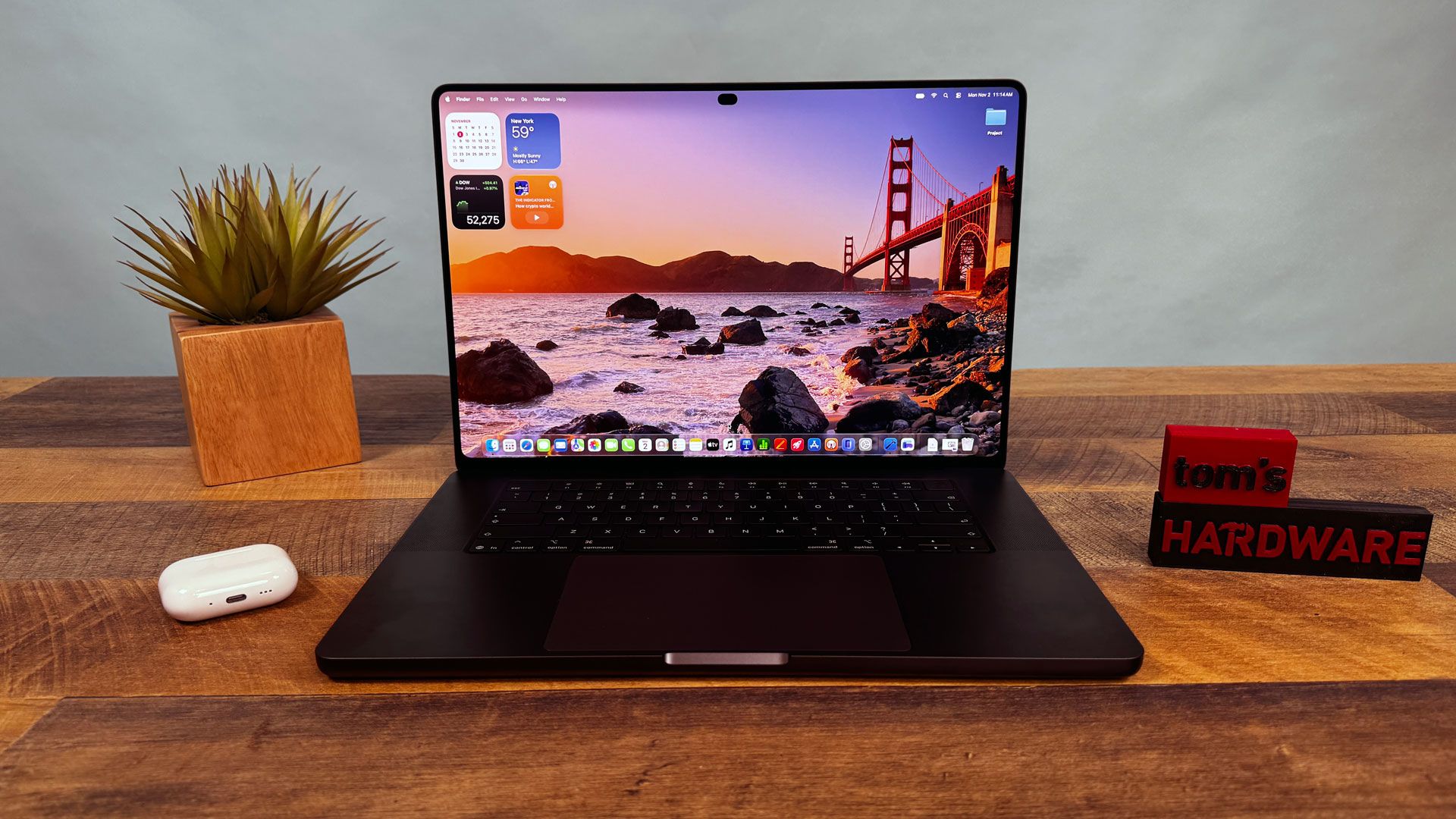
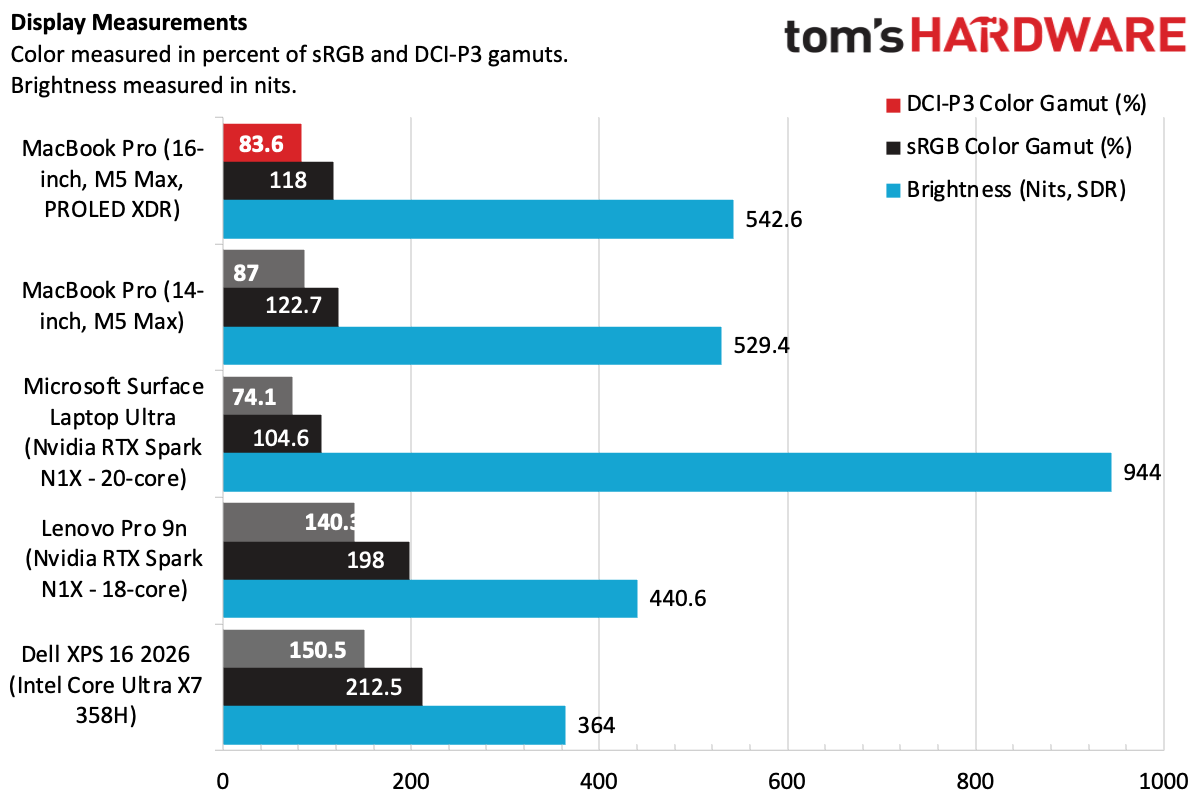
PROLED XDR is an awkward name for an excellent panel. The 16.3-inch tandem OLED display has a native resolution of 3472 by 2266, a 10–120 Hz variable refresh rate, True Tone, and touch support. Blacks are deep, colors are vivid, and HDR content can hit 1,964 nits in testing. In SDR, it measured 542.6 nits — lower than some rivals — yet side-by-side viewing makes the OLED advantage obvious.
Apple also includes more reference modes than before, covering video, cinema, web, and photography standards, plus DICOM medical imaging at 350 and 600 nits. A display calibrator lets users fine-tune white points or perform full recalibration with external tools. The glossy finish kept reflections minimal even beside a window.
Design: Same Shell, New Details
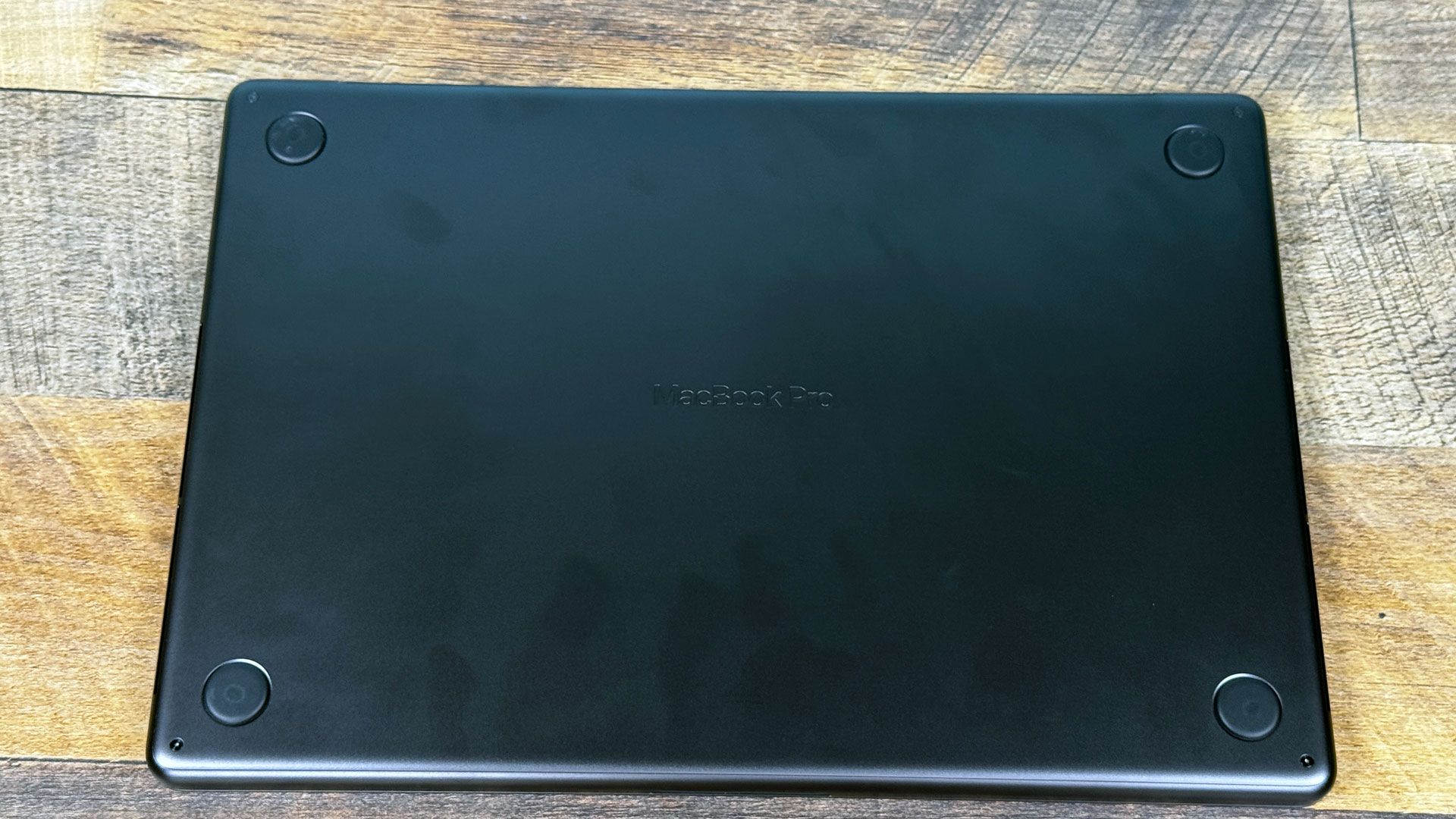
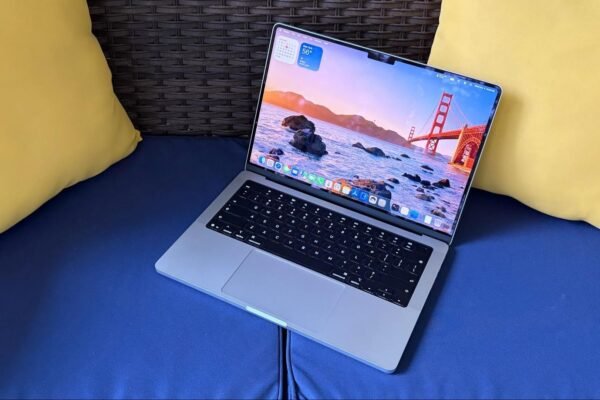
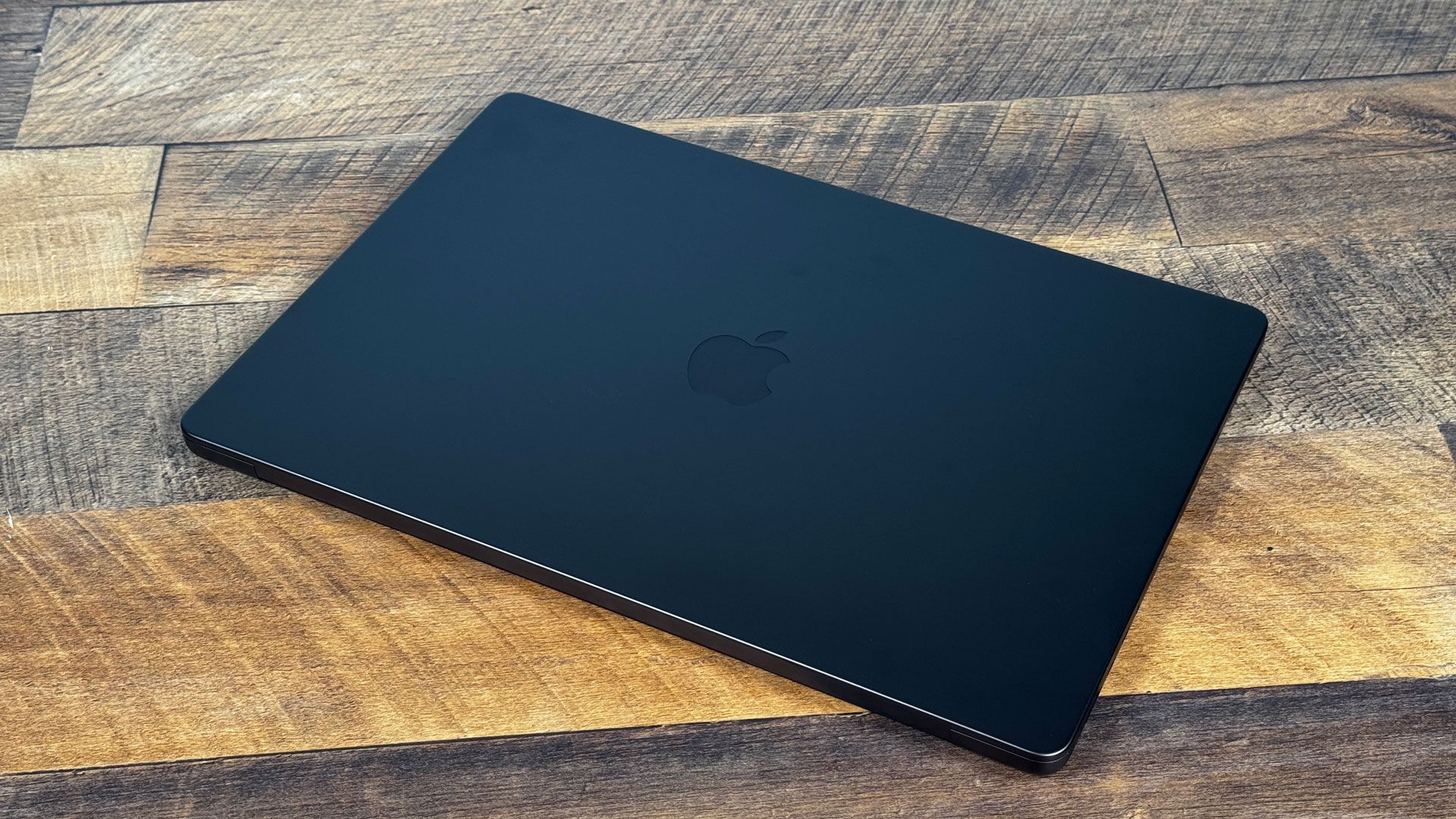
From across a room, the chassis looks nearly unchanged. It comes in space black and silver, and the 16-inch unit is only 0.8 mm thinner than its Liquid Retina counterpart. The changes appear when you lift the lid: the notch is replaced by a Dynamic Island around the webcam, the bezels are slimmer, and the display corners are rounded on all four sides.
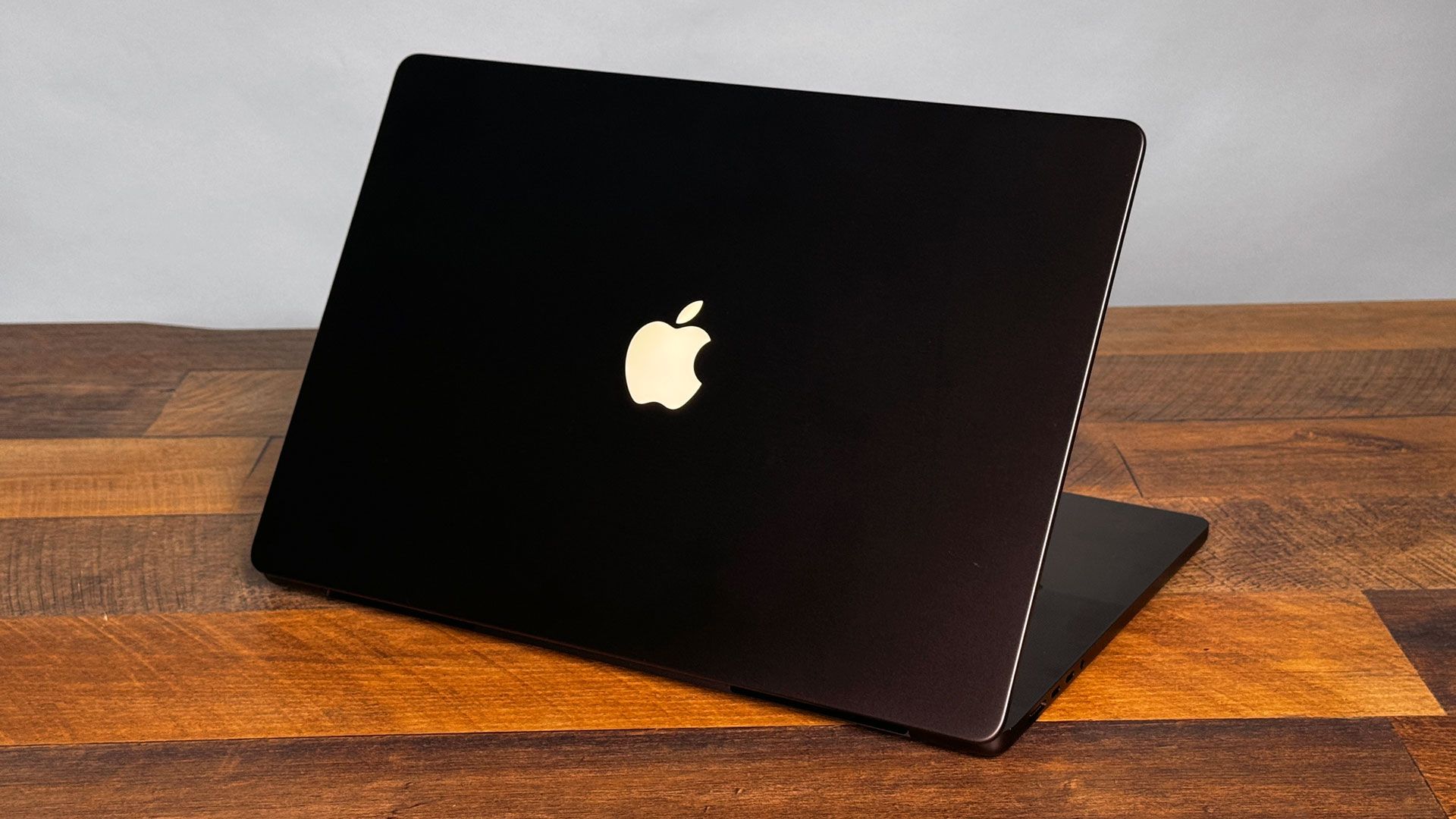
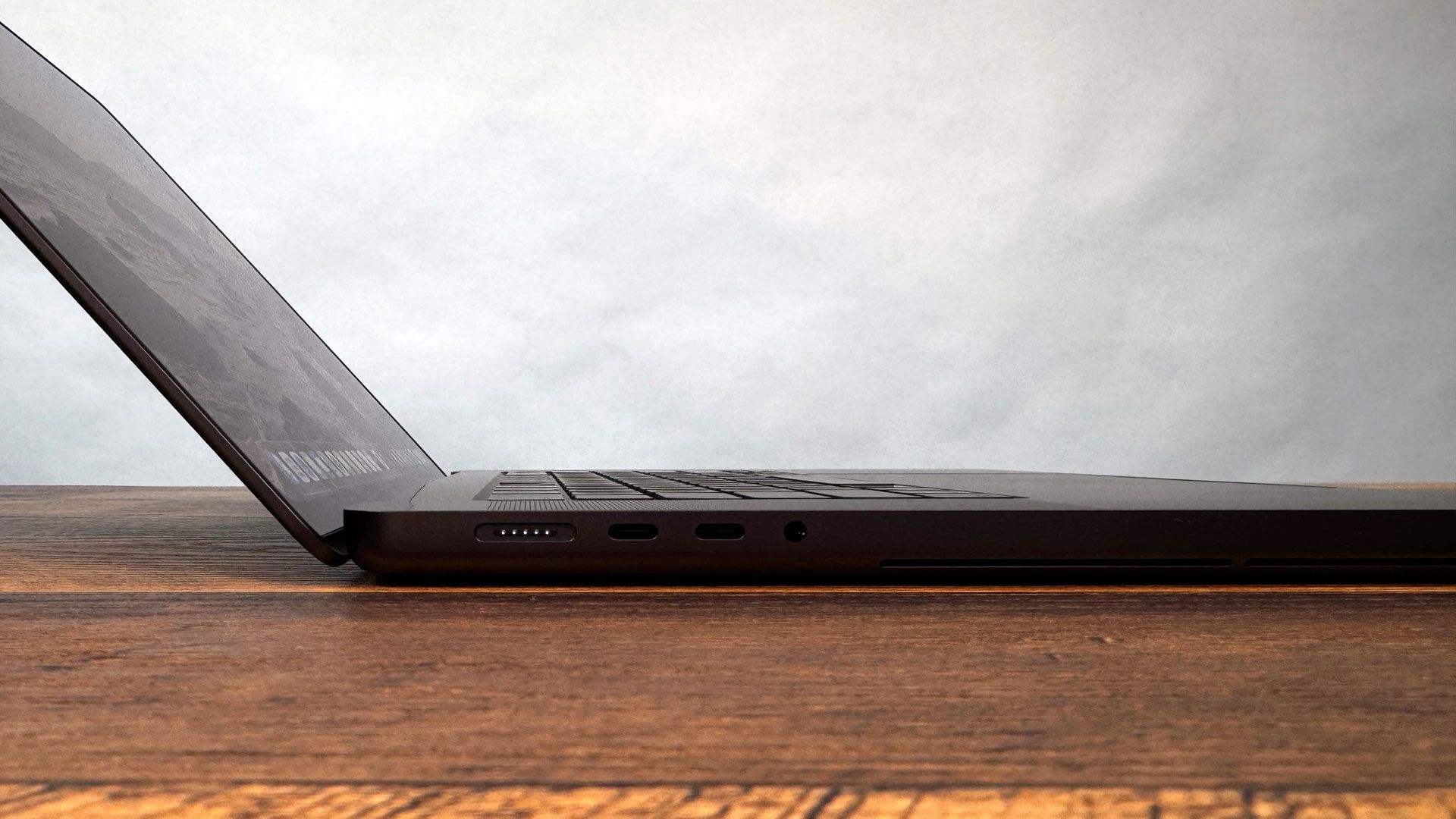
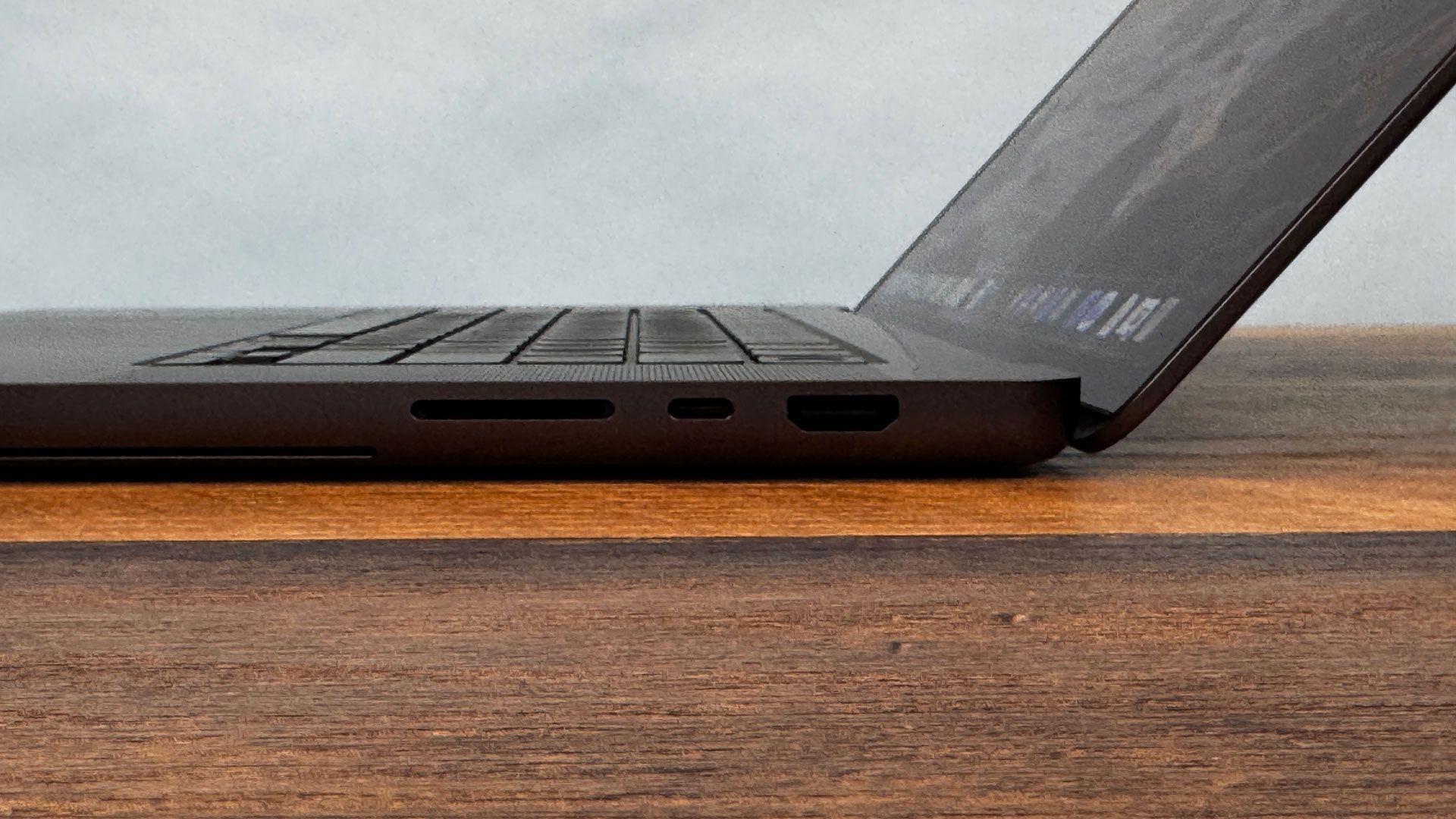
The glowing Apple logo returns, powered by extra electricity rather than LCD backlighting. The 16-inch model now weighs 4.1 pounds with M5 Max and 4.0 pounds with M5 Pro, down from 4.7 pounds. The 14-inch version drops from 3.5 to 3 pounds. Port selection is unchanged: MagSafe 3, three Thunderbolt 5 ports, a headphone jack, an SD card reader, and HDMI.
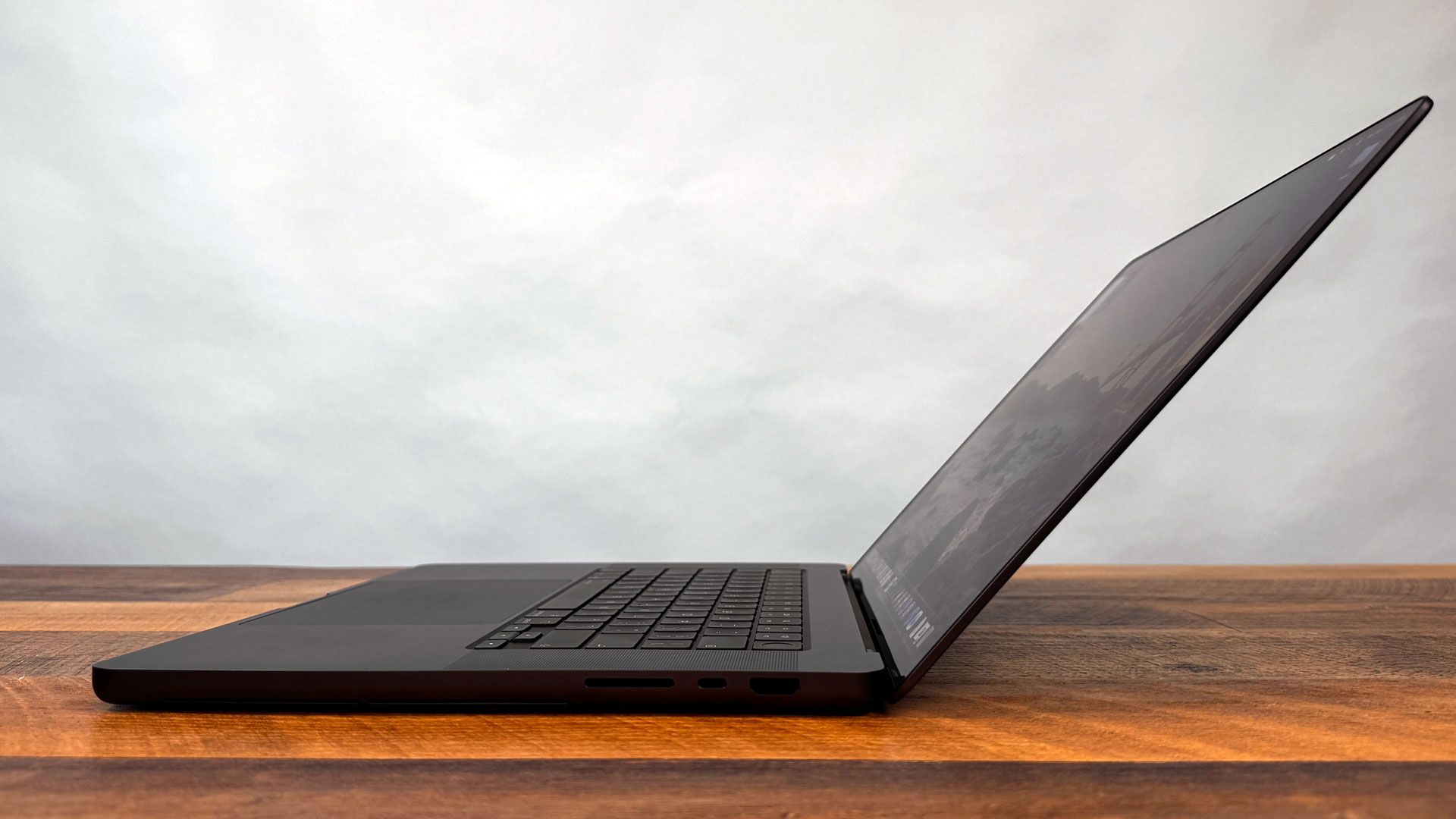
The hinge still wobbles when touched and does not fold flat, so anyone hoping for a tablet-like drafting surface will need an iPad. Touch is an added option, not a redesign of laptop ergonomics.
Touch and Dynamic Island
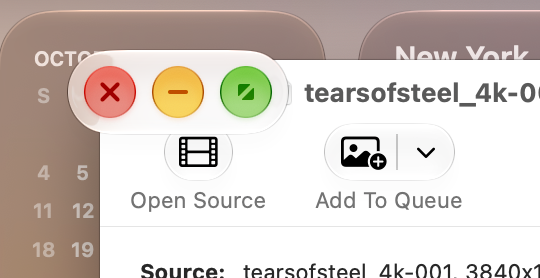
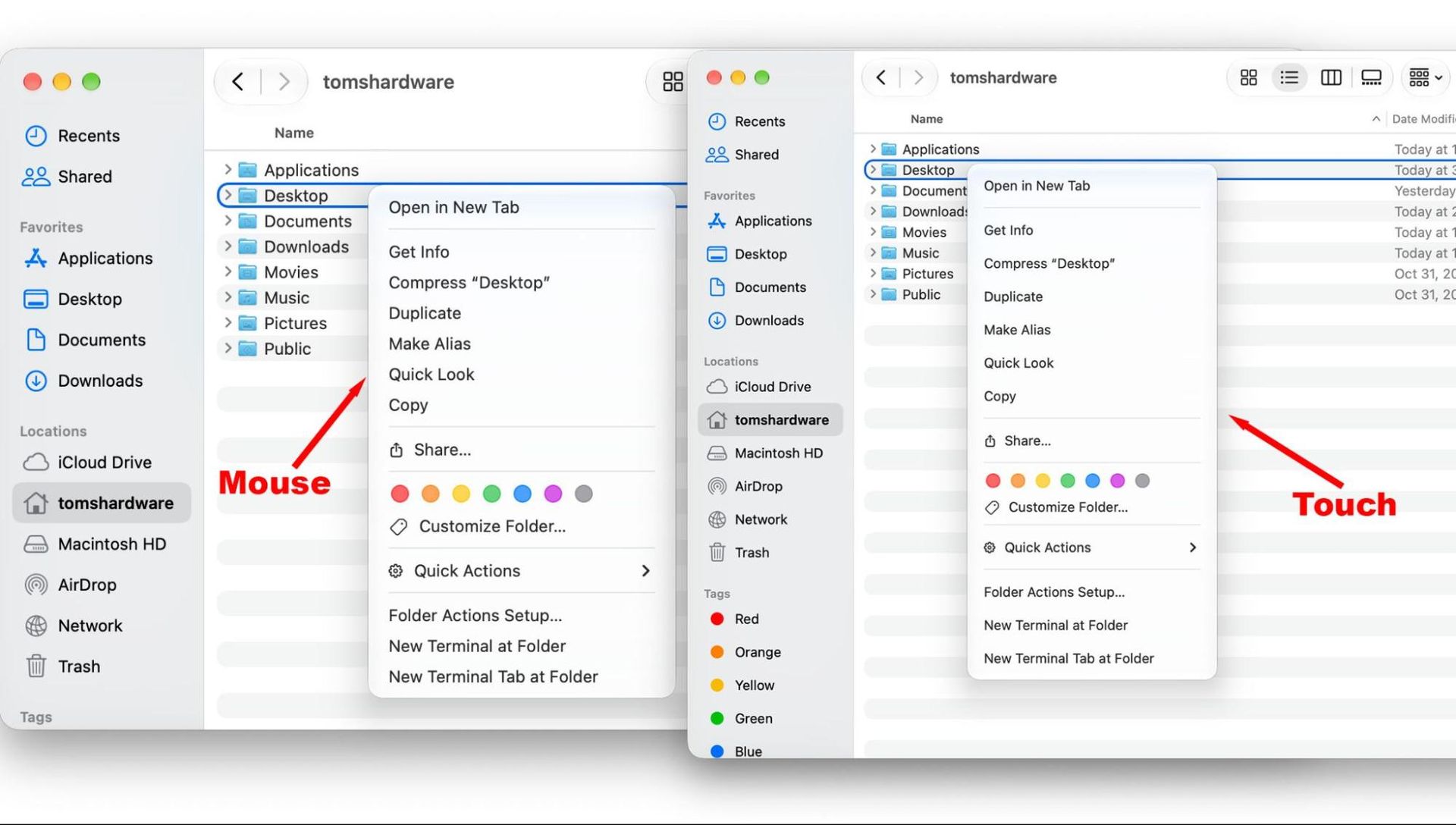
Apple built the touch sensor into the display panel rather than layering it on top. macOS 27 Golden Gate adds subtle accommodations: window traffic-light buttons expand when tapped, menu spacing grows for fingers, and a swipe down from the Dynamic Island invokes Siri. Trackpad gestures such as pinch-to-zoom, Mission Control, and Notification Center also work on the screen.
Touch shines with iPad apps that run natively on Mac, the iPhone simulator in Xcode, and iPhone Mirroring. In Blender, rotating a 3D model felt natural, though arm fatigue set in after a few minutes. In Final Cut Pro and Cinema 4D, touch worked but offered no clear advantage over keyboard and mouse. It can be disabled in accessibility settings.
The Dynamic Island also solves an old annoyance: the cursor can still travel behind it, but the black area grows and wiggles to show where the pointer is. Face ID is still absent.
Performance and Battery
The tested configuration pairs an 18-core M5 Max with a 40-core GPU, 128GB of unified memory, and a 2TB SSD. It scored 4,353 single-core and 29,430 multi-core on Geekbench 6, comfortably ahead of RTX Spark laptops and an Intel-based Dell XPS 16. It transcoded a 4K video to 1080p in 1 minute 43 seconds and compiled an Xcode benchmark in 80 seconds.
Under Cinebench 2026 stress testing, default performance mode throttled from 9,080 to the 8,050s. High performance mode started at 9,647 and stayed far more stable, at the cost of louder fans. The keyboard reached 106.6 degrees Fahrenheit during the stress test.
Battery life came in at 15 hours 57 minutes in our web-browsing, OpenGL, and video-streaming test at 150 nits — short of Apple’s 17-hour claim but ahead of OLED rivals. The 99.6 WHr battery is a strong showing for OLED.
Speakers, Keyboard, and Webcam
The six-speaker system keeps Apple’s lead in laptop audio. Bass is deeper and better rounded, filling a room with Justice’s “Flower in a Hurricane.” With the lid closed, output remains surprisingly loud and clear when connected to a Thunderbolt dock, though drums lose some snap.
The keyboard remains comfortable and fast, hitting 131 words per minute at 99% accuracy in testing. The huge glass trackpad still feels excellent. The 12-megapixel Center Stage webcam handled mixed warm and cool lighting well and offers studio-light and edge-light effects.
Configuration and Value
The $2,899 14-inch base model uses an M5 Pro with 15 CPU and 16 GPU cores; the $3,399 16-inch base has an 18-core CPU and 20-core GPU. Both include 24GB of memory, a 1TB SSD, and the glossy screen. Nano-texture glass adds $150 and includes a polishing cloth.
Moving to M5 Max starts at $4,499 for the 14-inch and $4,799 for the 16-inch. Memory upgrades run $600 to reach 48GB, or $1,000 for 64GB on the 16-inch. Storage jumps $1,000 from 2TB to 4TB, and a 16TB option adds $7,000. These are exceptionally expensive machines, and RAM and storage are soldered, so buyers should choose carefully at checkout.
Bottom Line
The MacBook Pro with PROLED XDR is not a radical redesign, but its screen, weight loss, and improved bass add up to a meaningful upgrade. The M5 Max remains fast, and the touchscreen is a welcome debut even if it rarely beats a mouse. The biggest obstacle is price: the best display in the Mac lineup remains reserved for deep pockets, and a more affordable OLED MacBook cannot come soon enough.