

Apple’s latest 16-inch MacBook Pro is a study in contradictions. It boasts the finest laptop display I’ve ever tested—a tandem OLED panel that Apple markets under the “PROLED XDR” label—yet its starting price of $2,899 and a reviewed configuration that hits $7,399 make it a tough sell for anyone but well-funded professionals. The new MacBook Pro OLED screen is the main event, but whether it justifies the outlay depends heavily on how you plan to use the machine.
A display that sets a new benchmark
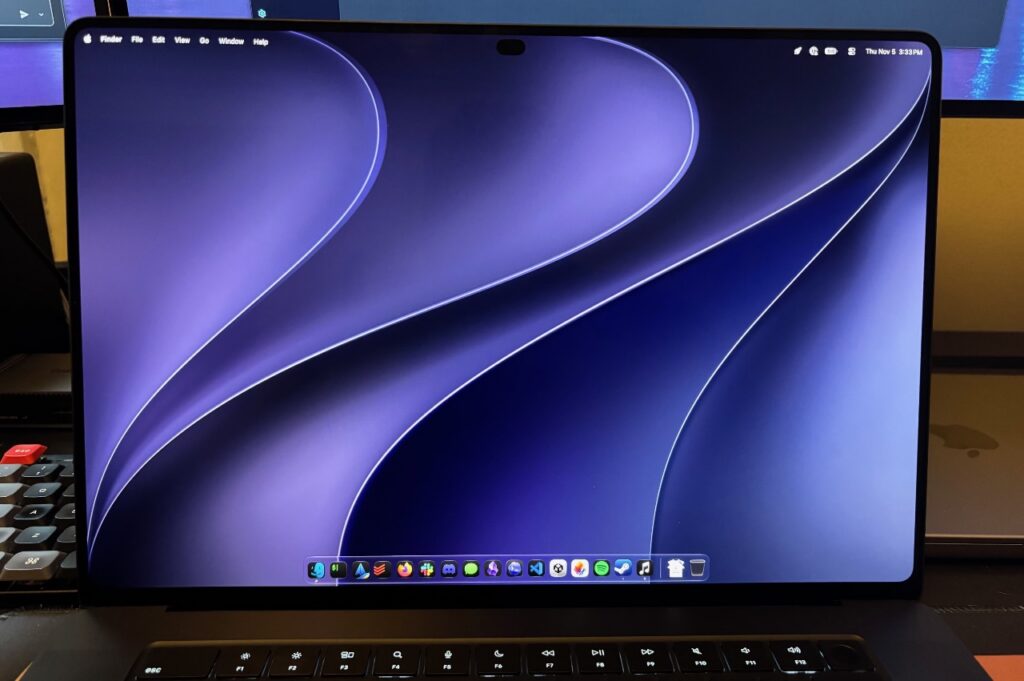
The tandem OLED design uses two emissive layers to boost brightness and reduce burn-in risk. Peak brightness reaches 2,000 nits on HDR highlights, with 1,000 nits sustained for full-screen content. Because each pixel can switch off independently, blacks are absolute and contrast is superb. The panel supports both P3 and Adobe RGB gamuts and refreshes variably from 10 to 120 Hz. A nano-texture glass option adds $150 to the bill. In practice, colors are vibrant, uniformity is essentially flawless, and the screen rivals high-end reference monitors. My only complaint is the silly “PROLED XDR” branding.
Design tweaks: lighter, with a glowing logo and Dynamic Island
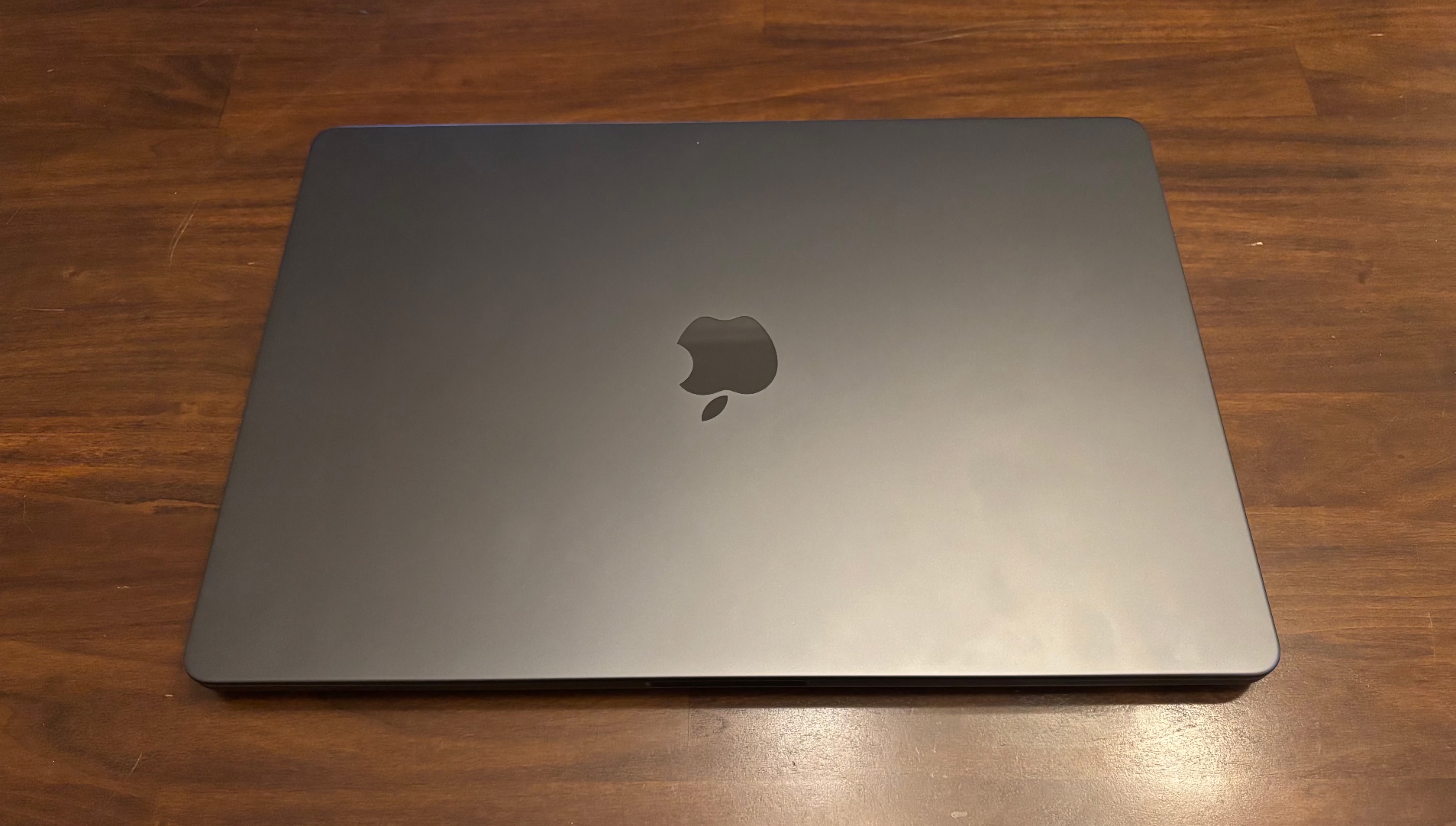
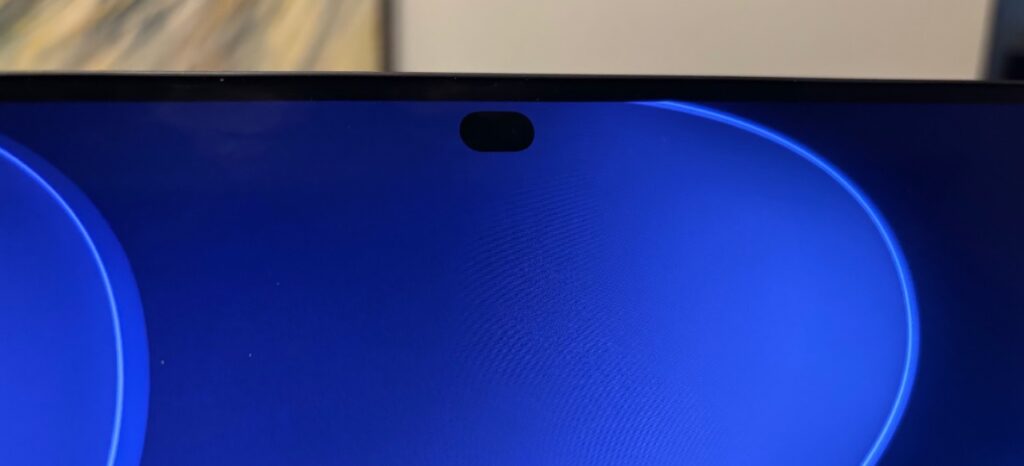
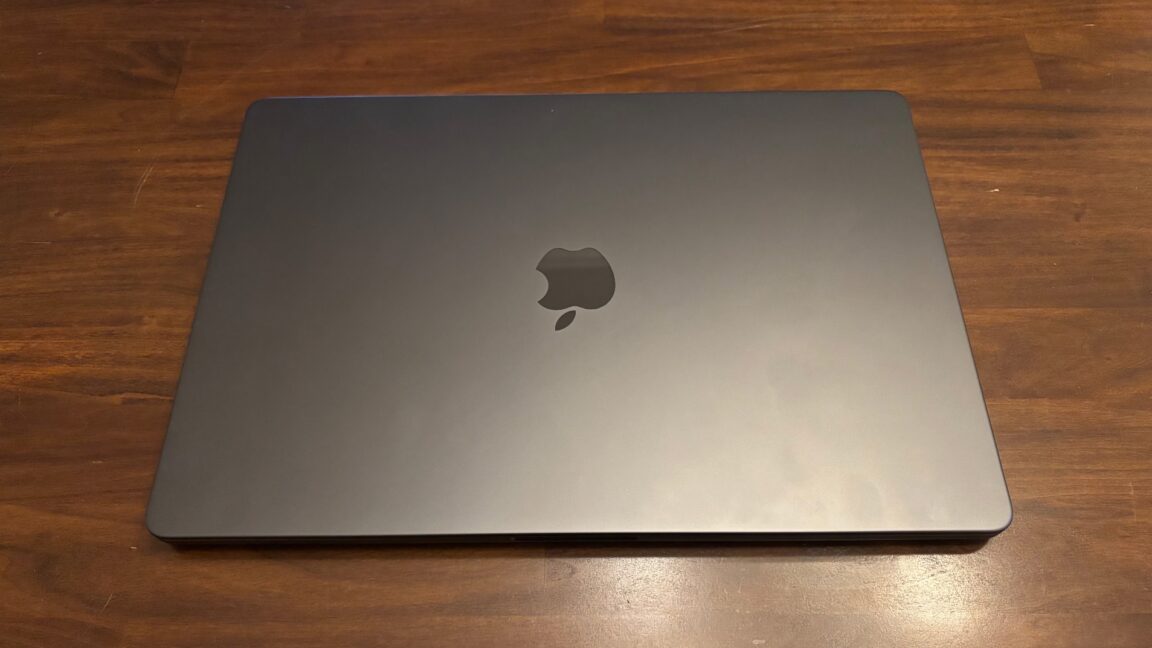
Closed, the laptop looks nearly identical to its predecessor, though it is slightly thinner and about half a pound lighter—a difference you can feel when picking it up. The weight savings come partly from the switch to OLED. Open the lid and the Apple logo now glows again, a nostalgic touch. The camera notch has been replaced by a Dynamic Island cutout, similar to the iPhone’s. Full-screen apps default to ending just below the island, and video players avoid it entirely. It’s an improvement over the notch, though not a reason to upgrade.
Touch comes to the Mac—with limits
After years of speculation, Apple has added a touchscreen to the MacBook Pro. It’s fast, accurate, and supports multi-touch gestures like pinch-to-zoom and three-finger swipes. The hinge has been re-engineered to reduce wobble when tapping. However, the form factor remains a traditional laptop—no convertible mode, no Apple Pencil support. Some creative apps, like Logic Pro’s virtual piano, make good use of touch, and developers can test iOS apps more naturally in the Simulator. Yet macOS interface elements are often too small for comfortable finger use, and I frequently forgot the screen was touch-enabled. As Steve Jobs once argued, reaching up to the screen can tire the arm; keyboard and trackpad remain more efficient for most tasks.
Performance: familiar speed, uncertain future
The M5 Pro and M5 Max chips offer no meaningful performance gains over the previous generation in synthetic benchmarks. They are more than capable for everyday work and most 3D tasks, but AI inference is a wild card. Bloomberg reports that Apple will skip Pro and Max versions of the M6 chip to focus on a major M7 rework in 2027, emphasizing on-device AI processing and memory bandwidth. The A20 Pro chip in recent iPhones already shows gains in Neural Engine performance and memory bandwidth, hinting at what Macs might receive. For developers on the frontier of AI, waiting another year could be wise.
Who should buy it?
If you are a creative professional or a display enthusiast who craves the best laptop screen available, the new MacBook Pro delivers. The OLED panel alone is worth the upgrade from older pre-MiniLED models. But for everyday users, the non-OLED MacBook Pro still in Apple’s lineup or a MacBook Air offers better value. The RAM and SSD price crunch is real, and the $7,399 configuration I tested—with 128 GB of RAM and a 2 TB SSD—is beyond most budgets. Dropping to 64 GB of RAM saves $1,600, but the entry point remains steep. Touch and OLED are impressive, but they come at a premium that only some can justify.


