Xbox Cloud Gaming controller options — Microsoft is giving Xbox Cloud Gaming users two fresh ways to play, both arriving in preview form. The first turns a phone into a controller for supported smart TVs, while the second lets the new Nano Controller link directly to the streaming service over Wi-Fi. The broader context is a set of new time limits for the service taking effect this month.
Phone as a controller, no app required
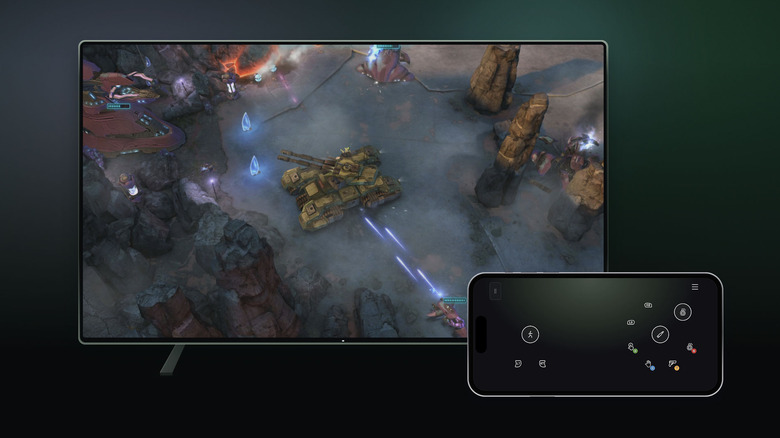
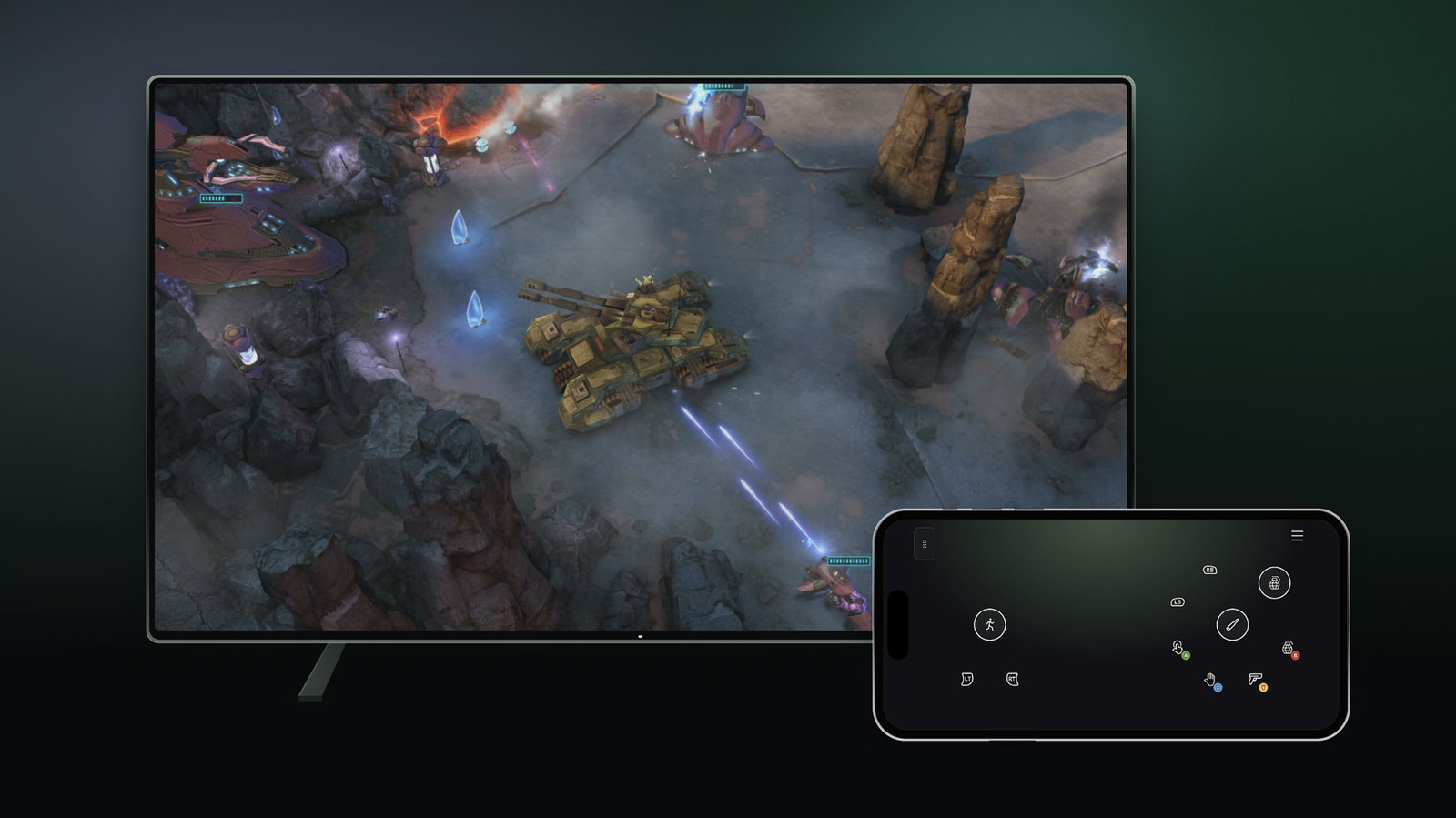
For people who stream Xbox games on a compatible smart TV, the phone-based option works through a browser interface. That means no dedicated app download is needed. Microsoft said some titles include custom controller layouts for this setup. The feature is rolling out today on select TVs.
To try it, users open Settings, then Account, inside the Cloud Gaming interface on their TV and switch on Preview Features. The approach mirrors what other game-streaming services already offer, including Netflix, which also lets subscribers use a phone as a controller. It is not positioned as an ideal fit for every genre; fast-paced games and titles with complex controls may be less comfortable. For turn-based games, though, a phone can serve as a handy fallback when a dedicated controller is not within reach.
Nano Controller goes straight to Wi-Fi
In the US, the Nano Controller can now connect directly to Xbox Cloud Gaming over Wi-Fi, an option intended to cut down on latency. Setup differs by device. On Android, users configure the gamepad through the Xbox beta app. On PC, they use the Xbox Accessories app, and trying Wi-Fi connectivity there requires enrollment in the Xbox Insider testing program.
Once the controller is set up, users follow the provided directions to join a Wi-Fi network. When they open Xbox Cloud Gaming through the same account used during setup, the gamepad connects over Wi-Fi. The underlying goal is to reduce input lag by removing an intermediary link in the connection chain. This is not the first time a cloud gaming controller has connected over Wi-Fi; the gamepad for Google’s discontinued Stadia service could do the same, and Stadia also allowed phones to act as controllers for TV play.
Preview caveats and limited reach
Both controller options remain in preview, and Microsoft cautioned that availability, supported devices and supported games may be restricted for now. One clear example: Nano Controller Wi-Fi connectivity currently works only on smart TVs and the web. The phone-as-controller feature is likewise limited to select TVs at launch.
The two additions give Cloud Gaming users more flexibility in how they interact with streamed titles, but the preview labels mean the experience is still subject to change. For players who want to test either option, the path runs through the Preview Features setting on TV or, for the Nano Controller’s Wi-Fi mode, through the appropriate setup app and, on PC, the Insider program.