

When a laptop is upgraded or retired, its solid state drive often ends up forgotten in a drawer. Rather than letting that component go to waste, you can turn an old laptop SSD into external storage. The result is a portable drive that is bulkier than a typical USB stick but delivers much faster read and write speeds, while also helping to reduce the mounting problem of electronic waste.
First, confirm the drive can be removed
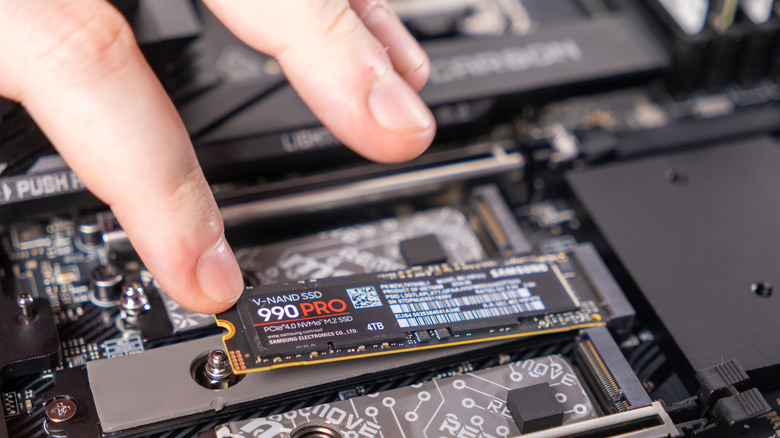
Not every laptop makes this possible. Some ultra-thin models, including Apple’s MacBooks, have storage soldered directly onto the logic board, so there is no drive to extract. If your laptop is one of those, the project ends there. For removable drives, the next step is identifying the form factor so you can buy a matching enclosure.
Pick the right enclosure
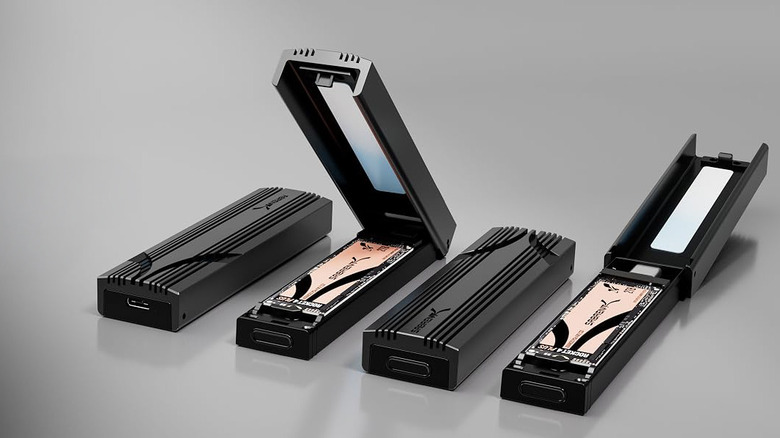
External shells are widely available at fairly low prices, but the key is matching the enclosure to the drive. Older laptops typically use the larger 2.5-inch SATA format, while newer machines may have a more compact and faster M.2 NVMe drive. Buying the wrong shell means the drive simply will not fit or work.
Check the drive before you commit
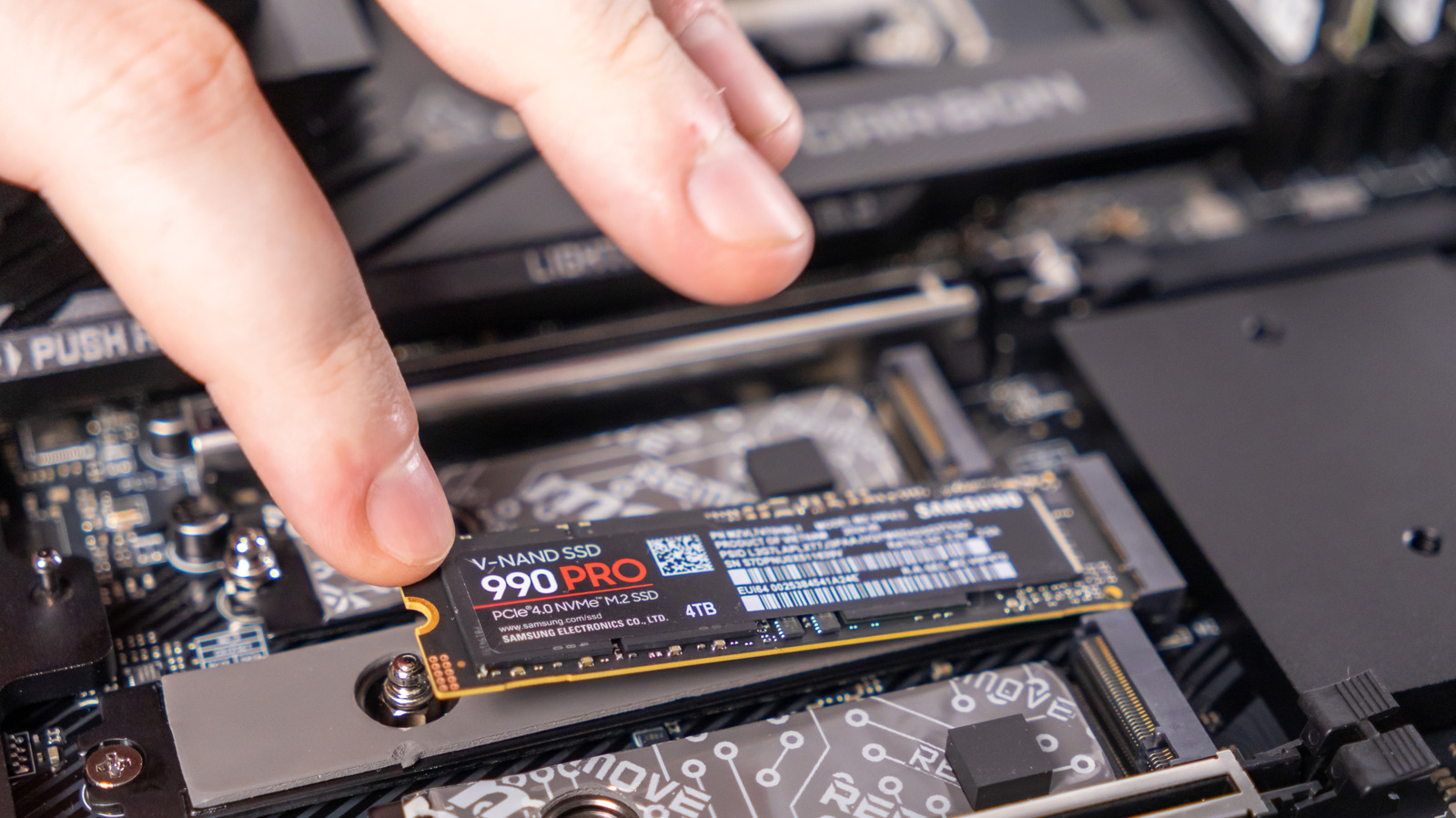
Before setting the SSD up as external storage, look through it one last time for important files. It is also worth assessing the drive’s health. On macOS, Disk Utility can provide that information; on Windows, the Drive Management tool serves a similar purpose. If the SSD is nearing the end of its life, treat it as suitable only for files you could afford to lose. A tired drive can still be useful as a repository for bulky data you want to move off your main devices, such as large AAA games.
Format, install, and plug in
Once the drive has been checked and any needed files have been retrieved, format it to wipe the remaining data. Then install it into the enclosure you purchased. Most of these shells connect over USB-C, so the finished drive can plug into virtually any device and behave like a standard external storage drive.
With the project complete, the old SSD is no longer idle clutter. It becomes a fast, reusable storage option that can ease pressure on the limited space in your current laptop or desktop.


